Free Online AI Flashcard Maker
Create printable AI flashcards for enhanced understanding and memory online for free.
Why FlexClip’s Flashcard Maker

High-Quality Flashcards
FlexClip allows you create flashcards in up to 1080P, ensuring crisp visuals and professional-looking study materials - ideal for printing and screen shares.

100% Online
You can create flashcards online instead of relying on some expensive and fancy photo editing tools on desktop. Get flashcards you need without burdening your computer.

Fast Generation
FlexClip's easy and fast-responding editing tools make sure you always get flashcards instantly. No endless waiting!
please input title
AI-Powered Flashcard Maker
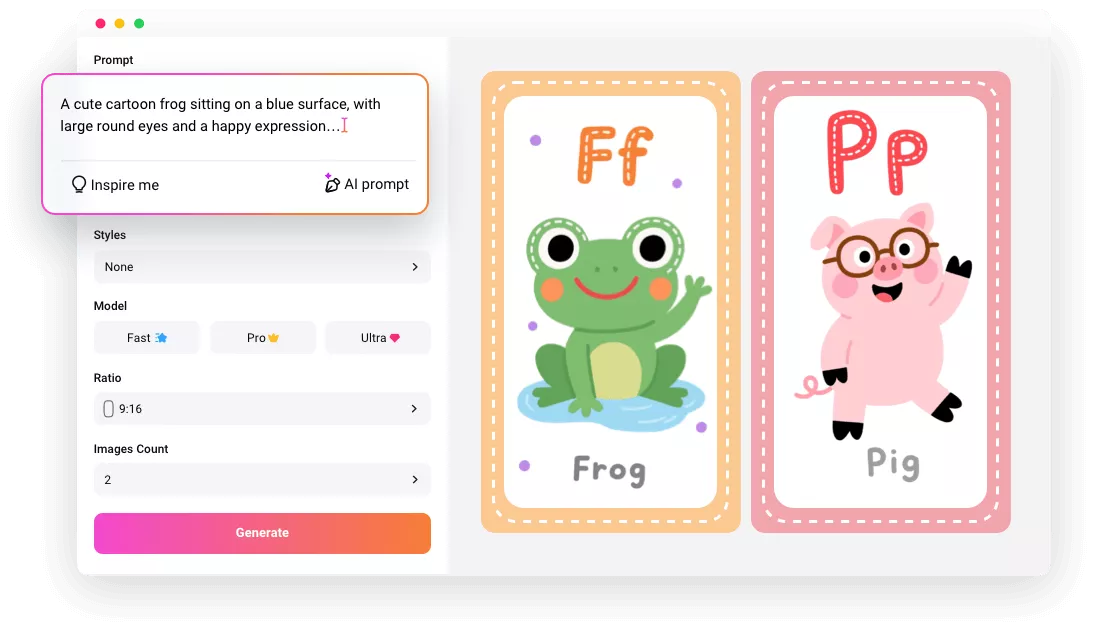
Creating a flashcard has never been this easy! Describe the flashcard you need, FlexClip’s Image Generator is able to visualize your idea instantly. Different generation models meet different needs, but no matter which one you go, FlexClip generates flashcards up to 4K, perfect for printing or creating educational video projects.
Get AI Flashcards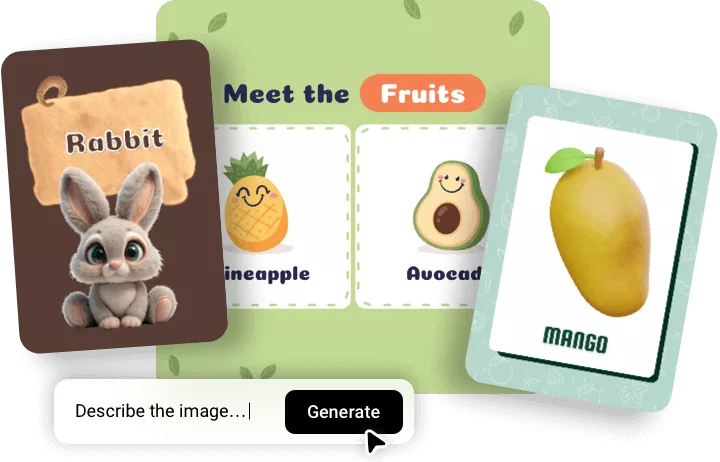
Easy Customization
Burst your creativity and play differently with flashcards at FlexClip! You can crop the image and make a round flashcard, or try overlay multiple images on one scene so that viewers can cut, fold. All those edits can be achieved in several clicks.
Create a Flashcard Now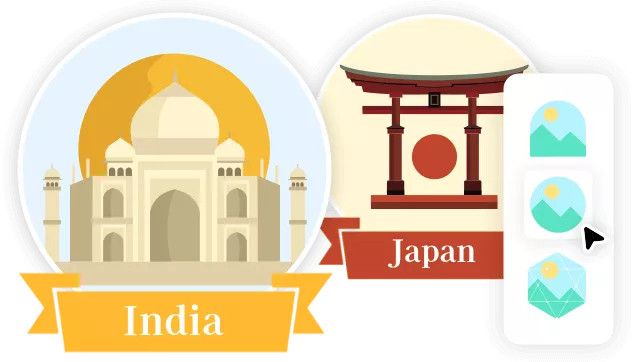
Make Flashcard Slideshows
Want the flashcards to play automatically? Create a slideshow one by one with customized animations, transitions, time duration. Review flashcards and let the study process more engaging.
Create a Flashcard Now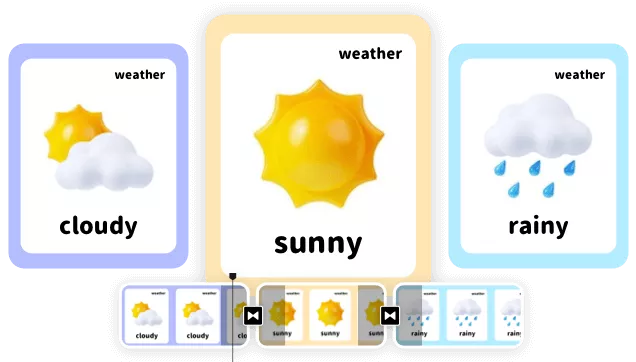
How to Make a Flashcard
- 1
Generate AI Flashcards
Access FlexClip’s AI Image Generator, enter a description about the flashcard you need, and hit Generate.
- 2
Edit Flashcards
Turn to FlexClip’s editor page, apply the AI flashcard to FlexClip’s timeline. You can add more elements to the flashcard, enter more text, etc.
- 3
Export and Share
Click the image on the timeline, select Export Frame. Your flashcards will be downloaded to your computer in JPG.