Extract Frames from Video
Extract high-quality frames from your video using FlexClip’s free frame extractor—no downloads, no editing skills, and no watermarks.
Why Choose FlexClip to Extract Frames from Video

Extract Frames from Video Online
Easily extract video frames right in your browser. No downloads, no login—just a quick and enjoyable frame extraction process.

Popular Video Format Supported
FlexClip’s video frame extractor supports popular video formats, including MP4, MOV, M4V, AVI and more, making it easy to capture a photo from any video.

Free Video Frame Extractor
This video frame extractor is free to use. You can extract frames from videos and save them as PNG formats without any watermark added.
please input title
Extract Frames from Video with One-click Operation
Extract frames from any video effortlessly with FlexClip. Upload your video, pick a frame, and export it in high quality with no watermark. No downloads, no login, no skills needed. Try FlexClip’s free video frame extractor and capture the perfect moment in seconds.
Extract Frames Now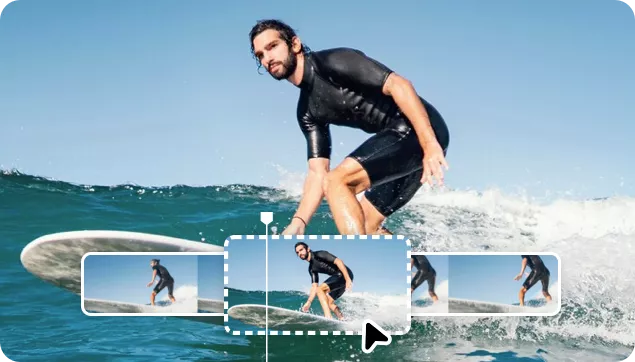
Extract Frames from Video for Thumbnails, Memes, etc.
Whether you’re extracting a frame to create a YouTube thumbnail, capture a specific moment for a freeze-frame effect, or grab a funny scene for memes, stickers, and more, FlexClip’s free video to frame extractor has you covered.
Extract frames from video
Add Creative Flair to Your Extracted Image
FlexClip isn’t just a video frame extractor—it also lets you add creative flair to your captured images. You can enhance them manually with filters, text, and effects, or use FlexClip’s AI photo editor to bring your creative vision to life effortlessly. Grab any frame from a video and personalize it your way with FlexClip!
Edit Extracted Frame
How to Extract Frames from Video in FlexClip?
- 1
Upload Your Video
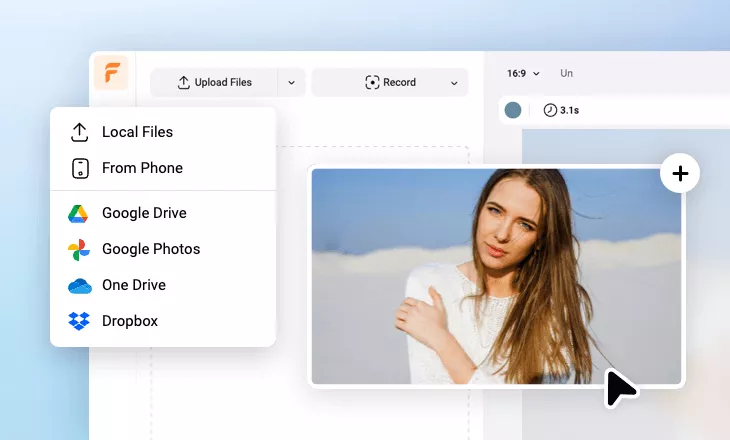
Upload your video from a local folder, mobile, or cloud services, and then drag and drop it onto the Timeline.
- 2
Select the Frame and Make Edits
Move the playhead to the frame you want to extract, then customize it with text, stickers, filters, and more.
- 3
Export the Frame to Computer
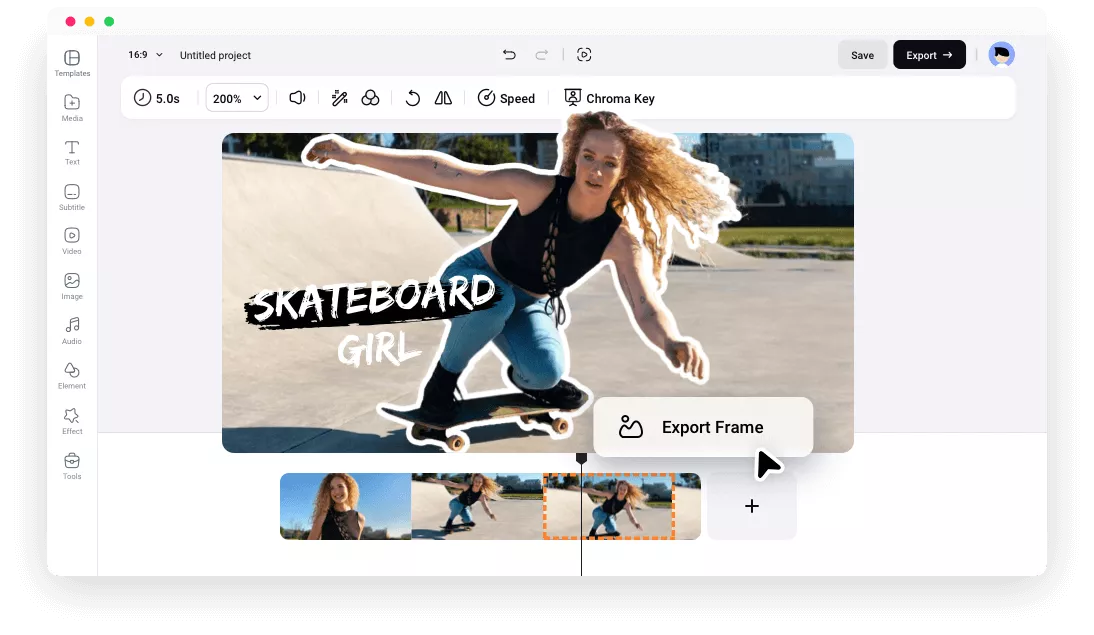
Right-click the frame in the timeline, select Export Frame, and save it in high-quality PNG format.