AI Infographic Maker
Bring your ideas and actual facts together for a clear, eye-pleasing infographic.
Why Use FlexClip’s AI Infographic Generator

AI-Powered Automation
FlexClip automates the infographic creation process. Its AI intelligently selects layouts, colors, icons to ensure professional-quality results without manual design work.

Cost Efficiency
Design doesn’t always mean expensive software. In FlexClip, AI handles complex design tasks, produces visually compelling content at minimal expense.

Lighting-Fast
FlexClip’s AI infographic generator is extremely friendly for time-sensitive projects. On average, you can get a quality infographic in just several seconds.
please input title
Instantly Turn Ideas into Aesthetically Infographics
Whether you need infographics for presenting marketing insights in a conference, history timeline in a class, FlexClip turns your ideas into aesthetically pleasing visuals ready to share. Lots of infographic generators offer tons of templates for you to customize. FlexClip, however, collects information from reliable websites, and you barely need to make changes to the infographic outputs.
Create Infographic Now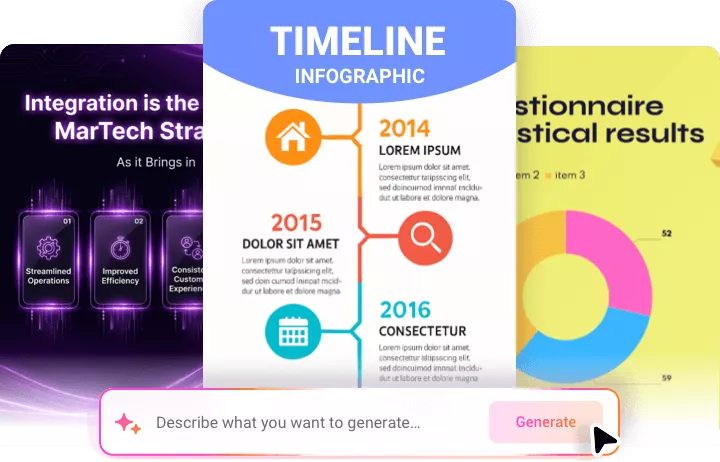
Visualize Data for Your Infographic
FlexClip transforms complex information into easy-to-understand visuals. Mention statistics in the prompt, it will automatically create charts, graphs, and visual elements that highlight the key insights, then add them to infographics. Ideal for business reports, marketing presentations, or educational content.
Make AI Infographic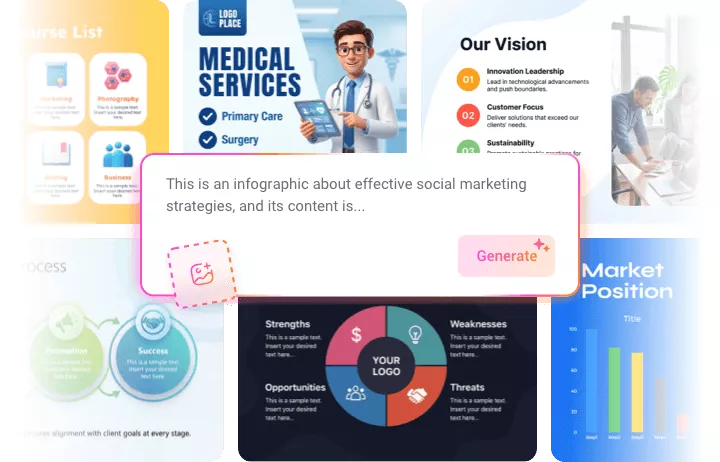
Customize Your AI Infographic
FlexClip gives you full creative control over every infographic. Adjust color scheme, fonts, icons, layouts, and data elements to match your aesthetics. You can also edit the text, or translate the text to make the infographic go globe. Craft unique infographics that communicate your messages effectively.
Edit Infographic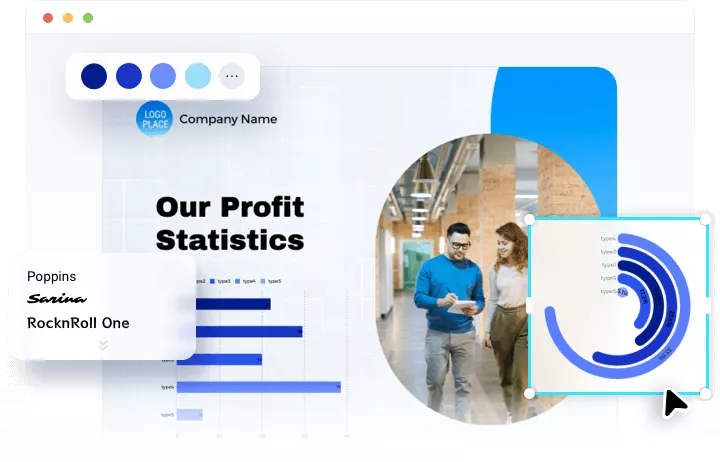
Post Directly to Social Media
FlexClip streamlines content sharing by allowing you to post infographics directly to social media platforms. Once your design is ready, you can share in formats optimized for X, Facebook, or create a short link for easier access. You can also use the infographic image for your next video project.
Make AI Infographic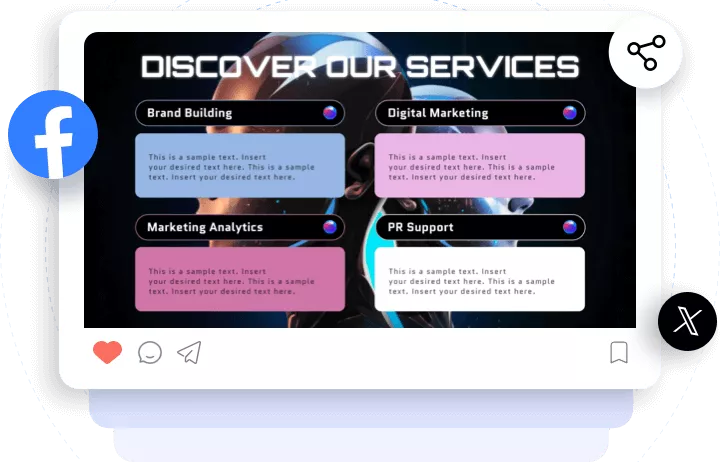
How to Use FlexClip’s AI Infographic Maker
- 1
Enter a Prompt
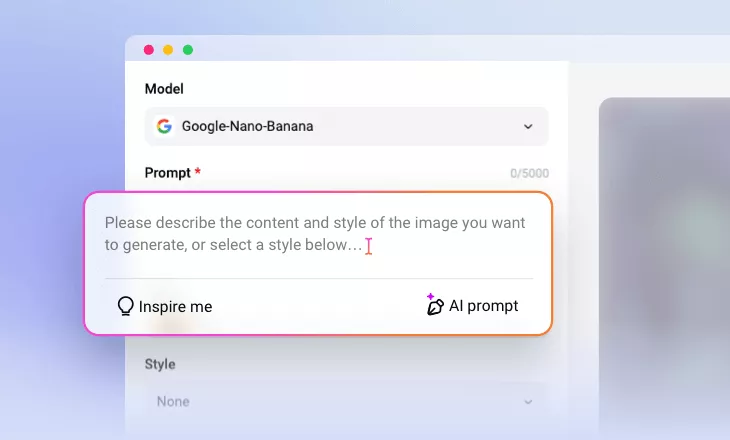
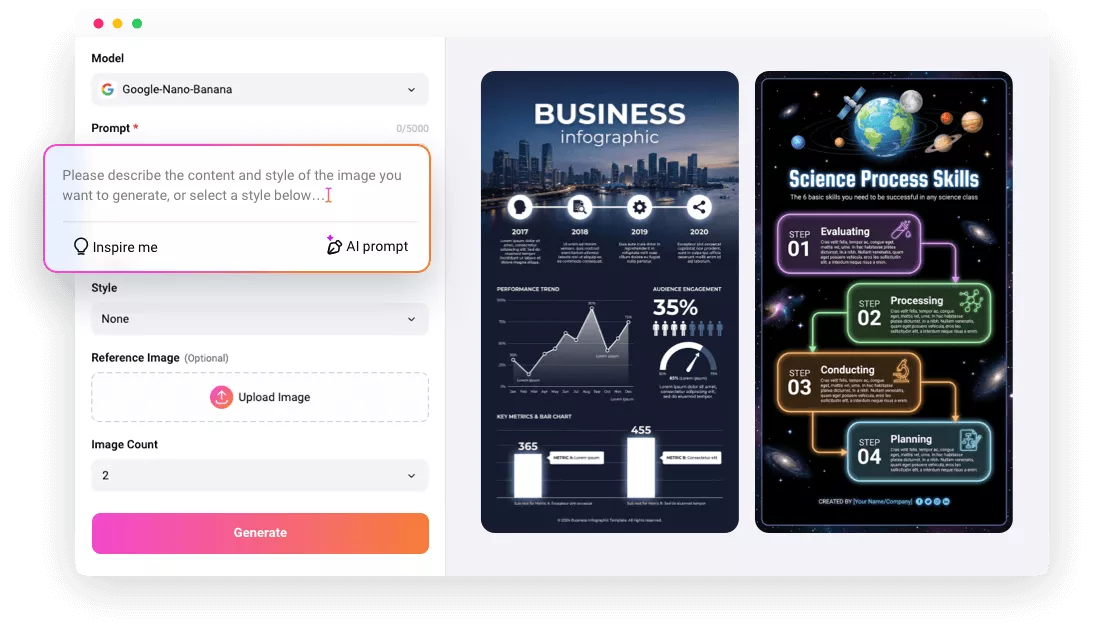
Access FlexClip’s Text to Image tool, select the Google Nano Banana Pro model, then enter a prompt describing your infographic ideas.
- 2
Make Other Setups
Choose infographic aspect ratio, style, resolution. If possible, you can even upload a reference image. Hit Generate. You will get an infographic image within several seconds.
- 3
Export and Share
Save the generated infographic to a local folder, use it for your video project, or post it directly to social media. If necessary, you can make edits on the infographic on the same page.