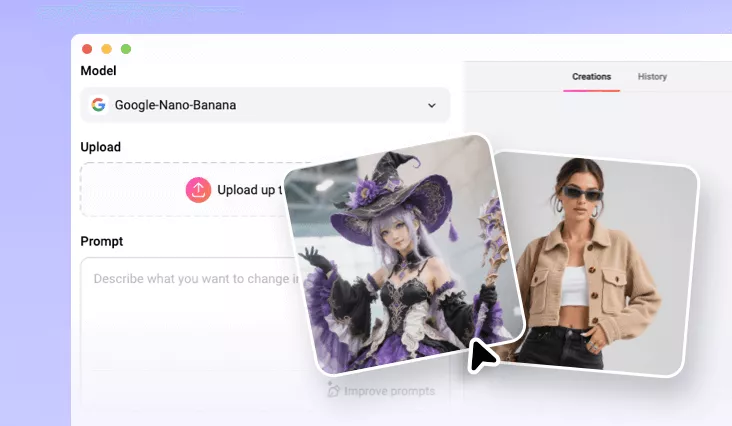
AI Elevator Photo Generator
Make an AI elevator photo of you and anybody else, in a variety of elevator scenes, poses.
TRUSTED BY
What Makes FlexClip a Go-to AI Elevator Photo Generator

AI Accuracy
FlexClip precisely detects the person and seamlessly integrates them into the elevator scene you need. No invisible artifacts, distortions, or unnatural lighting.

Further Customization
Once you are done with generation, you can directly tweak the background colors, reflections, textures, add effects like cinematic lighting, blurring for a more precious output.

Top Security
While being online, FlexClip is a renowned elevator photo generator. It will never share your personal information or save the photos you uploaded. Feel safe using FlexClip.
Elevator Scene from Retro to Modern City View
Tweak the default prompt, FlexClip lets you travel through time and style. Whether you prefer the nostalgic charm of vintage elevators, a modern elevator, or a transparent sightseeing elevator, FlexClip recreates them with stunning realism and places you seamlessly in the background. Additionally, the AI will automatically adjust lighting and perspective to make the scene natural and immersive. Perfect for storytelling and social media.
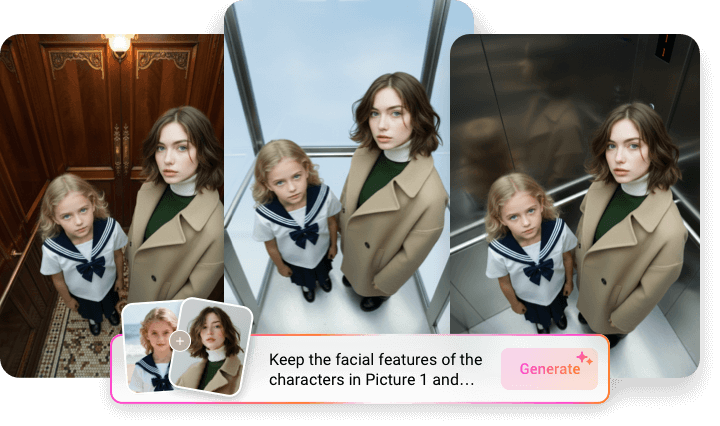
Pose as You Wish
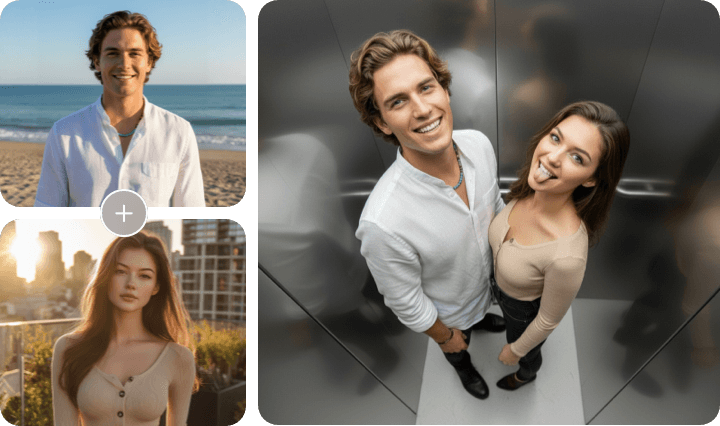
With FlexClip, you are not limited to awkward poses. AI understands different poses and tailors people to align with your needs. You can even change facial expressions without distorting the facial details. Transform your daily shots into a realistic, perfectly posed elevator snapshot at FlexClip!
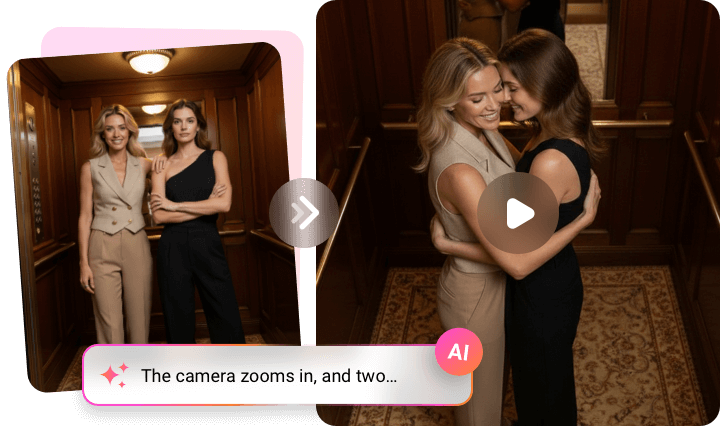
Animate Your AI Elevator Image
Let’s go beyond still images. FlexClip’s Image to Video tool animates your AI elevator photo. You can add subtle motion like opening doors, shifting lights or camera pans to make the scene feel alive. You can also make the two people kiss, hug, or shake hands in the elevator. Bring dynamic movements and energy to your elevator photos.
How to Create an AI Elevator Photo
- 1
Upload Your Photo
Access FlexClip’s AI Photo Editor, drag and drop two or more single portraits to the upload section.
- 2
Generate AI Elevator Shot
Under the Try These Effects section, select the AI Group Portrait. A default prompt will pop up in the empty box above. Refine the prompt to change the background, people poses, etc. Hit Generate.
- 3
Export & Share
The AI elevator photo should be done in several seconds. Preview the photo, download it or instantly post to social media.