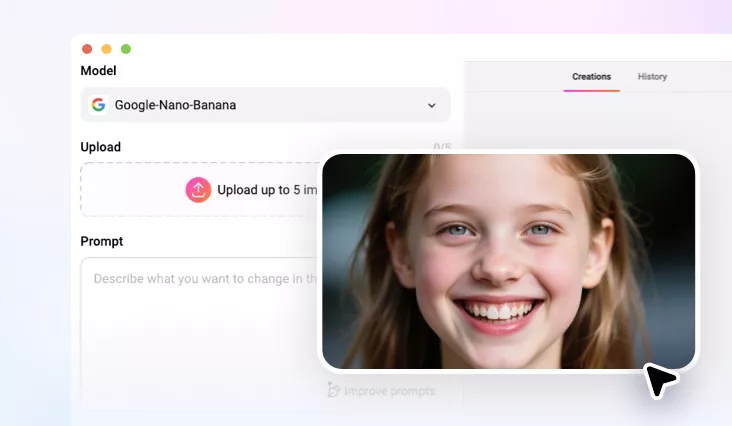
AI Braces Filter
Add or remove braces from your photo instantly! FlexClip's AI braces filter shows your smile transformation with just one text prompt.
TRUSTED BY
What Makes FlexClip's AI Braces Filter Stand Out?

AI Accuracy
Powered by advanced AI, we precisely detect your lips and teeth structure for a flawless, natural look — applying braces seamlessly with perfect alignment.

Instant, Realistic Preview
Stop guessing and start seeing! Our AI instantly adds ultra-realistic braces to any smile, creating high-resolution, lifelike previews ideal for orthodontic consultations or personal visualization.

Privacy Protection
Your privacy is our top priority. We use the highest level of encrypted transmission to analyze and process your uploads while applying the AI braces filter.
Seamlessly Add or Remove Braces with AI
Ever wondered how you'd look with braces… or without them? Our AI Braces Filter offers a smart and seamless way to visualize your smile like never before. Whether you're curious about how braces might look on you or want to see your perfect post-braces smile, our AI does it all effortlessly.
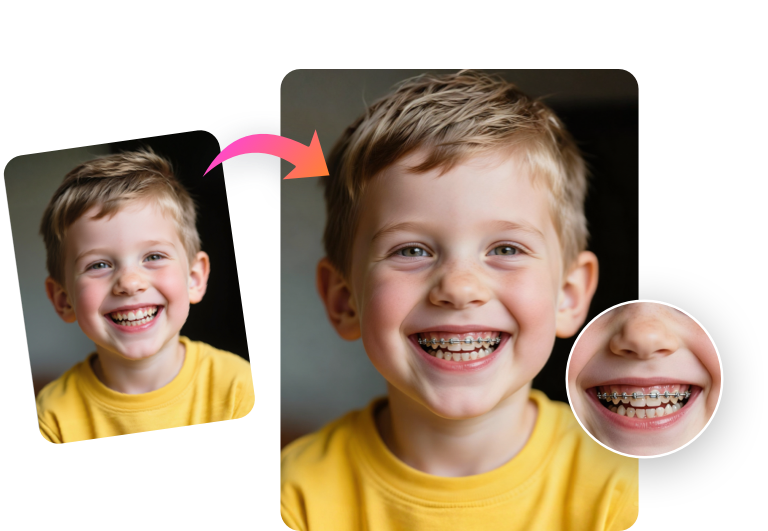
Personalize Your Braces with AI Text Prompts
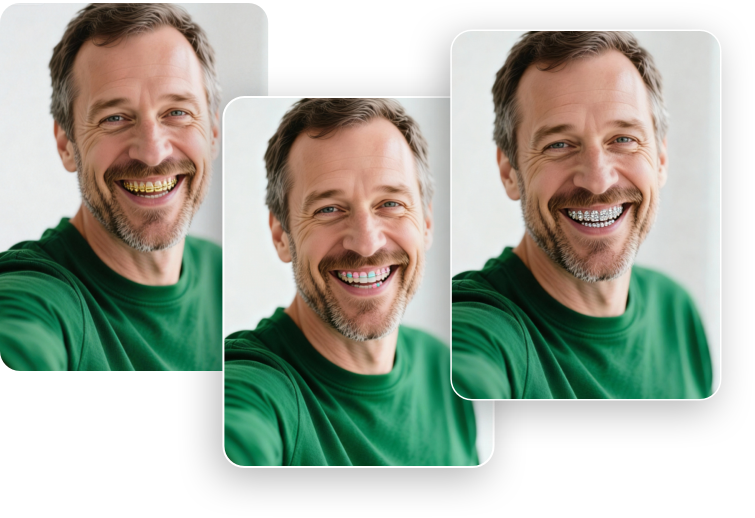
Whether you prefer metal braces or clear aligners, FlexClip's AI lets you see realistic results in seconds. Simply type a prompt—like "sparkling diamonds", "rainbow glow", or "kawaii pastel"—and instantly explore a wide variety of stylish options. From classic metal brackets to invisible aligners, our AI Braces Filter makes it easy to visualize your perfect smile.
Perfect AI Braces Filter for Fun & Dental Previews
Whether you're just having fun on social media, surprising your friends, planning a real smile transformation, or showcasing dental products or services, our AI braces filter lets you instantly visualize how braces could look — realistic, detailed, and ready to share. It's quick, simple, and a whole lot of fun!
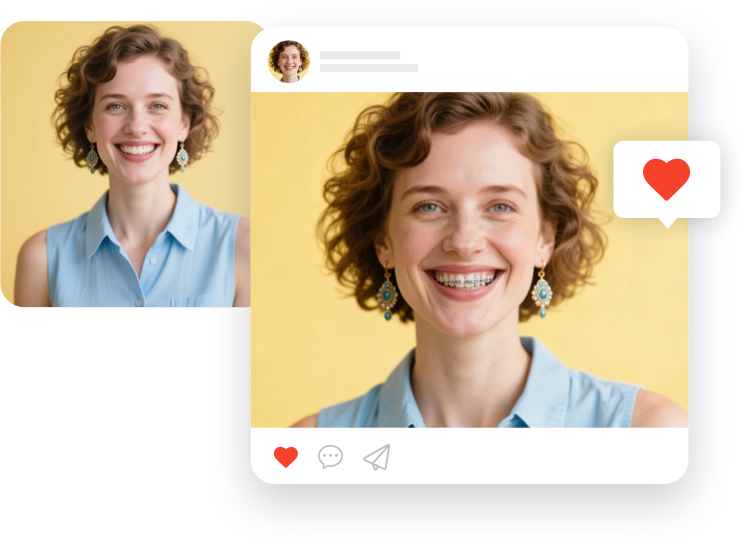
Elevate Your Photos with Creative AI Magic
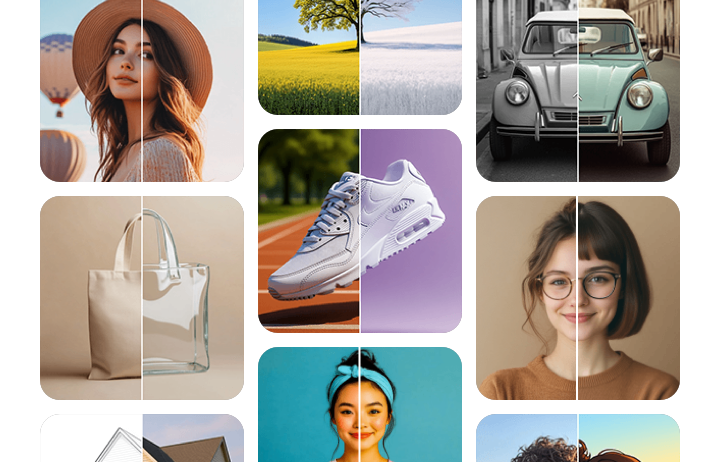
Ready for a total glow-up? With our AI photo editor, you can add or remove braces, try new hairstyles, swap outfits, change expressions, and even update your background—all in one step! From subtle tweaks to full transformations, our AI lets you reimagine your smile and your entire look instantly, making it fun and effortless to explore your best self.
How to Apply the AI Braces Filter to Your Photo
- 1
Upload Your Photo
Start by accessing FlexClip's AI photo editor and upload your selfie or the picture of the person you want to apply the braces filter to.
- 2
Enter Prompt
In the prompt box, describe the braces you want — for example, "metal braces with colorful bands" or "clear Invisalign".
- 3
Generate and Download
Click Generate to apply the braces filter. Once your image is ready, preview it, adjust the prompt if needed, or download and share your transformed smile!