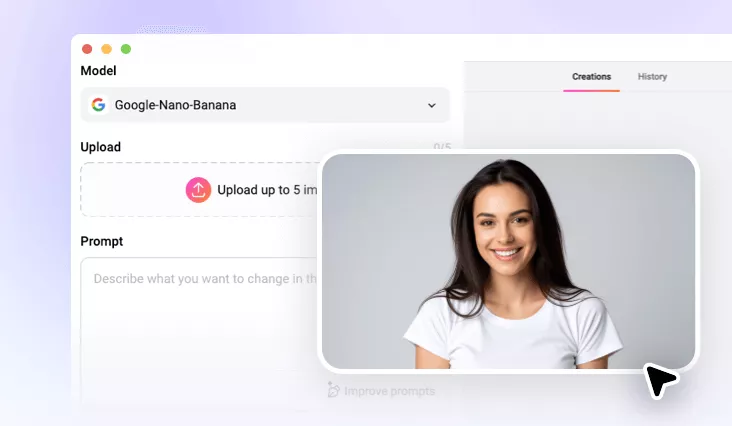
AI Age Filter Online
Transform your selfies into older or younger versions, with online convenience and AI realism.
TRUSTED BY
FlexClip’s AI Age Filter Top Features

Precise Aging
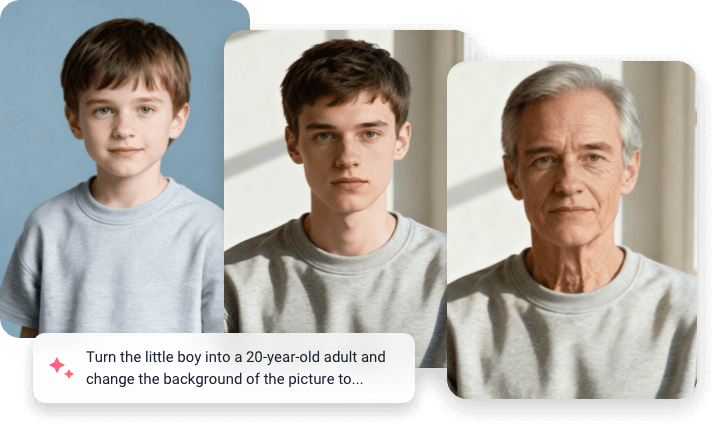
Whether you want to see a subtle 10-year difference or a dramatic leap into the future, FlexClip always delivers precise age progression, thanks to the advanced algorithm.

Fast Results
Say goodbye to endless waiting. FlexClip’s AI age filter processes your photo in seconds, giving instant access to a future or younger you.

Top Security
FlexClip values your privacy. We will not store the photos you uploaded, and will process them with strict data protection standards. Feel safe using FlexClip.
Age Progression with Anyone
FlexClip’s AI Age filter works across people of different ages and genders. Trained with millions of real people’s images, AI understands skin texture, hair color, and bone structure of different people of different ages. Whether you are a child, a teenage girl, or a mature male, FlexClip always gives you authentic, accurate aging outputs.
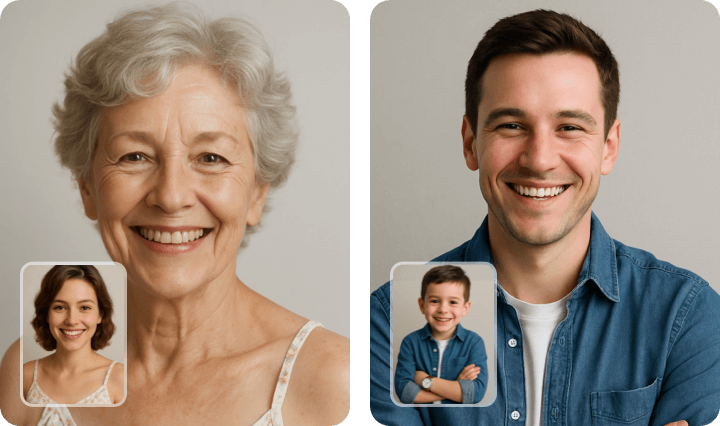
Polish for More Convincing Results
FlexClip doesn’t only do the age progression trick to your photos. It also polishes them. After generating the age progression, you can fine-tune details like wrinkles, skin color, or even background to make the transformation look even more convincing, in exactly the same page. Convenient, and perfect polish.
Age Progression to Video
FlexClip doesn’t stop at still images, its Image to Video tool transforms your age progression into stunning videos so that you can further immerse yourself into the past time or the future time. You can also head over FlexClip’s editing panel, where you can add music, captions, transitions. Start the AI aging video creation journey with great ease!
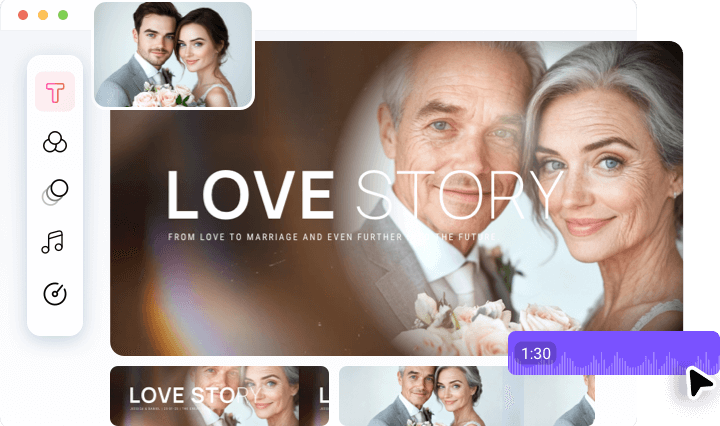
Join the Age Progression Trend on Social Media
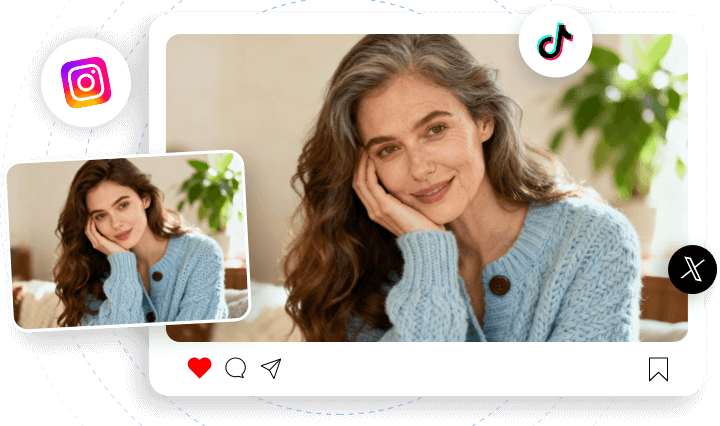
AI age progression is the most viral trend on all social media. Within several clicks, you can create and post yourself in any age on social media at FlexClip, thanks to the built-in export and sharing options.
How to Use AI Age Filter
- 1
Upload Images
Access FlexClip’s AI Photo Editor page, drag and drop your image to the upload section.
- 2
Enter Prompt
Enter a textual prompt describing how you want to appear, older and younger. Hit the Generate button.
- 3
Export & Share
FlexClip will start applying the AI age filter to your photo. If the age filter photo looks fine, download it to a local folder or post to social media.