Watermark Photo Online with AI
Automatically add a watermark to your photo with FlexClip's AI image watermark generator.
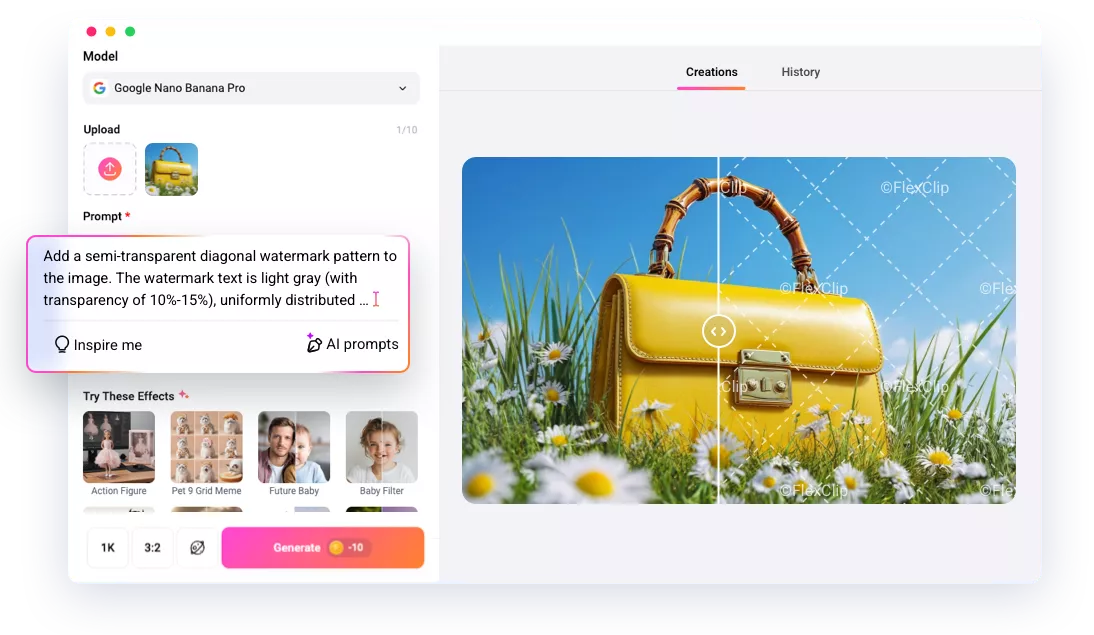
Why Choose FlexClip to Watermark Photos?

AI Watermark
FlexClip's AI watermark generator can precisely analyze your photo and automatically add a watermark as desired size, opacity and styles while preserving the original details of the photo.

100% Online
Instantly add watermarks to photos with FlexClip directly in your browser. No software download or installation required.

Fast Generation
Skip the complicated steps and long waits! With FlexClip, your watermarked photo is ready to preview and download in just moments!
please input title
AI-powered Photo Watermark
Create your watermarked photo in one click! Simply upload your image and let FlexClip’s AI watermark generator handle the rest—intelligently analyze the image and precisely add a personalized watermark to clearly mark your identity while keeping your visuals beautiful and professional.
Watermark Your Photo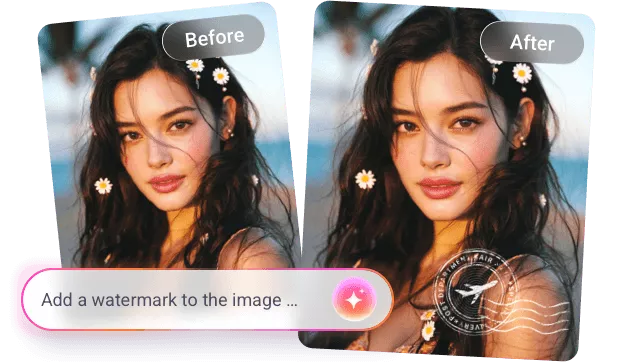
Customize Watermark Layout in Your Way
Whether you want to watermark photos with text, a signature, a sticker, a brand logo, or other creative designs, FlexClip has you covered. You can easily adjust the opacity, position, font, and size to ensure the watermark looks professional and fits your style perfectly. Just describe what you want and generate it in one click.
Watermark Your Photo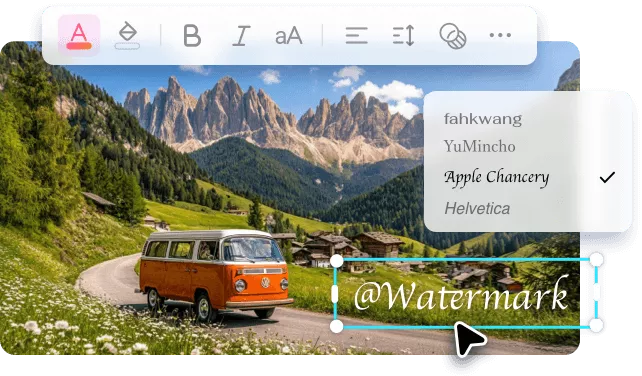
Go Beyond Just a Photo Watermark Creator
FlexClip offers much more than watermarking photos. Unlock your creativity with a wide range of AI tools—turn your images into anime-style art with the AI image-to-image tool, bring static watermarked photos to life, or transform your pictures into captivating slideshows in just a few clicks. Discover the possibilities and let your creativity run free!
Explore it More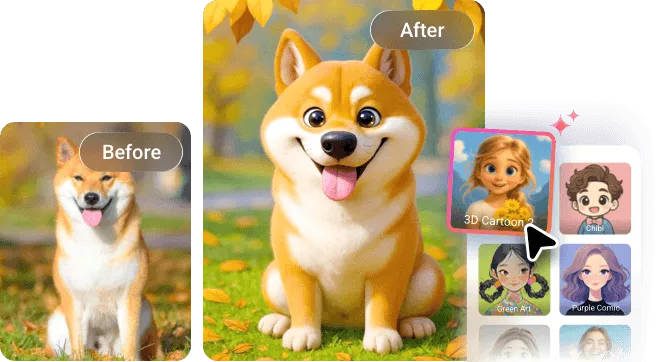
How to Watermark Photos Online Using FlexClip
- 1
Upload Your Image
Open FlexClip's AI photo editor and import the image you want to watermark.
- 2
Watermark Your Photo
Enter a prompt describing the watermark’s style, position, size, and any other details you want to customize. Click Generate and let AI watermark your image.
- 3
Download and Share
Now download your watermarked photo and share it with your identity clearly marked.