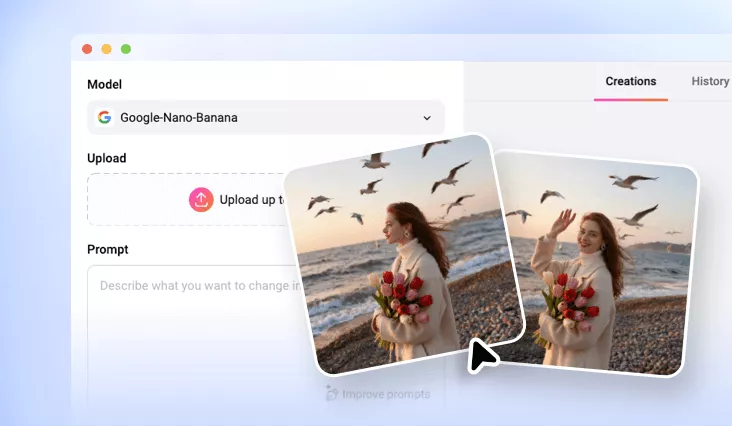
Side by Side Photo Editor Online
Easily place two photos side by side online using FlexClip’s side-by-side photo maker, ideal for comparisons, before-and-after photos, collages, and social media content.
Why Choose FlexClip’s Side by Side Photo Maker?

100% Online
FlexClip lets you place two photos side by side directly in your browser—no downloads or installation required.

High-quality Output & Sharing
Our tool delivers high-quality side-by-side photos, ready for high-resolution download or direct sharing on social media.

Privacy Protection
Your privacy comes first. All uploaded and edited content remains confidential and secure unless you choose to make it public.
please input title
Easily Create Side by Side Photo with AI
Say goodbye to manual editing! FlexClip’s AI side-by-side photo editor automatically places two or more photos together vertically or horizontally, while intelligently adjusting lighting and color tones. With just a few clicks, you can combine photos into a single, professional collage—no complicated Photoshop skills required.
Create Side by Side Photo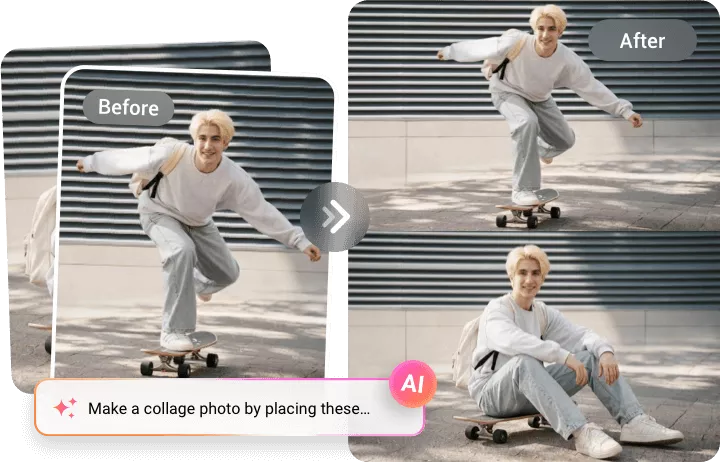
Perfect Side by Side Photo Editor for Every Image
Whether you’re creating a before-and-after comparison, showcasing special moments with a side-by-side layout, or promoting products with a collage, FlexClip uses AI to automatically align, resize, and match lighting, colors, and shadows—making separate images look like one seamless design.
Create Side by Side Photo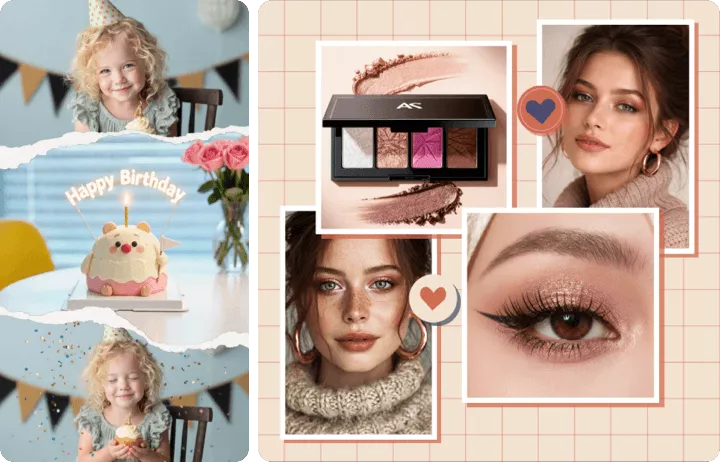
Customize Your Collage with a Simple Prompt
FlexClip isn’t just for merging photos—it helps you bring your creative vision to life. Add text, stickers, icons, change backgrounds, and apply personal touches effortlessly. Just enter a simple prompt, and watch AI transform your ideas into reality.
Create Side by Side Photo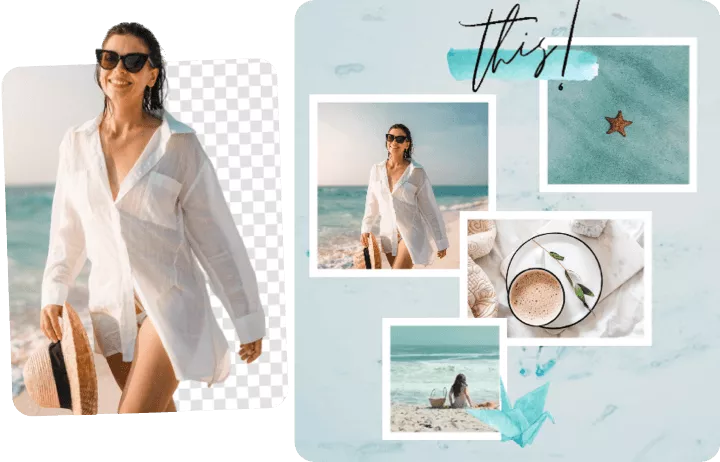
How to Put Two Photos Side by Side?
- 1
Upload Your Photos
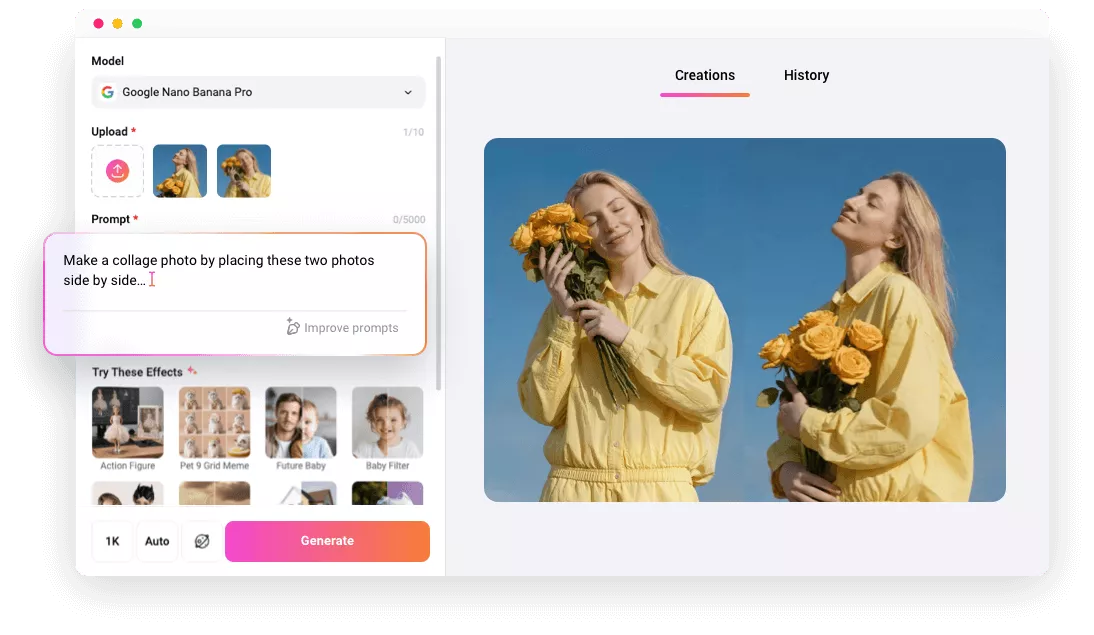
Access FlexClip’s AI photo editor and upload two images you want to make a side by side picture collage.
- 2
Enter a Prompt
Enter a creative side by side prompt to define your layout style.
- 3
Generate and Download
Click Generate and AI will turn your uploads into a polished side-by-side photo, ready to download or share on social media.