Online Image Zoomer
Try an online image zoomer to zoom in on images and highlight their nuances quickly.
Why Choose FlexClip’s Online Image Zoomer?

Instant Results
With our easy-to-use AI image zoomer, you can instantly zoom in on images and highlight their nuances in just a few seconds. Enjoy fast and seamless performance.

Easy to Use
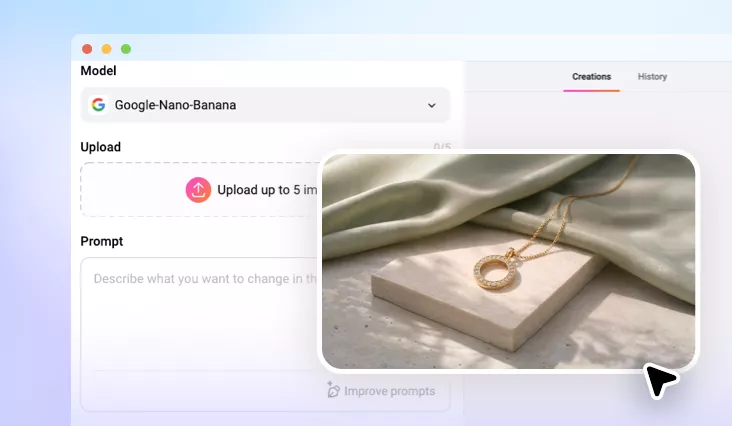
You can get a zoom image without sparing any effort. Just pick the right model, upload your image, and let AI do the rest.

Online Image Zoomer
FlexClip can zoom image without losing quality on your browser. No software installation required, you can zoom image right from the browser.
please input title
Zoom in/out Image as You Like
With FlexClip’s online image zoomer, you can zoom in/out on your photos as much as you like. Zooming in picture means increasing the size of an image in a way that makes its details clearer. You can notice every little detail you’d previously missed in your photos. Moreover, zooming out image means to expand your images beyond boundaries to get a bigger background while preserving the original parts. Therefore, you can choose to zoom in or zoom out on the image according to your needs.
Try Online Image Zoomer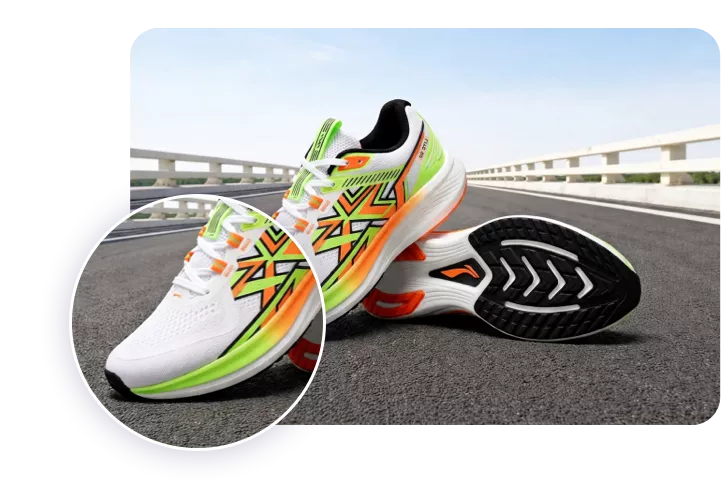
AI-powered Image Zoomer to Save Energy
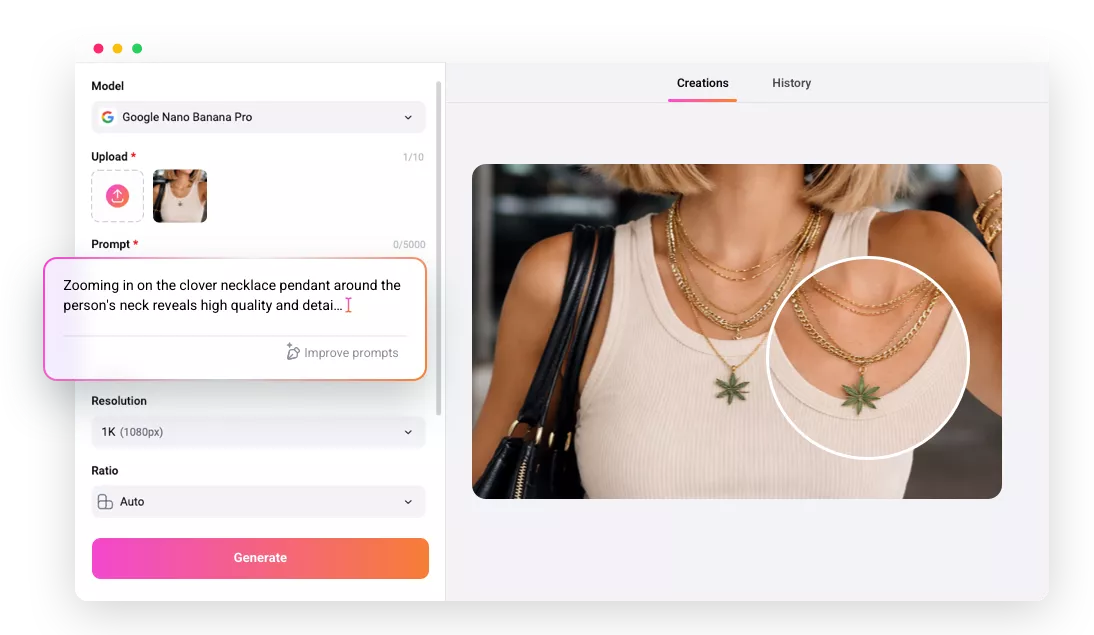
Don’t want to waste too much time zooming in on your photo? FlexClip’ve got your back! Its AI-powered image zoomer allows you to simply zoom in or out of your photo automatically. FlexClip’s advanced AI technology can help you effortlessly zoom in and out of an image and get the best clarity and quality at the same time. You can upload image, type prompts to let AI zoom in to specific parts of your image. Let’s see every small detail clearly in a brand new sight for viewers.
Try Online Image Zoomer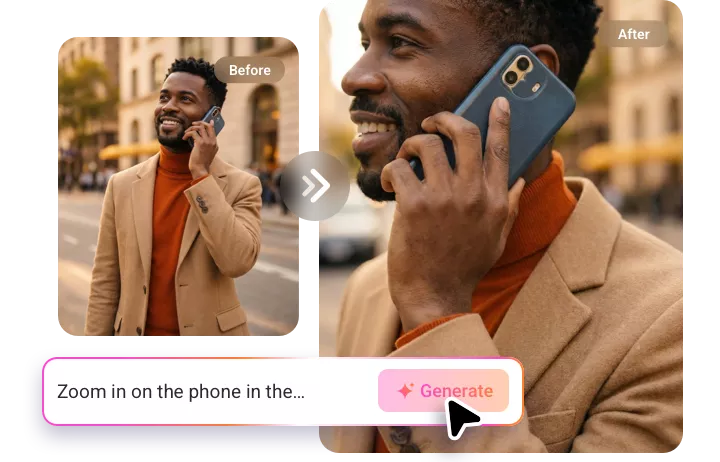
Far Beyond an Image Zoomer
FlexClip will never let your creation just stop here! You can do more than just zoom in on your images here. Since many people may choose to zoom in on the image to showcase product details, you can apply photo filters to give your product image a more aesthetic and artistic look. Moreover, you can also adjust brightness, contrast, and color balance to make the image look perfect.
Explore More Features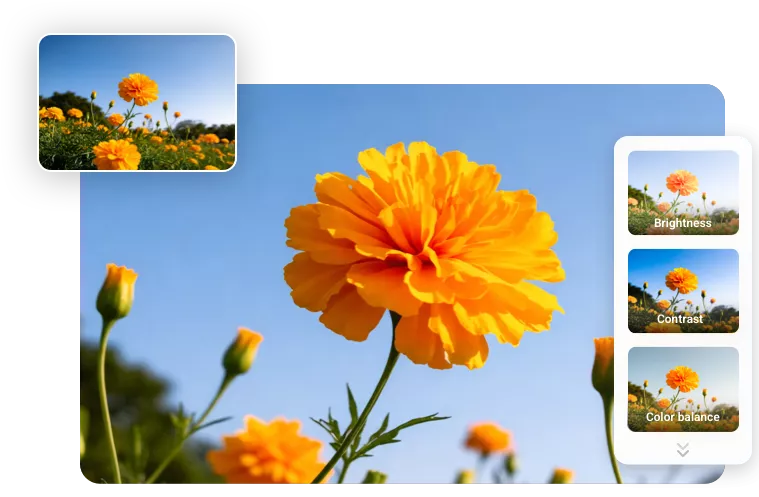
How to Use Online Image Zoomer?
- 1
Upload Your Photo
Enter FlexClip’s AI photo editor, upload a photo, and choose an AI model to begin your image creation.
- 2
Enter Text Prompts
Write the text prompts for the desired image zoom-in/out effect you want and tap the Generate button to begin AI creation.
- 3
Download Your New Photo
Check the AI-powered image result and see if you are happy with it. Download and share this new image according to your needs.