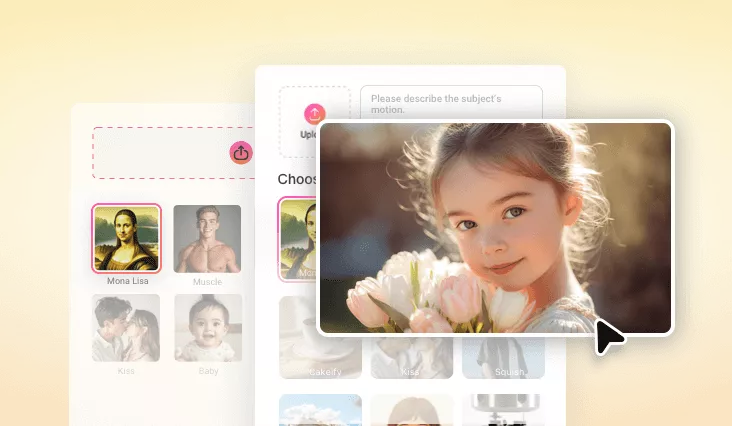
AI Mona Lisa Video Effect
Effortlessly turn a photo into a trending Mona Lisa video in Renaissance vibe.
TRUSTED BY
Inside FlexClip’s Powerful AI Mona Lisa Video Effect

AI Transformation
It is no big deal if you have no video editing skills. FlexClip utilizes advanced AI to convert your face into a natural Mona Lisa video animation automatically.

High-Quality Export
FlexClip’s AI video effect is rendered in high-definition. You can instantly download & share the Mona Lisa video in 1080P without watermarks.

Privacy-Safe Processing
Your facial data is processed securely. We will not store your photo or share your information with third parties.
AI Mona Lisa Video with Renaissance Precision
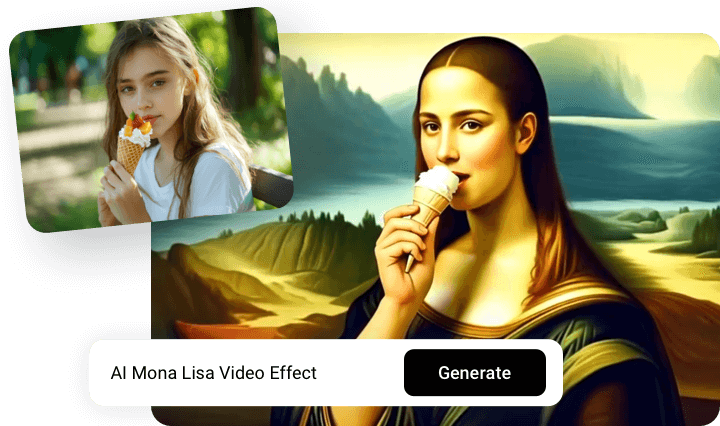
FlexClip seamlessly transforms your portrait into a Mona Lisa clip in seconds. Thanks to the advanced AI, it maps your facial landmarks and expressions, ensuring a smooth video transition to Mona Lisa. Additionally, the effect retains Da Vinci painted brushstroke look of the original masterpiece, maintaining an oil-painting aesthetic while still preserving your likeness. Perfect for social or entertainment purposes.
Build-In Editing Tools for Final Touches
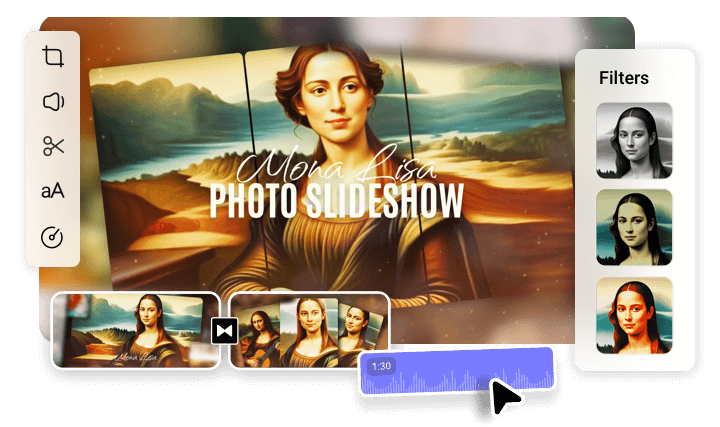
After generating your Mona Lisa video, you can customize it using FlexClip’s built-in editor. Add background music, text overlays, apply filters, change video aspect ratio etc. to craft a masterpiece. You also have access to other AI tools. For example, AI Image to Video tool that extends your Mona Lisa style portrait, AI Image Upscaler that increases photo resolution. Ignite your creativity and level up your Mona Lisa video!
Rich Video Effects
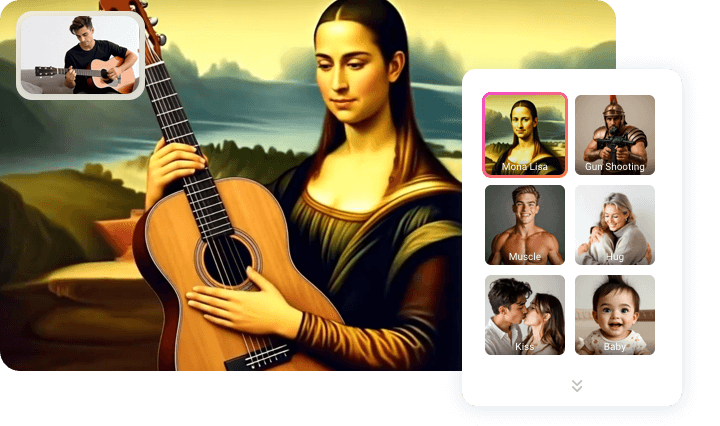
Let’s go beyond Mona the Lisa styles. FlexClip offers other 22 styles to try, including popular AI Kiss, AI hug, AI muscle growth, AI baby. Reimagine yourself in more creative ways, all enhanced with the same AI animation engine.
How to Convert Photo to Mona Lisa Video
- 1
Access Mona Lisa Video Effect
Visit FlexClip’s Video Generator tool, switch to the Video Effect section, scroll all the way down to the Mona Lisa effect.
- 2
Upload Image
Drag and drop to upload a portrait of yourself. Hit Generate.
- 3
Export & Share
A Mona Lisa video clip will be generated within 5 minutes. Preview and export the Mona Lisa video.