Photo to Line Drawing
Convert your photos into professional-level line art that stays true to all original elements.
FlexClip’s AI Line Drawing Filter Benefits

Powerful AI
FlexClip uses AI to turn photos into the best line art. You don’t need any design skills because the whole process runs by automatic.

PC/Mobile Friendly
No need to download any launcher. You can access FlexClip on all your devices, transfer your photo to line art on the desktop or on the go.

No Quality Loss
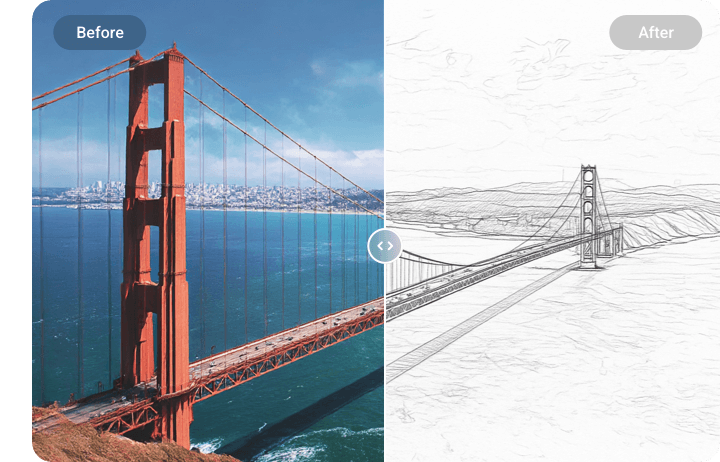
While converting images to line drawings, FlexClip captures all details, and does everything to maintain the original resolution. No quality loss will occur.
please input title
Turn Any Images to Line Drawings
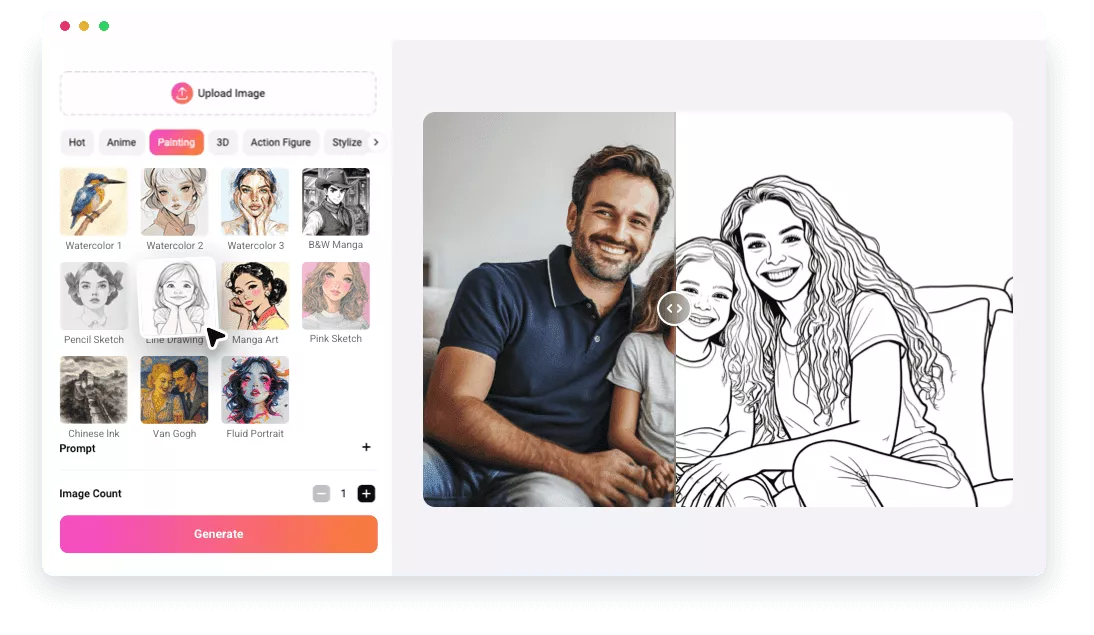
Whether you are working with people portraits, landscape photos, pet images, or daily life snapshots, FlexClip’s AI Line Drawing filter never fails to detect all the details, and create striking outlines, regardless of the complexity.
Plus, FlexClip has a wide range of supported formats, including XBM, TIF, JPG, PNG, ICO, etc. You barely need to go through format conversion.
Explore More Sketch Models
Besides the Line Drawing filter, there are more filters to achieve similar line drawing outputs, each with different strokes and textures. They are Color Sketch, B&W Sketch, Pencil Sketch, Pink Sketch, Chinese Ink. No matter what you need, FlexClip always brings your creative vision to reality.
More AI Filters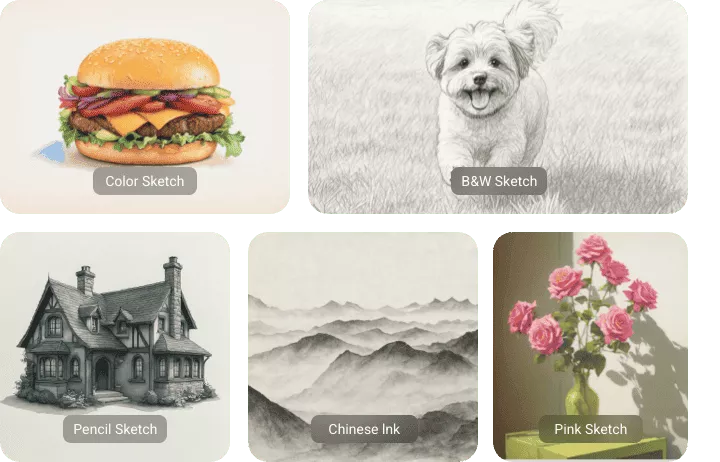
Edit as You Wish
As a professional, you don’t stop at line drawing. At FlexClip’s editing panel, you are able to make any edits you like, for instance, inserting a signature, bringing in a frame, applying filters, or creating a slideshow out of multiple line art. Ignite your creativity and bring the best out of the line drawing.
Play with Line Arts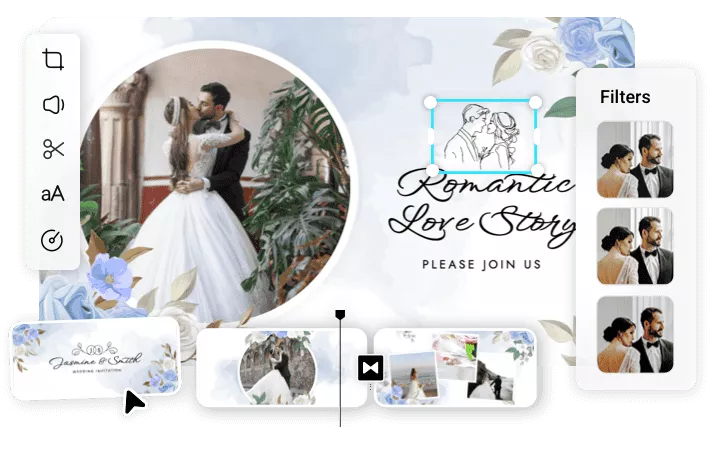
How to Convert Photo to Line Drawing
- 1
Access Line Drawing Filter
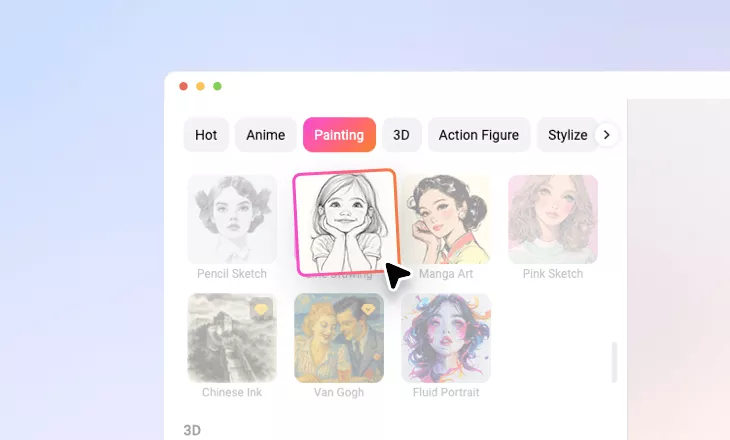
Visit FlexClip’s AI Image to Image tool, head over to the Painting section, and choose Line Drawing.
- 2
Upload Your Photo
Drag and drop your photo to FlexClip, and hit Generate.
- 3
Export & Share
You are about to get the line drawing output within just several seconds. Save it to a local folder, or share to social media.