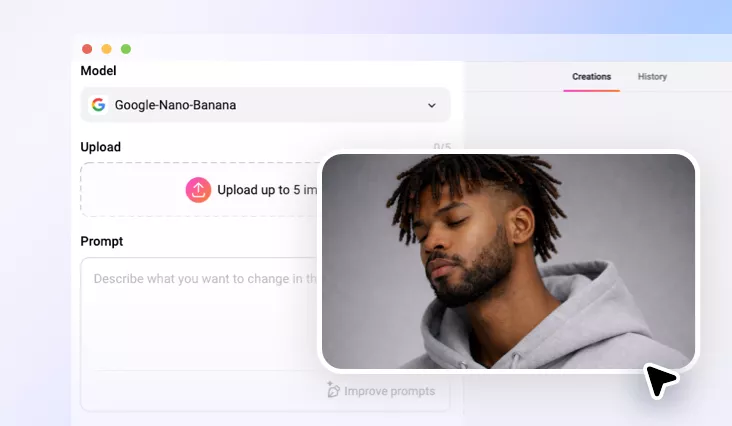
Nose Piercing Filter
Try a nose piercing on your photo with FlexClip’s online nose pierce filter.
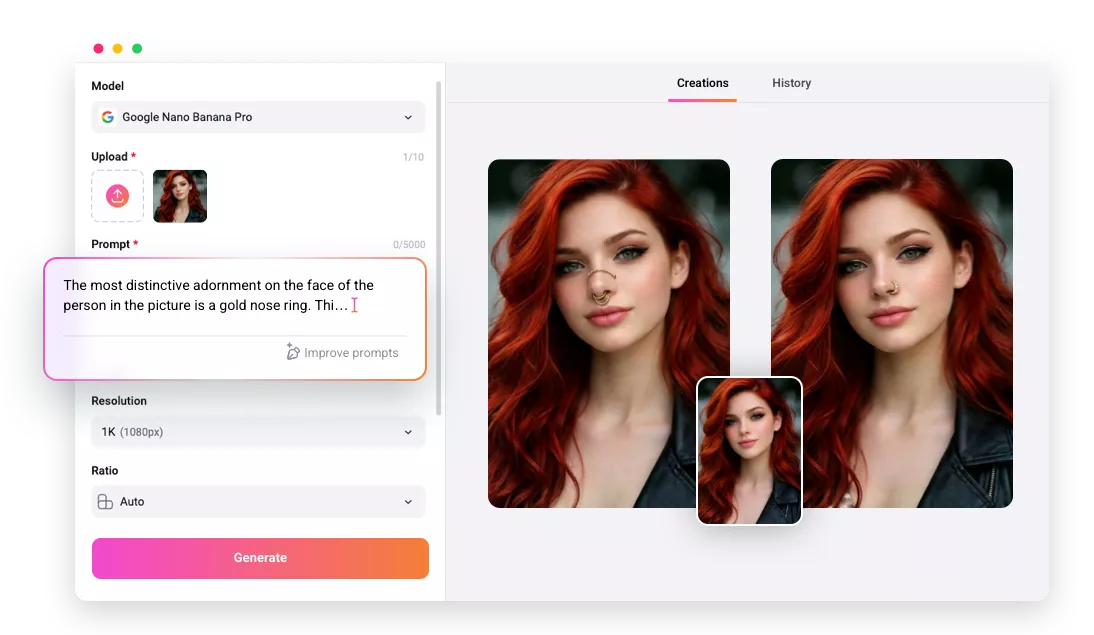
Why Choose FlexClip’s Online Nose Piercing Filter?

Fast Generation
Once you upload a portrait, our tool will instantly detect your face and add a nose ring to it, generating your festive photo in seconds.

Privacy Protection
Your privacy is our top priority. We apply the highest level of encrypted transmission policy to analyze and process your uploads.

Various Format
FlexClip supports a wide range of photo formats like JPG, PNG, WebP, HEIC, saving you the trouble of doing format conversion.
please input title
AI-Powered Realistic Nose Piercing Effect
FlexClip’s AI nose pierce filter can instantly add a stylish nose piercing to your photos to let you experience the virtual nose piercing try-on. Its advanced AI technology can realistically blend the piercing into your photo. With one prompt, FlexClip’s AI nose pierce filter identifies nose areas that need to be pierced automatically. No manual edit is required. This AI-powered image result will look like your nose actually got pierced. Let’s enjoy lifelike piercings with realistic shine and accurate placement that naturally integrate withfacial features.
Try Nose Piercing Filter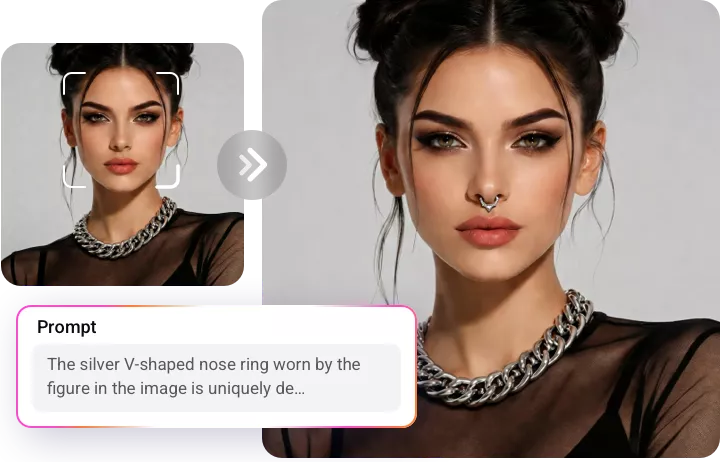
Customize Your Nose Ring Style as You Like
FlexClip’s AI nose pierce filter can generate different kinds of nose rings for your portrait according to your prompts. From a tiny diamond stud, a gold hoop,to a silver septum ring, and so on, FlexClip can always satisfy you! Just type your preferred nose ring style into the prompt and let AI create a lifelike preview. Moreover, you can also adjust the location of the nose ring as you need. For example, you can let AI pierce your right nostril, left nostril, or septum. Before you generate the perfect nose piercing photo, you can experiment with size, placement, or look of the added nose ring.
Try Nose Piercing Filter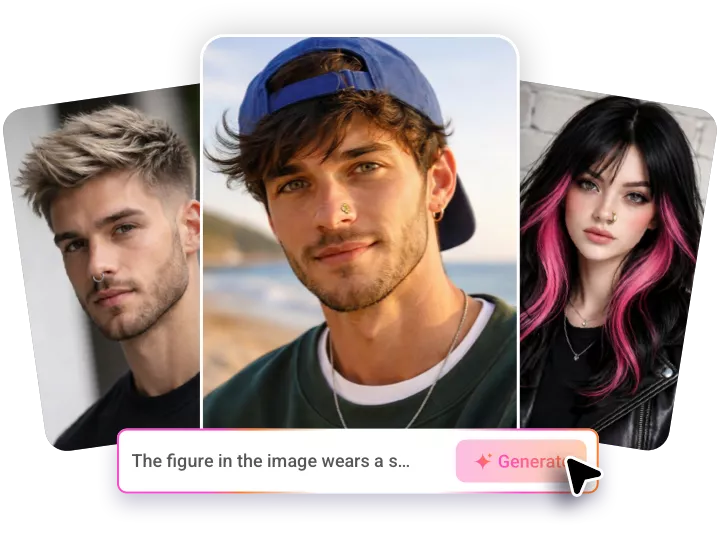
Discover More Engaging Filter Online
FlexClip is an all-in-one AI photo editor that allows you to add different filters to your photo. It allows you to discover various makeup filters online, such as highly stylised bold glamour filters or Japanese makeup, Korean makeup, and so on. Besides, you can also add different kinds of hairstyle filters to your photo. You can experience different hairstyles by prompts here. FlexClip can give you a flawless, confident look in seconds.
Try Nose Piercing Filter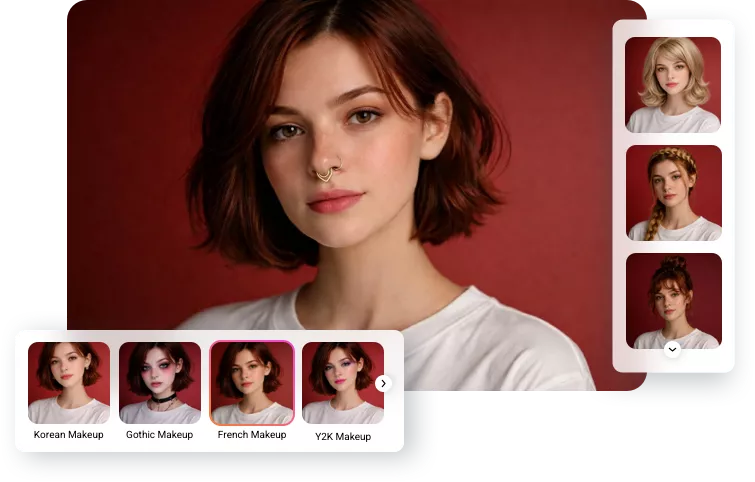
How to Apply the Nose Piercing Filter?
- 1
Upload Your Photo
Enter FlexClip’s AI photo editor and upload a clear, well-lit photo where your face is visible, and begin AI imagecreation.
- 2
Enter Text Prompts
Write the text prompts for the desired look and location of the nose ring you want to add and tap the Generate button.
- 3
Download Your New Photo
Check the AI-powered nose piercing image result and see if you are happy with it. Download and share this new image according to your needs.