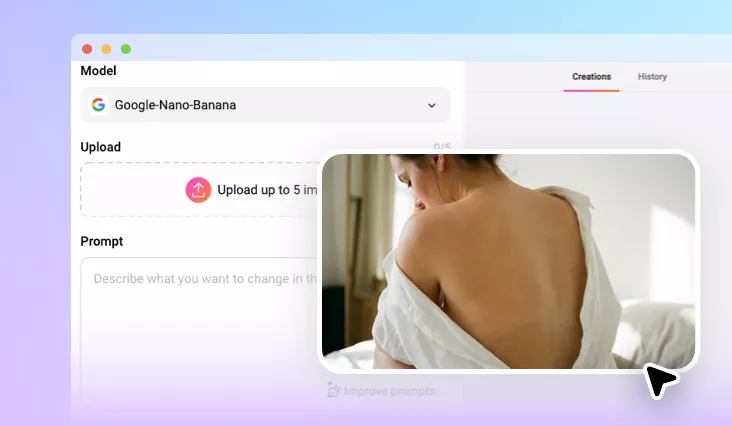
Virtual Try-On Tattoos
Watch tattoos come to life on your body in seconds with FlexClip's virtual tattoo try-on tool. Add tattoos to your arms, legs, back, chest, and more, directly on your photo!
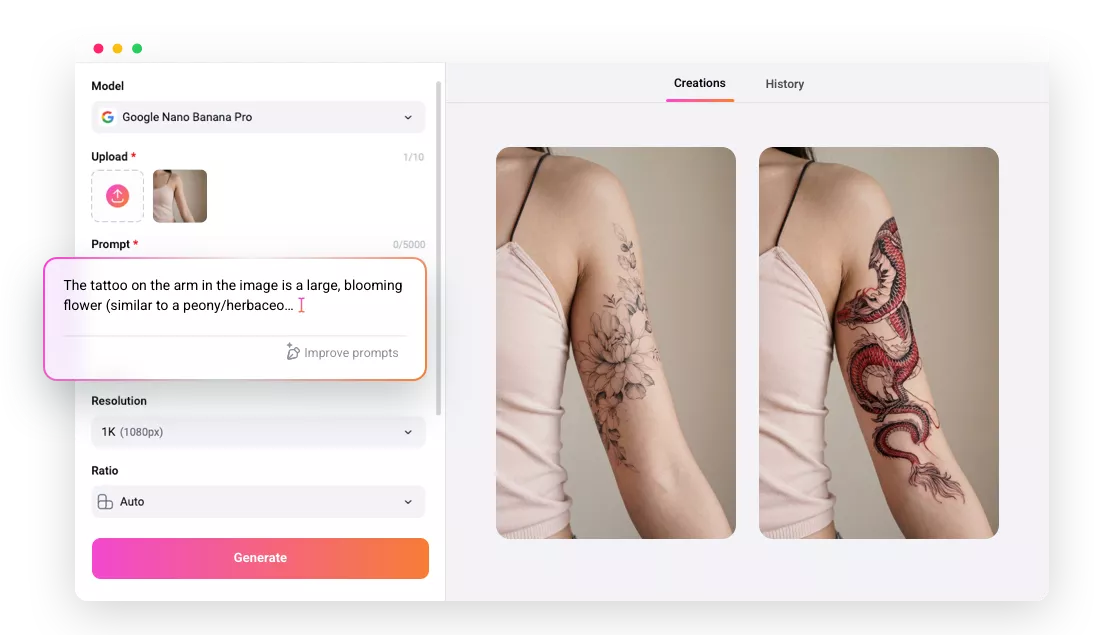
Why Use FlexClip to Add a Tattoo to Your Photo?

Powered by AI
No more complicated manual editing! FlexClip's tattoo try-on tool uses advanced AI, making it as easy as a click to add your tattoo design to your photo.

High-quality Results
Get realistic, high-resolution tattoo try-on photos that showcase your designs on your skin with lifelike precision.

Private and Secure
FlexClip takes your privacy seriously. With encrypted transmission, your photos are securely processed and used only for tattoo try-ons.
please input title
Use Your Own Tattoo Design or Ask AI to Generate One
Thinking about a tattoo but unsure how it'll look? With our AI Tattoo Simulator, you can bring your vision to life before you commit. Simply upload your photo and tattoo design, or describe your ideal tattoo, and our advanced try-on tool will show you exactly how it'll look on your body. No more wondering—see the results with AI!
Try on Tattoos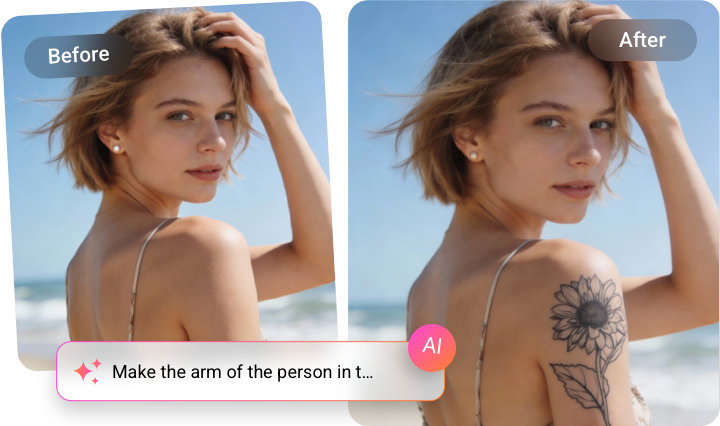
Supports All Tattoo Styles and Body Areas
Powered by advanced AI, our tattoo simulator supports a wide range of tattoo styles, from bold tribal to delicate fine lines, and adapts perfectly to any area of your body. Whether it's a small wrist tattoo or a large back piece, the AI ensures your design fits your skin's unique contours with exceptional accuracy, bringing your tattoo vision to life.
Try on Tattoos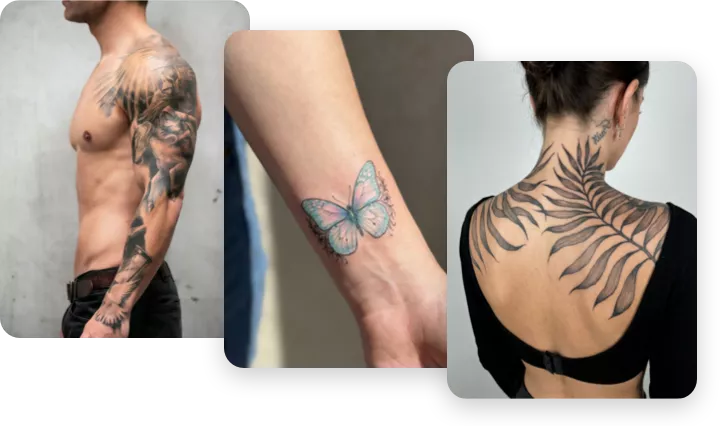
Unlock Endless Possibilities & Situations with AI
Unleash endless creative possibilities and scenarios with our versatile AI tattoo try-on tool! Whether you're exploring different designs, trying out multiple placements, or experimenting with various styles, the AI lets you visualize your tattoos with stunning accuracy and detail. Perfect for personal tattoo exploration or professional consultations.
Try on Tattoos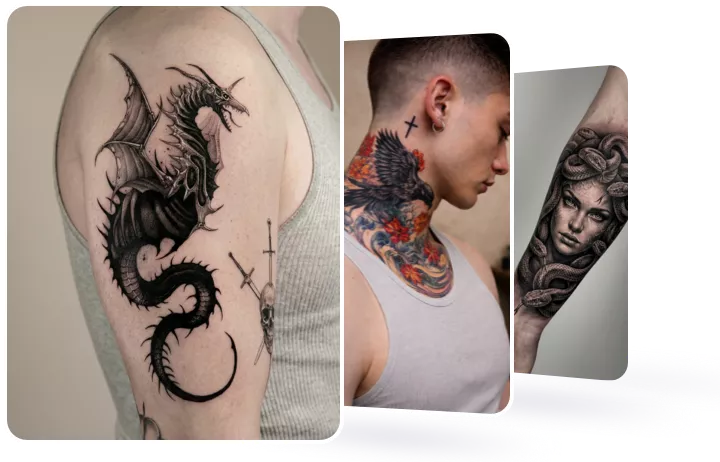
How to Try on a Tattoo with FlexClip AI
- 1
Upload Your Photo
Upload a photo of your body and tattoo design (if you have one), or simply drag and drop them into our virtual try-on tool.
- 2
Enter a Tattoo Try-on Prompt
Enter a prompt to have the AI add a tattoo to your photo if you've uploaded one. Alternatively, describe the tattoo you want to try, including details such as style, size, color, shape, and other features.
- 3
Generate and Download
Click the Generate button, and the AI will automatically add the tattoo to your photo. Once it's done, you can preview, download, or share your image directly.