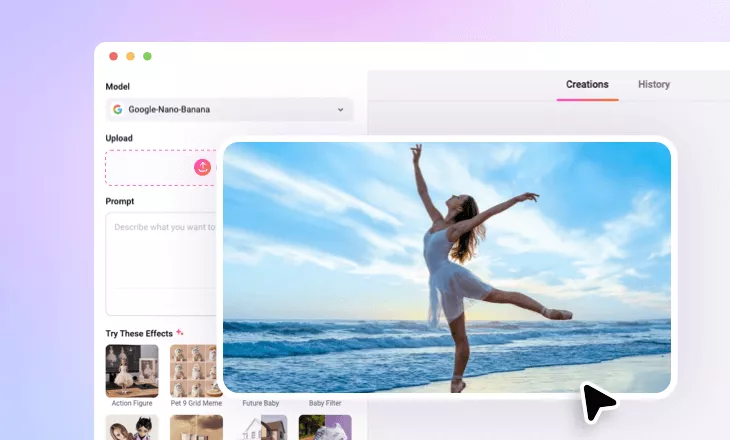
AI Silhouette Maker
Create stunning silhouettes from your photos with just one click! Perfect for profile pics, logos, wall art, and more. Try our AI silhouette maker now!
Why Choose FlexClip AI Silhouette Maker?

AI-Powered Precision
Use advanced AI to detect human and object shapes with pixel-level accuracy, making it as easy as a click to create a professional silhouette from your photo.

Quick, Easy, Efficient
The intuitive text-prompt feature enables ultra-fast silhouette generation. One-click transformation, no design skills needed. Download your silhouette in seconds

Complete Privacy
Your images are encrypted, processed securely, and never shared with anyone unless you choose to make your project available to our AI community.
please input title
Turn Your Photo into Silhouette in Simple Clicks
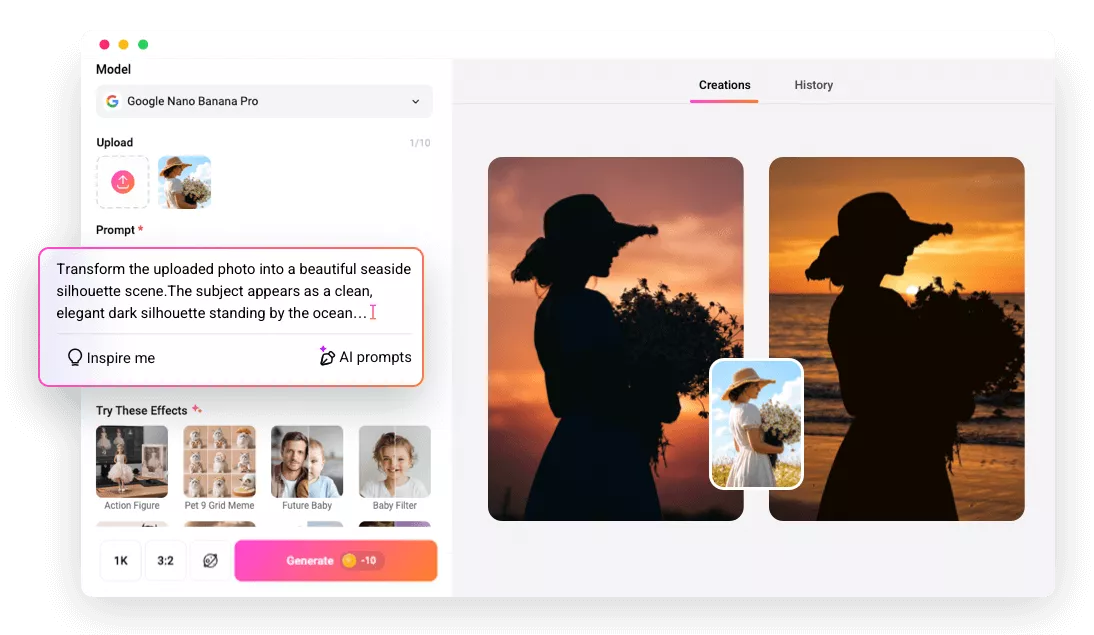
Instantly turn your standard photos into clean, professional silhouette art with our advanced AI in simple clicks. Upload your photo, enter the AI silhouette prompt, and our AI will instantly create a sharp, artistic silhouette in seconds. No manual tracing or editing, just our AI Silhouette Generator doing its thing. Enjoy the magic of AI silhouette art without any hassle!
Create Your AI Silhouette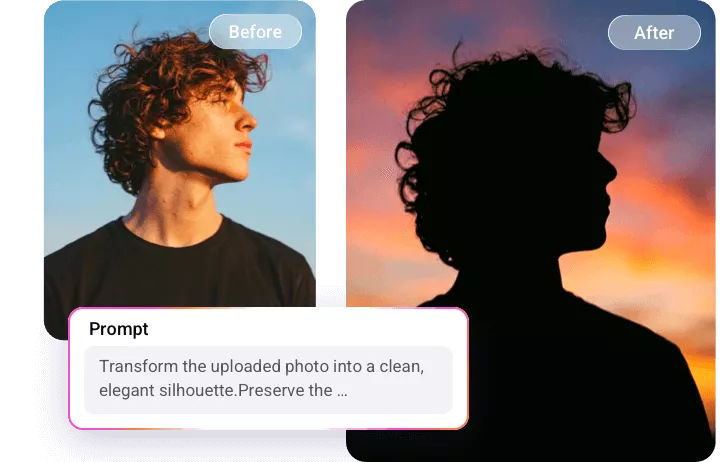
Perfect Silhouette Art for Social Media, PFPs, and More
Our AI Silhouette Maker effortlessly transforms your regular images into bold, aesthetic, and unique silhouettes, ideal for posters, profile pictures, minimalist art, logos, wall art, or creative social media projects. You can even try the AI silhouette images for personalized gifts, wedding invitations, or DIY crafts - perfect for any use case.
Create Your AI Silhouette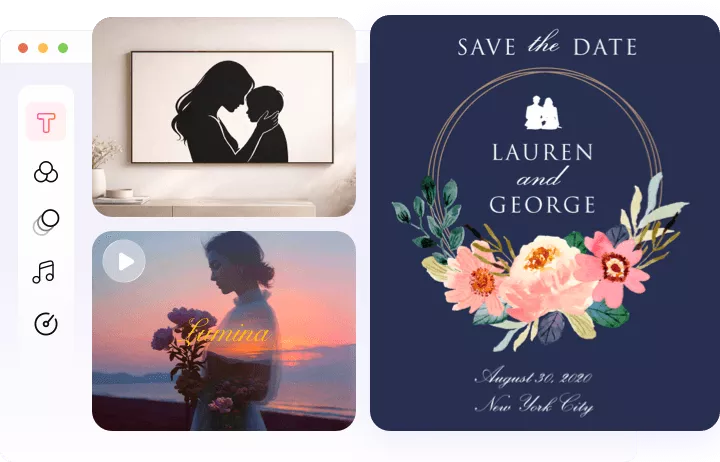
AI Silhouettes for Portraits, Groups, Pets, and More
Transform any ordinary photo into timeless, professional silhouette art with our AI-powered photo-to-silhouette generator. Whether it’s a solo portrait, a romantic couple shot, a family group, your beloved pet, or even a scenic landscape, we convert your cherished memories into elegant, high-contrast silhouette masterpieces.
Create Your AI Silhouette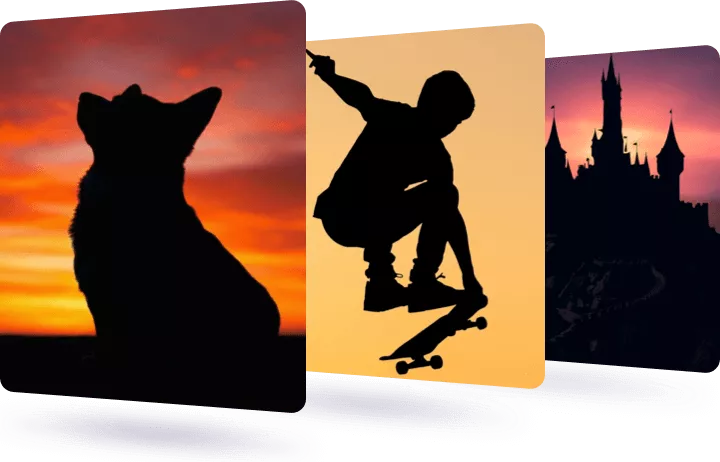
How to Make a Silhouette with FlexClip AI?
- 1
Upload Your Photo
Simply drag and drop or click to upload the photo you'd like to convert into a silhouette art.
- 2
Enter AI Silhouette Prompt
Enter precise prompts to guide the AI for your desired silhouette look, then adjust the settings, like resolution, ratio, and visibility.
- 3
Generate and Download
Click the Generate button, and the AI will automatically turn your photo into a silhouette version. Once it's done, you can preview, download, or share your image directly.