AI Halloween Filter
Try FlexClip's AI Halloween filter for your photos to instantly add a distinctively spooky touch and celebrate Halloween in a stylish way.
Why Choose FlexClip AI Halloween Filter?

AI-powered Halloween Filter
Our advanced AI technology swiftly analyzes your photo and apply the Halloween filter, transforming your photo into unique spooky Halloween art in seconds.

Online Halloween Filter
No download is required. Just open your browser, upload your photo, and apply the unique Halloween filter to make a creepy and spooky effect for the carnival with our online tool.

Fast Rendering
It offers a smooth and enjoyable experience for converting your photos to Halloween-themed projects or similar themes. The conversion happens in seconds, and you can download the result with just one click.
please input title
Turn Your Photo to Halloween Art with AI Filter
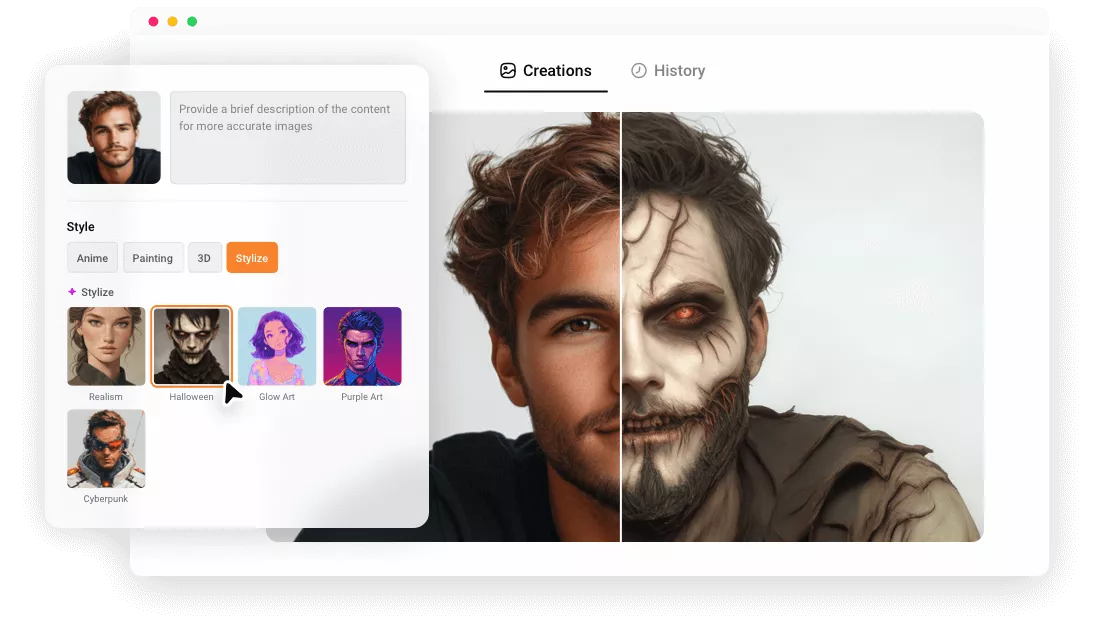
Try our AI Halloween filter to transform yourself into the spookiest, silliest, or downright creepy characters this Halloween. One click to create unique AI Halloween-theme portraits, avatars, PFPs. Get ready to spookify your social media presence this Halloween season with our cool Halloween filter!
Want even more eerie Halloween effects? Just use our AI Photo Editor to edit your Halloween photo with a text prompt and unleash endless spooky possibilities!
Try Halloween Filter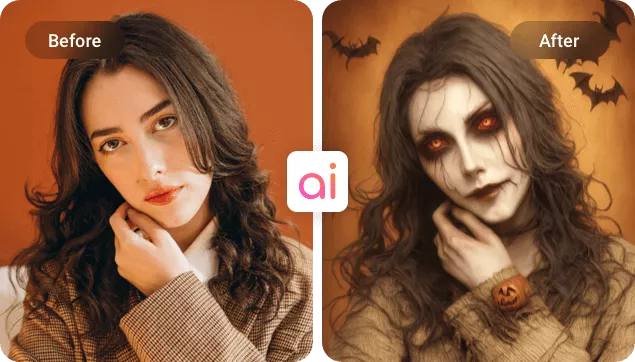
Edit and Share Your Halloween Art Image
Bring your Halloween creations to life using FlexClip’s powerful editing tools. Adjust exposure, tweak saturation, and add spooky overlays, decorative stickers, or haunting text to craft your perfect Halloween vibe.
Want to take it a step further? Use our AI photo editor to explore different Halloween backgrounds and costumes for an extra dose of eerie charm. Once you’re happy with your masterpiece, download it instantly or share it across social media to show off your spooky style!
Try Halloween Filter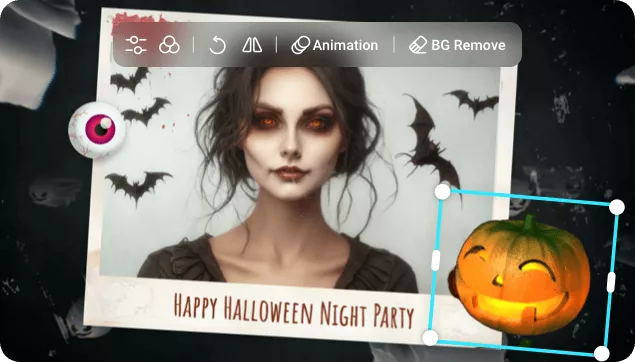
More Styles to Unleash Endless Creativity
FlexClip offers more than just AI Halloween filter. Explore a variety of filters & styles that can turn your images into 3D art, Claymation, paintings, anime, sketches, and more. Choose your favorite style filter to add a unique flair to your creations.
Explore More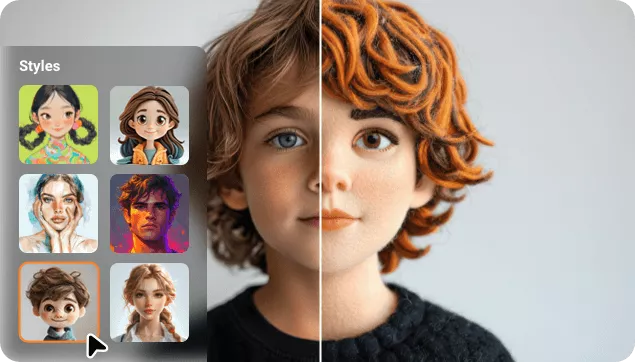
How to Use AI Halloween Filter in 3 Steps?
- 1
Upload An Image
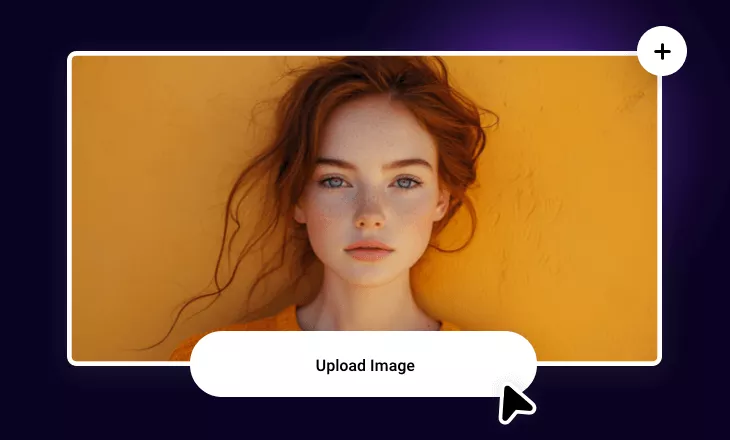
Come to our cartoon generator and upload any image you'd like to turn it into a Halloween art.
- 2
Use Halloween Filter
Choose a Halloween filter and write the prompt(if needed), set the image number, and click on Generate.
- 3
Preview & Download
Preview the result and download the stunning Halloween-themed image, or directly share it across social media with single click.