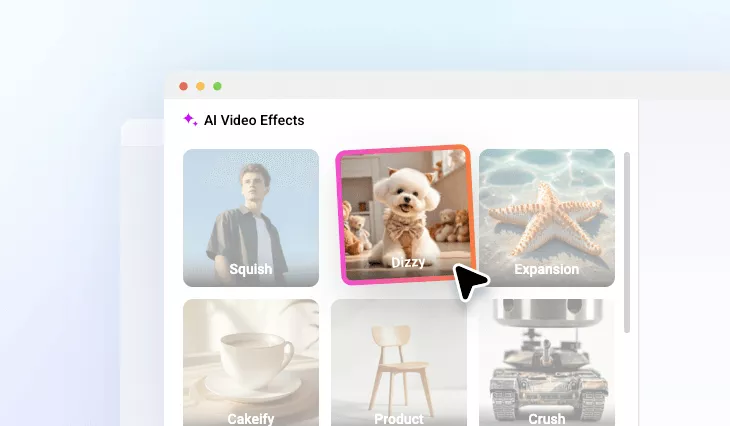
AI Dizzy Video Effect
Draw viewers into a swirling world with AI dizzy video effect.
TRUSTED BY
Power-Packed Features of FlexClip’s AI Dizzy Video Effect

Browser-Based Effect
You don’t need giant video editing software that runs on your desktop. FlexClip ’s AI dizzy video effect works right on your browser.

Powerful AI
FlexClip is powered by AI, which is able to add a natural spinning motion to your photo without any manual edits.

High Efficiency
A spinning video creation takes only about 5-10 minutes. Grab a cup of coffee while letting AI take over the arduous editing task.
High-Quality Dizzy Animation
FlexClip is one of a kind in the market, because it utilizes AI technology to accurately predict what’s behind the key object, and create a professional-level dizzy animation from the image, without complex 3D software or manual edits. The spin motion doesn’t change the original image resolution, or bring in hallucination. Maximally, you can export the spin clip in 1080P.
Include AI Audio to Match the Visual Spin
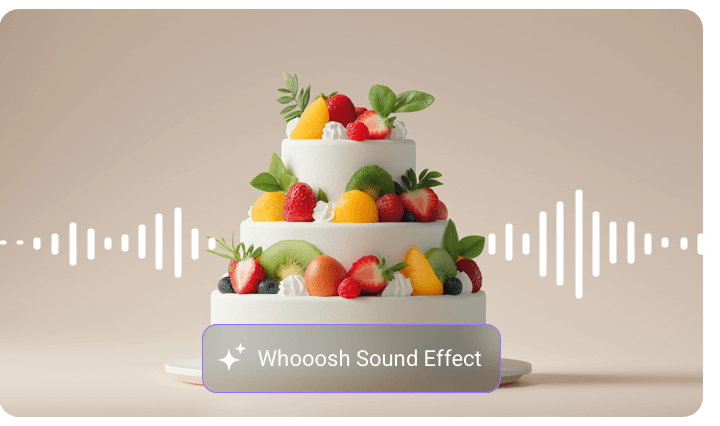
A spin video always goes well with sound effects like whooshes, spiral tones. FlexClip gets it. Its AI SFX Generator creates sound effects that match the visual spin. Whether you are enhancing humor or dramatic tension, the audio layer completes the dizzying moment with precision.
Next-Level Dizzy Animation Editing Tools
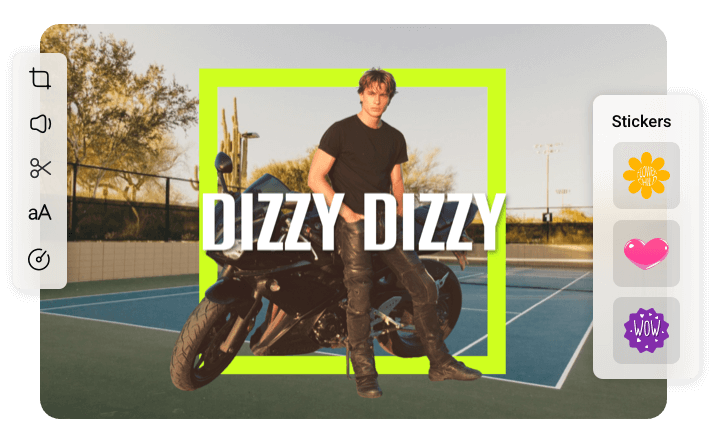
Go beyond a simple dizzy animation! Visit FlexClip’s editing panel where you can add cartoon emojis, funny captions, crop, flip the video or make other edits. Whether you are creating a trendy meme, a commodity display clip, FlexClip will always work as your shortcut to spice up the spinning video.
How to Use FlexClip’s AI Dizzy Effect
- 1
Access FlexClip’s Dizzy Effect
Go to FlexClip’s Video Generator tool, switch to the Video Effect part, and then select Dizzy.
- 2
Upload Photo
Drag and drop your photo to upload, and then hit Generate. The video output should be ready within 5-10 minutes.
- 3
Preview & Export
Preview the spinning video. Export or share to social media directly.