AI Deflate Effect Generator
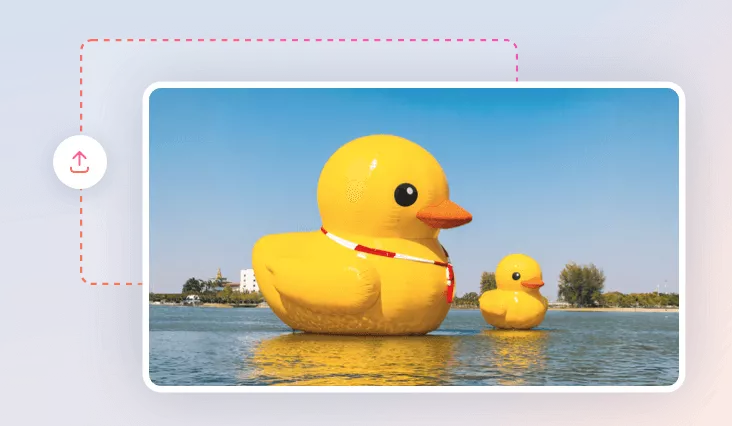
Upload your photo and watch it lose shape, shrink, and collapse, pranking your friends with our hilarious AI deflate effect!
TRUSTED BY
Why Choose FlexClip's AI Deflate Effect?

Deflate with AI
No more complicated manual edits! Just prepare your photo, sit back, and let AI work its magic, instantly transforming it with the trendy deflated effect. Join the fun in seconds!

Smooth Deflation Animation
Once your image is uploaded, you’ll get a flawless deflating video with unbelievably smooth, lifelike animation like it was born to melt.

Privacy Guarantee
Your privacy comes first. All videos/images remain private until you explicitly authorize download or sharing permissions.
Create Deflate Effects Easily - Perfect for Beginners and Pros Alike
No manual edits! No perfect prompts! With our AI deflate effect generator, both beginners and seasoned can instantly transform oridinary pictures into mesmerizing deflating video. Just upload your image, hit Generate, and watch as it smoothly loses shape, shrinks, and collapses into a perfectly flat form with lifelike animation.
Deflate Anything for Any Purpose - Fun, Creative, or Professional
Spice up by turning ordinary pictures into AI deflated videos. Whether you want to transform pet photos for viral social media trends, edit product images for unforgettable promo content or elevate creative projects with surreal visual effects, FlexClip's AI deflate effect generator can effortlessly deflate it into a flat, lifeless form to add a playful twist. Just add your picture and let AI work its magic!
Edit Deflating Video for Viral - Caption, SFX or Music
Creating a basic AI deflating video is easy but it’s not enough to go viral. Take your AI deflating content to the next level with FlexClip’s built-in editor by adding essential social media elements like eye-catching captions, perfectly timed shrinking sound effects, and funny background music. These enhancements help grab attention, boost engagement, and increase your chances of becoming a hit. Start crafting your AI deflating video today and fine-tune it to perfection!
How to Use FlexClip's AI Deflate Effect?
- 1
Upload a Photo
Access FlexClip's AI video effects and upload image of anything/anyone you'd like to see it deflated.
- 2
Choose Deflate Effect
Ensure the Deflate Effect option is selected, then hit on Generate button to start deflation creation.
- 3
Download and Share
Once your AI deflating video is ready, seamlessly download it to local folder or play a prank with your friends or share it across social media.