Make Livestream Backgrounds with Free Templates & AI
Pack with various free livestream background video templates, stock footage & images and AI editing tools, FlexClip's free livestream background generator entitles you to choose, create, customize, alter and download livestream background videos, animations and webcam images for various livestream platforms like TikTok, YouTube, Meta Facebook, Twitch, webinar, and such as. Explore creative livestream background templates and stock media, upload your footage, images, logo and branding materials to incorporate them in your livestream background project via AI-Recreate auto process or manual drag-and-drop editing. Use dazzling texts, countdowns, intros, masks, overlays, effects and background music to make it unique and outstanding! Try it for free now!
Make Livestream Backgrounds Handy video editor
 Rich video templates
 Extensive media library
 Dynamic text animations
- Trusted by:






Free Livestream Background Templates of All Themes, Holidays & Events
 CustomizeAI Recreate
Bokeh Love Story Photo Collage
 CustomizeAI Recreate
Tech Science Fiction Future Astronaut Movie Trailer Coming Soon Bokeh Intro
 Customize
Happy World Music Day
 Customize
Live Music Festival
 Customize
Holiday Intro Thanksgiving
 CustomizeAI Recreate
Loving Anniversary Photo Show
 CustomizeAI Recreate
Meditation
 Customize
Diverging Bokeh Intro
 Customize
Bokeh Lines Intro
 CustomizeAI Recreate
Music Beat Travel Slideshow
 CustomizeAI Recreate
Bokeh Christmas Photo Slideshow
 CustomizeAI Recreate
Romantic Wedding Slideshow
Why You Need to Make a Livestream Background Video

Share Moments
Making a video story is a great way to share your important moments with family and friends.

Evoke Emotion
A video can convey strong emotion and resonate well with audiences.

Improve Engagement
People are more likely to engage, share, and comment on video content.
How to Make a Livestream Background Video in 3 Steps
- 1
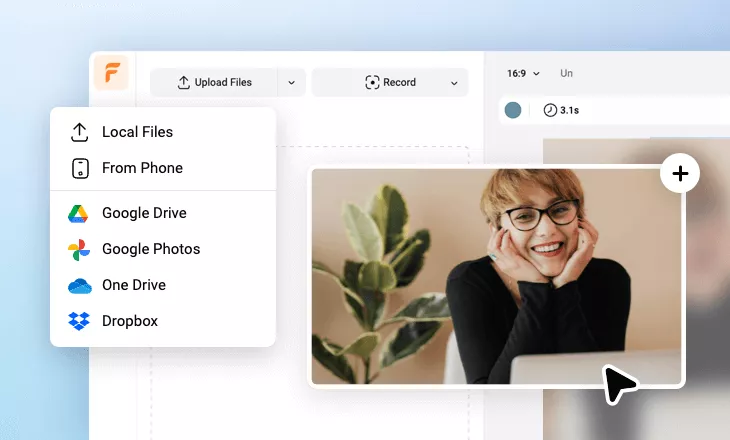
Add Media
Add videos or photos from computer or stock libraries to the scene.
- 2
Customize
Add text, music, and voiceover to customize your livestream background video.
- 3
Export
Download your livestream background video in various ratios and definitions or share it online with the world.