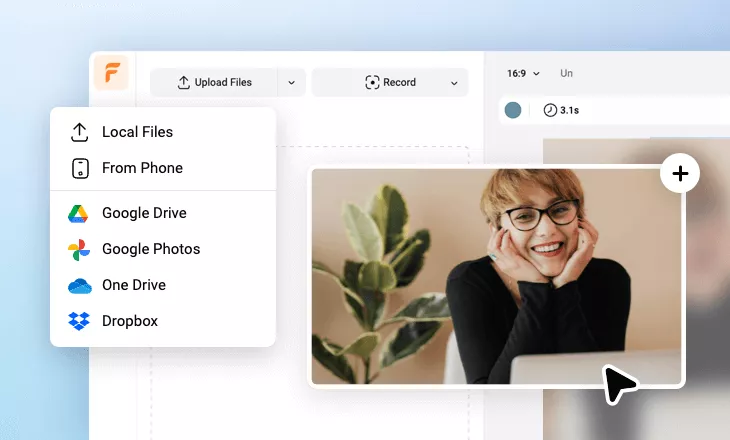
Create Compelling App Videos Using Free Templates, Footage & AI
Explore a variety of professional free app video templates and stock footage for app previews, app demos, app mockups, app presentations, app promos and ads within FlexClip's free app video maker, easily craft a standout app video with your uploads. Select an app video template and press its AI-create button, then FlexClip AI will auto-create a stunning app video with your media files shortly. Or, transform an app PPT or an app webpage URL to a comprehensive app explainer video through PPT-to-video or URL-to-video AI feature. AI image-to-video can convert your app picture to a lifelike app video in one tap. Try drag-and-drop editing to adjust the app video with labels, intros, titles, texts, lower-thirds, motions, logo reveals, information overlays and other elements & graphics. Use text-to-speech feature, you'll turn your text prompts to realistic voiceovers for your app video. Make your app video for AppStore, GooglePlay or other sites, try it for free now!
Make Free App Videos Handy video editor
 Rich video templates
 Extensive media library
 Dynamic text animations
- Trusted by:






Engaging App Video Templates for Free
 CustomizeAI Recreate
Blue Simple Technology Style Mobile App Promo Slideshow
 CustomizeAI Recreate
Gradient Purple Red Updates App Feature Mockup Technology Business Tech Presentation
 CustomizeAI Recreate
Black Purple Modern App New Features Animated Introduction Tech Presentation
 Customize
Neon Purple Number Countdown Coming Soon Business Tech New App Update Intro
 CustomizeAI Recreate
Mobile Mockup Clean App Promo Template
 CustomizeAI Recreate
New App Explainer
 CustomizeAI Recreate
Fluid 3d Shape Smartphone Mobile App Promo
 CustomizeAI Recreate
Blue App Promo Business Presentation
 CustomizeAI Recreate
App Presentation Mockup Promo
 CustomizeAI Recreate
Gradient Clean Technology Orange Business App Promo Mobile Mockup Slideshow
 CustomizeAI Recreate
Colours Particle Abstract Fluid App Promo Slideshow
 CustomizeAI Recreate
Mobile Phone App Reviews Presentation Promotion
Create All Types of App Videos in a Minute
App Launch Video
To boost app downloads you need a professional program that showcases what your app has. It's straightforward to get the work done without any professional help in FlexClip. The inbuilt templates will get you the best ideas for your application launch and take it to the next level.
Make a Video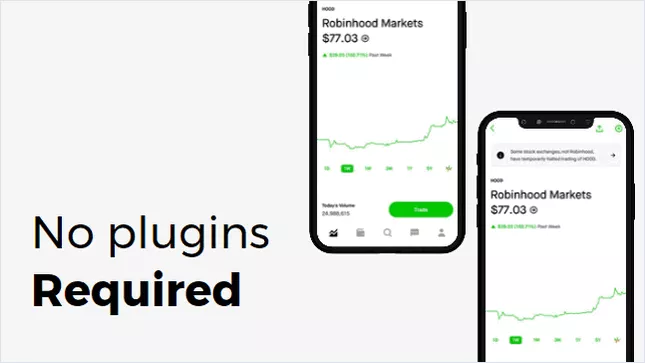
App Demo Video
Whether your app is technical or nontechnical, you always need a sound demo to get the interest of users. To release an app demo video, there's no choice as good as FlexClip. The program is easy to use, and it helps you through the process to make your app demo video a success.
Make a Video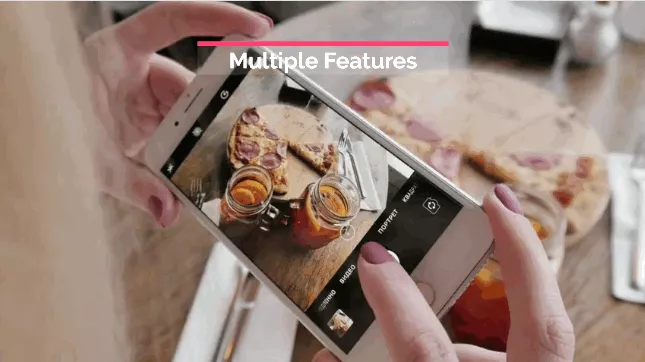
App Promo Video
To engage an audience, app promos act as a trick that works for sure. Grab FlexClip, drag and drop to make your app promo that has all the spice to get your audience's attention. The integration with FlexClip is awesome as it has all the tools to make your project a success.
Make a Video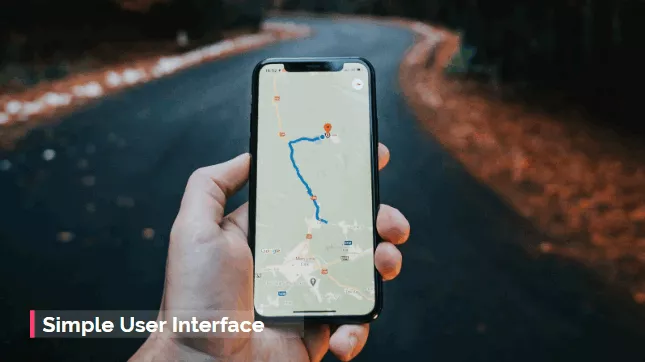
App Tutorial Video
Your app tutorial video should be such that it engages users in every possible manner. Use the power of FlexClip to make tutorial videos that garner positive app reviews. Making a tutorial video is just a few clicks away and gets you a professional and clean result here.
Make a Video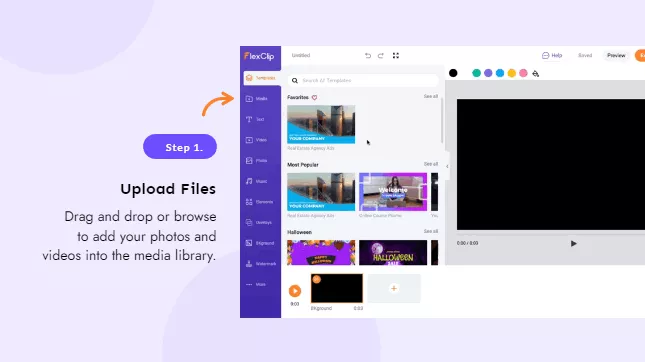
App Review List
Integrate the power of FlexClip that allows you to free yourself from the hassle of lengthy editing techniques. With FlexClip, you can review a list of apps, show the trendiest ones, and match the prices to get the users the best option.
Make a Video
App Report Video
Use the huge library of templates to make sure that user behaviors & app using data are clearly reported. With FlexClip your awesome app report video is just a few clips away. Make use of the easiest video editor and experience its most streamlined app-report process that is offered.
Make a Video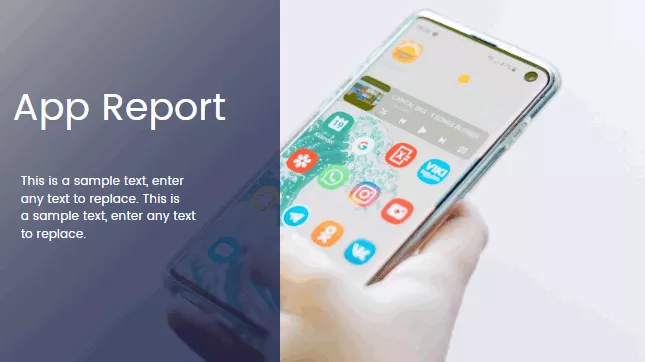
Free App Video Maker Helps Create Buzz in the Market
Your app launch is not complete if a professional service like FlexClip is not used as a companion. FlexClip is straightforward to create awesome app videos with a few clicks. Whether you want to show the powerful features of your app, or create an app promo, FlexClip is all one tool that will make your life easier with video-editing features.
The best part is that there is no installation required and the program is completely online. To get your app the best exposure, use FlexClip as it will get you astounding results.
Why You Need to Make an App Video

Boost Sales
A compelling video can absolutely influence buying behavior, leading directly to sales.

Increase Traffic
Nothing can compare to the power of video content when it comes to driving traffic to your site.

Encourage Social Shares
Videos on social media platforms generate more likes and shares than images and text combined.
How to Make an App Video in 3 Steps
- 1
Add Media
Add videos or photos from computer or stock libraries to the scene.
- 2
Customize
Add text, music, and voiceover to customize your app video.
- 3
Export
Download your app video in various ratios and definitions or share it online with the world.