AI Walking Transition Video Generator
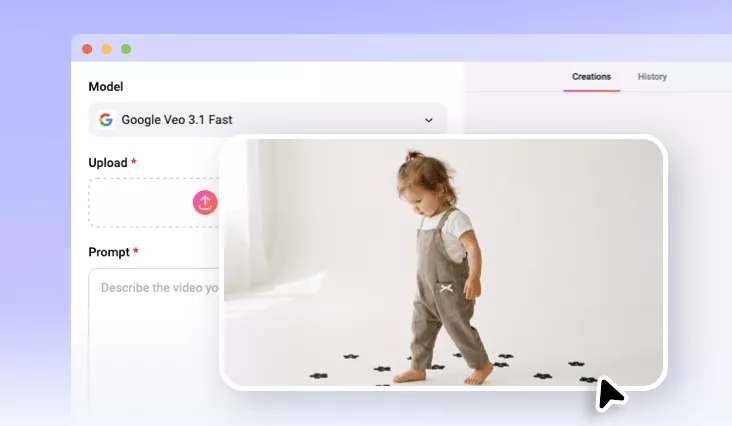
Turn your photos into smooth, cinematic walking transition videos where the character remains perfectly consistent across scenes, creating a seamless and continuous walk.
TRUSTED BY
Why Choose FlexClip’s AI Walking Transition Video?

100% Online
Our AI walking transition video generator runs right in your browser, without any editing experience or download required.

Realistic Walking Transition Motion
No trace of AI generation. FlexClip creates walking transition videos that closely mimic natural human motion, including realistic walking pace, posture, and gestures, helping your clip look smooth and authenti

Privacy Protection
We prioritize your privacy. Unless you make it public, all your date will remain private and secure.
Create a Walking Video with Multi-scenes
Need a walking transition video for your travel content? With FlexClip’s AI walking transition video generator, simply upload a single photo to create an impressive walking animation where the character stays perfectly consistent across scenes. Easily replace backgrounds, switch locations, and produce seamless transitions that feel like one continuous walk.
Natural Walking Transition for Every Scene
From city streets to beaches, mountain paths, and alleys, you can create a continuous walk by smoothly replacing backgrounds while preserving natural walking motion and camera flow. The result is a seamless AI video transition—perfect for sharing on platforms like Instagram Reels, TikTok, and other social media hubs.
Customize Your AI Walking Transition to Perfection
Ready to share your AI-generated walking animation on social media? Not so fast—add a few magic touches to help it go viral! Upload it to the built-in editor of FlexClip and enhance it with powerful creative tools. Add background music, apply filters, generate subtitles, and include other creative elements to perfect every detail. Elevate your walking video and make it shine on any platform.
How to Create AI Walking Transition Video
- 1
Upload Your Photo
Go to FlexClip’s AI image-to-video tool and upload the image you want to animate.
- 2
Enter a Prompt
Input a prompt defining walking style, camera movement, and scene transitions. The AI keeps the character consistent while preparing the multi-scene walk.
- 3
Generate and Download
Now, let our AI transform your photo into a stunning multi-scene walking video. Your video will be ready to download and share in just moments.