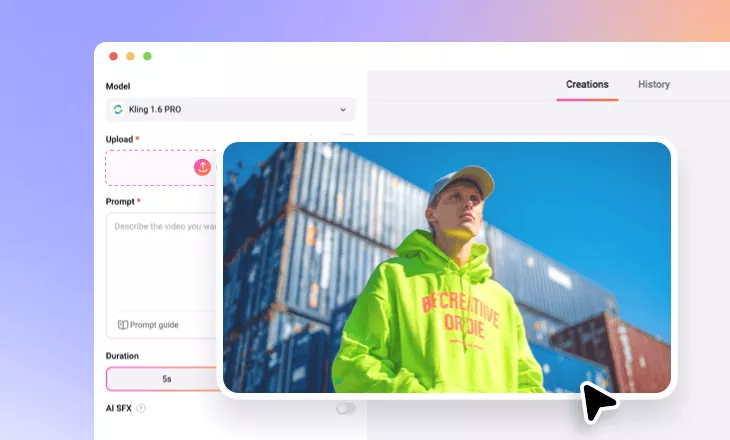
Dolly Zoom Out Effect
Try to achieve cinematic dolly zoom effect for your image using FlexClip’s AI.
TRUSTED BY
Why Choose FlexClip’s AI Dolly Zoom Out Effect?

100% Online
No downloads, apps, or different versions of the same thing. You can directly use FlexClip’s AI image to video generator online on your desktop browser!

Easy to Use
You can convert an image into an AI-generated video with dolly zoom out effect without sparing any effort. Just access FlexClip’s AI image to video generator to pick the right model, upload your image, and let AI do the rest.

Instant Results
With FlexClip’s easy-to-use AI image to video generator, you can easily add dolly zoom out effect to your image in just a few seconds. Enjoy fast and seamless performance.
Professional Dolly Zoom Out Effect
It takes time for ordinary people to create a perfect dolly zoom out effect. However, with the right tool, like FlexClip, you can quickly achieve the desired cinematic dolly zoom out effect to make your image more dynamic. Its AI image to video generator can help you create elaborate camera movements for your image in post-production. You can let AI move the camera backward while zooming in to heighten emotion or suspense. It’s perfect for dramatic reveals or intense moments.
Allow Zooming Out Your Image as You Like
In addition to creating a dolly zoom out video effect for your image, you can also zoom out your image in FlexClip as you like. With FlexClip’s online image zoomer, you can zoom out on your photos as much as you like. You can notice every little detail you’d previously missed in your photos. Therefore, you can choose to zoom out on the image according to your needs.
Customize Your Dolly Zoom Out Effect Video
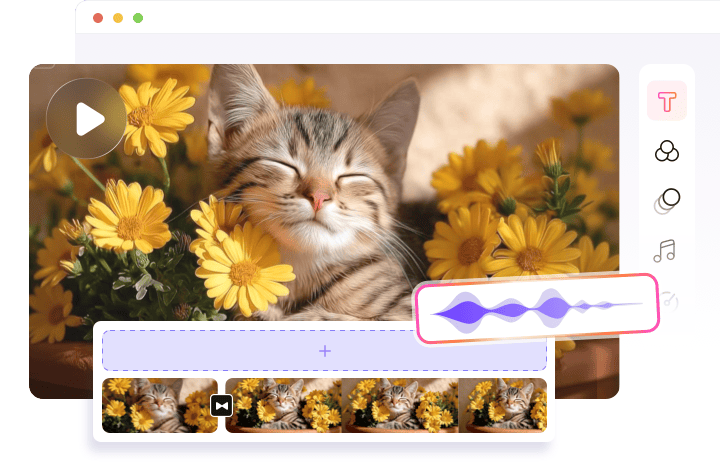
A simple dolly zoom out effect video doesn’t cut it! You can continue to access FlexClip’s editing page and make the AI-generated dolly zoom out effect video more personal or professional. For instance, adding background music to highlight the atmosphere, applying filters to make your dolly zoom out effect more attractive, etc. The possibilities are endless. You can also choose to take your dolly zoom out effect video creation to the next level with fantastic effects. You can choose from brush, ink, film, glitch, bokeh, neon, snow, and more effects.
How to Apply FlexClip’s AI Dolly Zoom Out Effect?
- 1
Upload Your Photo
Enter FlexClip’s AI image to video generator and upload your still image to begin AI video creation.
- 2
Generate Dolly Zoom Out Effect Video
You should type prompts to let AI add dolly zoom out effect to your uploaded image, then tap the Generate button.
- 3
Download Your Dolly Zoom Out Effect Video
When you are done with the AI-powered dolly zoom out effect video process, you can directly save it to a local folder or directly post to social media.