AI Training Video Generator
Create professional training videos faster with FlexClip’s all-in-one AI-powered training video generator. Convert slides, record tutorials, add AI avatars, and edit everything in one platform.
TRUSTED BY
Why Use FlexClip to Generate AI Training Video?

AI-Powered Simplicity
AI simplifies the entire video creation process by turning complex tasks into simple steps. You don’t need editing skills or technical experience—just upload or input your content, and the AI helps you generate a professional training video quickly and effortlessly.

Fast Generation
Instead of spending hours or days producing a training video, AI can generate it in minutes. It quickly converts PPTs, PDFs, or scripts into complete videos with visuals, narration, and animations, helping you scale content creation and meet tight deadlines.

Security Protection
AI training video platforms prioritize data protection and privacy. Your uploaded files, presentations, and recordings are securely processed and not shared, ensuring your business or training materials remain confidential throughout the creation process.
Turn Existing Materials into AI Training Videos
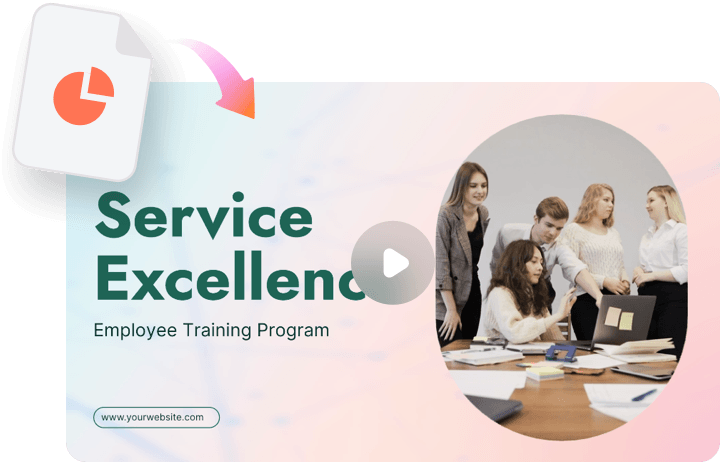
Instantly transform your PowerPoint presentations, PDFs, and other training materials into engaging AI-powered training videos. Simply upload your existing content, and FlexClip converts it into a ready-to-publish training video—no scripting, redesigning, or starting from scratch required.
Record Screen, Camera, or Both for Training Video
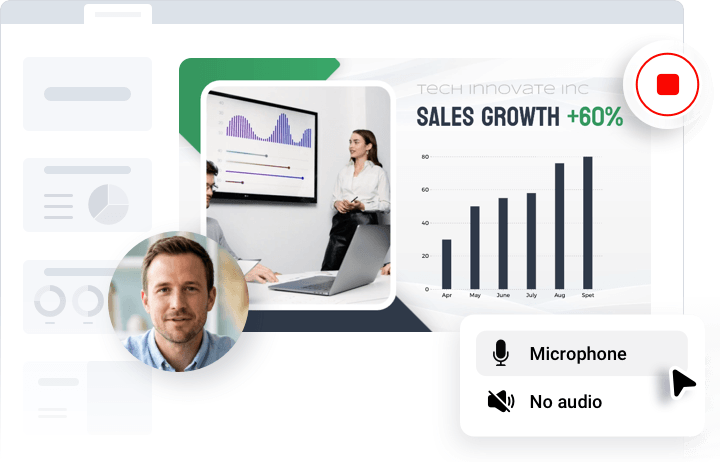
Easily capture your screen, webcam, or both to create professional training videos. Record screen walkthroughs, product demos, software tutorials, or face-to-camera sessions using the built-in recorder and manage everything directly inside FlexClip.
Generate AI Talking Avatars for Training Videos
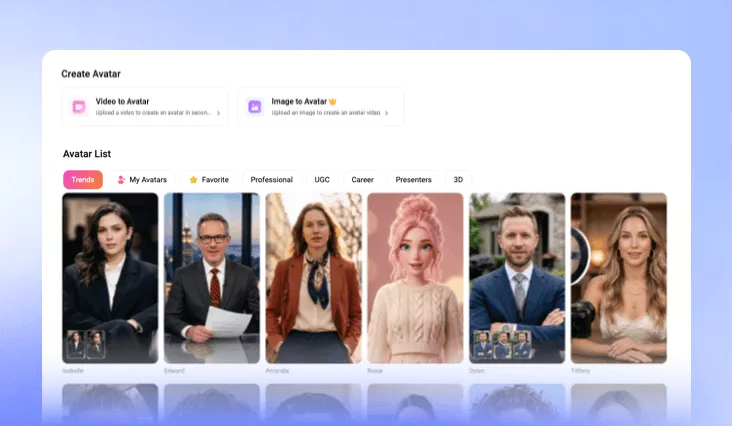
Advanced AI Avatar Generator to create realistic AI presenters. Choose from 130+ preset AI avatars or upload your own image to create a custom talking avatar with smooth lip-syncing, natural facial movements, and lifelike micro-expressions. Deliver engaging, professional training videos in minutes using FlexClip AI.
Edit and Perfect Your AI Training Videos with Ease
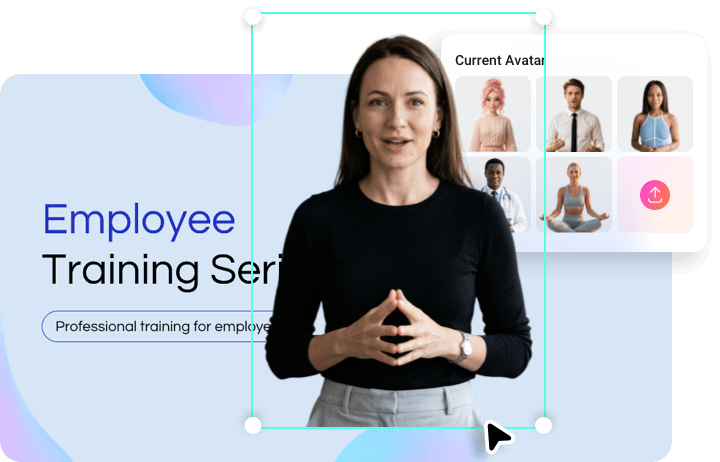
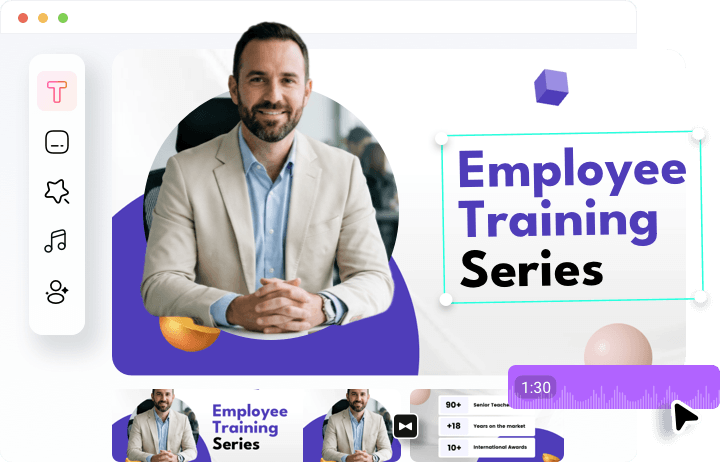
Combine and refine all your materials—PPTs, screen recordings, webcam footage, and AI talking avatar content—into a polished, professional training video. Customize every detail with FlexClip’s easy-to-use editor, powered by advanced features like text animation, transitions, background music, and more for a truly engaging result.
How to Generate Training Video with AI Avatar?
- 1
Choose an AI avatar
Choose from over 130 avatar presets, or create a custom avatar by uploading a photo or video.
- 2
Enter Your Script
Paste your script and adjust the video settings, like ratio and subtitles to generate an AI training talking avatar video.
- 3
Generate Video
Wait a few minutes while FlexClip creates a realistic training video. Once ready, preview the result and add it directly to your project to make your training content more engaging.