


AI Mockup Generator
Apply any patterns to T-Shirt, package, website and more for realistic mockups.
TRUSTED BY
FlexClip Mockup Examples for Every Use Case
FlexClip’s AI Mockup Generator: Features at a Glance

AI Generation
FlexClip automatically produces realistic mockup results based on the artwork you uploaded and the prompt. No complex editing process, AI handles all the technical details.

High Efficiency
With FlexClip's mockup generator, you can just focus on creativity and marketing strategy, because AI finishes mockup generation in just several seconds.

Privacy Guarantee
FlexClip ensures your designs remain secure with a strict privacy guarantee. All uploaded artwork is protected, processed safely, and never accessed by third parties.
Professional-Level Mockups Created by AI
FlexClip doesn't just create high-resolution mockups. It perfects every detail. AI accurately applies patterns to any item in the right proportions and lighting, producing professional-quality results effortlessly without any manual effort. Showcase your brand, impress customers, and boost sales with confidence.
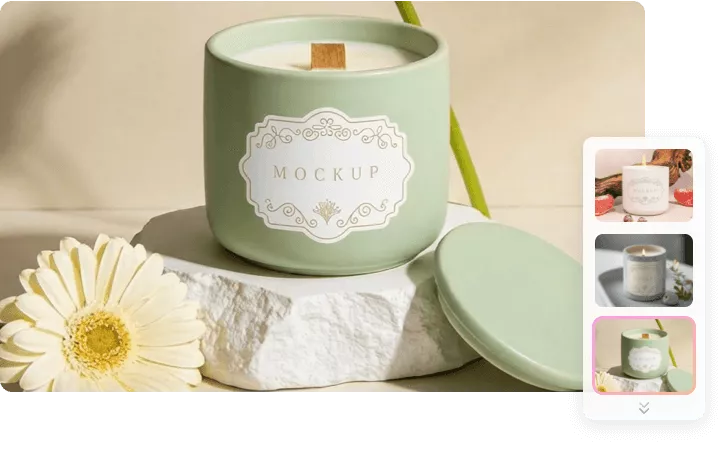
Consistency Across All Scenarios
Consistency strengthens branding, enhances visual appeal, and makes your e-commerce store or portfolio look professional. While FlexClip generating mockups using one pattern, it doesn't tweak the pattern details, even in different sizes, colors, or textures. Create mockups that are coherent and keep your brand identity intact.
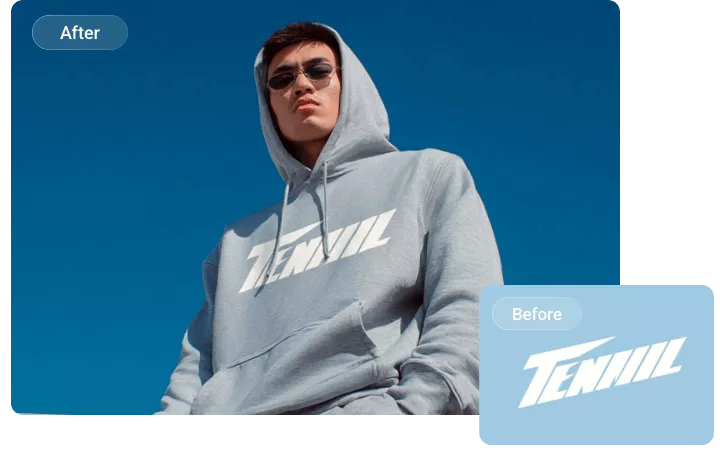
Refine Mockups in Ways You Love
In most cases, FlexClip generates satisfying output in one time. But to give you full creative control, FlexClip offers you options to refine the output as you need, like changing backgrounds, adjusting colors, lights, rotating angles, applying slogans, etc. Tell FlexClip what you want to change and make easy edits by entering prompts again.
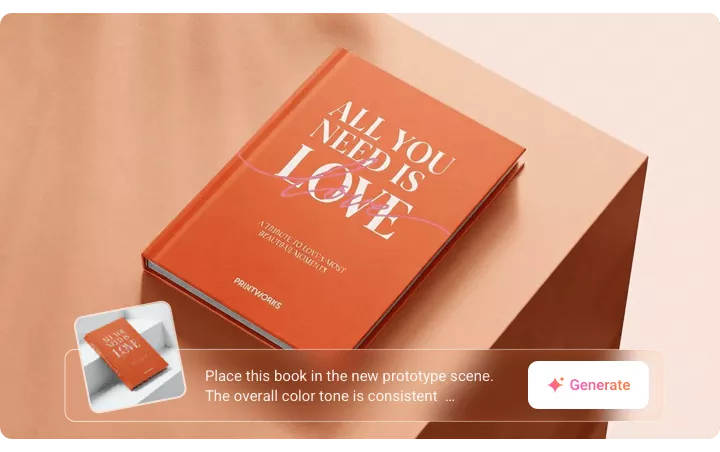
Animate Your Mockups to Showcase Every Angle
Bring your design to life with animated mockups that display every angle. FlexClip's Image to Video tool allows you to create mockups that rotate, zoom dynamically, giving audiences multiple perspectives. Again, FlexClip's AI handles the animation process, so you don't need any design expertise.
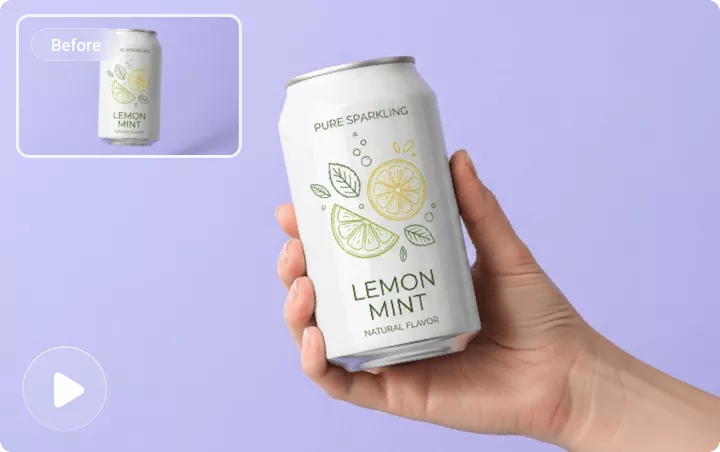
How to Use FlexClip's AI Mockup Generator
Upload Your Images
Access FlexClip's AI mockup generator tool, drag and drop a pattern to FlexClip's upload section.
Enter a Prompt
Describe the mockup you need using simple words, for instance, place this pattern to a fashion lunch box. Hit Generate.
Download & Share
Once the generation is done, download the image instantly, share to social media instantly, or use it for a video project.
Frequently Asked Questions
How does AI mockup generator work?
An AI mockup generator detaches the pattern from an image, then applies it to a product. To achieve a better result, it will automatically adjust the pattern size, position, lighting conditions.
Can I create mockups for multiple products at once?
Currently, no. You can generate one mockup at a time in FlexClip. However, you can work on the prompt, ask FlexClip to generate a mockup collage.
Can AI handle complex patterns or designs?
Yes, FlexClip can accurately apply a complex pattern or design to any item without tweaking its details.
What file formats does AI mockup generator support?
FlexClip's AI mockup generator basically supports all image formats. Besides common PNG, JPG, some less common formats like SVG, TIFF are also supported.