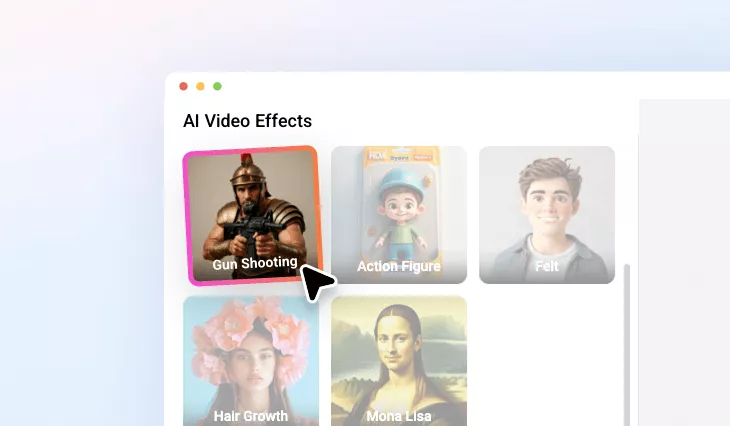
AI Gun Shooter Transformation
Create a realistic gun shot video with natural movements and firing SFXs.
or drag & drop image here
No image? Try these:


Drop Image Here
TRUSTED BY
Fun Shooter Transformation Generator Top Features

Online Gun Shooting Effect
FlexClip animates your photo with realistic gun lifting and firing movements right on your browser. No download is needed.

Easy to Use
You can get a gun-shooting animation without sparing any effort. Just pick the right model, upload your image, and let AI do the rest.

Powerful AI
FlexClip’s advanced AI generates cool weapons, animates your photo in a unique way, instead of offering you monotonous gun shooting clips.
Image to Gun Shooting Video, FlexClip Made it Simple
At FlexClip, transforming a still image into an action-packed scene is simple for all levels of creators. Powered by advanced AI technology, FlexClip’s algorithm is trained on real gun shooting footage, enabling it to generate authentic, high-energy visuals by automation. Its outputs are perfect for game intros, meme videos, or dramatic storytelling projects.
Gun Shooting Audio That Matches Your Visuals
A muted gun-shooting video is just half the fun. Feel like bringing in gun loading and shooting sound effects? Try FlexClip’s AI Video to SFX Generator! It understands your video, and adds gun sounds that perfectly sync the visual. The auto SFXs may fail to capture all the essence of the video, but you can always add a prompt to make some corrections.
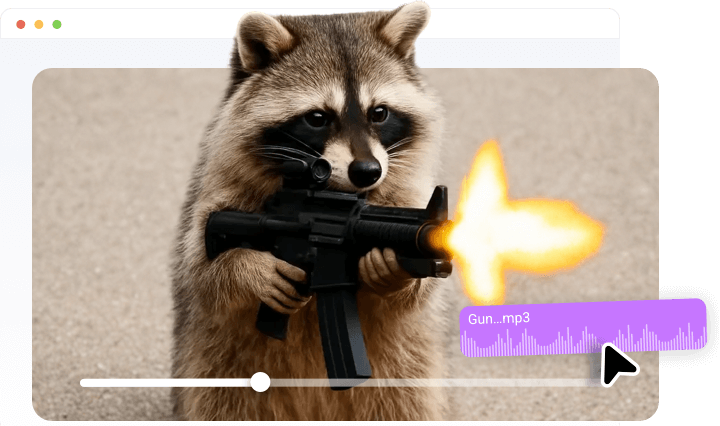
Create Better Gun Shooting Animations
FlexClip doesn’t stop at generating gun-shooting animations. It also provides a suite of editing tools to refine your scene. Access FlexClip’s editing panel, you can layer cinematic titles to boost the emotional impact, bring in filters, make color correction to match the visual tone you are aiming for, etc. No steep learning curve, or sluggishness while editing.
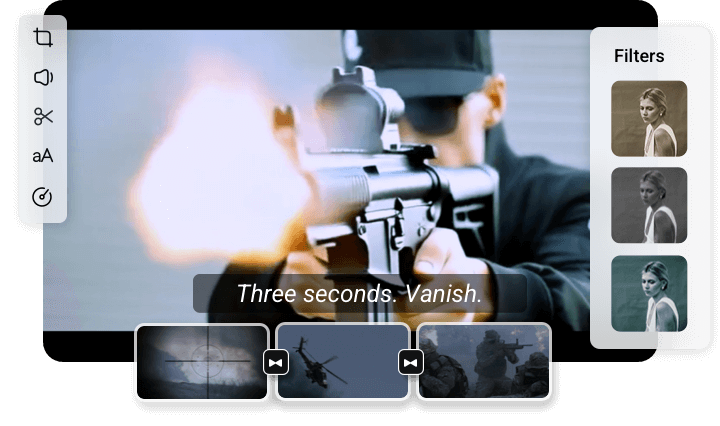
How to Use FlexClip’s AI Gun Shooter Transformation Effect
- 1
Access FlexClip’s Gun Shooting Effect
Visit FlexClip’s Video Generator tool, move to the Video Effect part, and select Gun Shooting effect.
- 2
Upload a Photo
Drag and drop anyone’s photo to the Upload section, and hit Generate. You are about to get the gun shooting video within 5-10 minutes.
- 3
Edit or Export
Edit the gun shooting video. You can bring in firing sounds, do curve speed, add fun text. Whenever you are satisfied with the gun shooting video, export it and share.