AI Crush Effect
Explore AI crush effect and make your own video using this wild effect.
TRUSTED BY
Why Use FlexClip to Create AI Crush Video?

Ease of Use
FlexClip offers you a simple and intuitive interface for quickly applying the AI crush effect to your photo without any technical knowledge required. AI will process your image and create a dynamic AI crush animation automatically.

Smooth AI Crush Animation Transformation
Backed up with cutting-edge AI technology, this tool makes sure you can transform static images into dynamic animations featuring realistic crushing and deformation effects. This will bring a powerful visual impact to your video.

Secure and Private
Your privacy comes first. Unless you make it public, every image you upload or generate is exclusively visible to you.
Lifelike AI Crush Effect
Our AI crush effect simulates authentic physical reactions when objects are crushed, compressed, or shattered in order to bring dramatic visual impact to the audience. Your ordinary images can easily be turned into lifelike crush animation videos with it. With this generated crush animation, it’s easy to experience the realism of some objects being crushed. Sending this kind of AI crush video is bound to surprise your friends and family.
Every Time to Achieve Perfect AI Crush Video Results
FlexClip can generate different crusher styles based on different uploaded images. This AI crush effect isn’t an unchanging video effect. You can achieve special AI crush video results every time. Moreover, users can preview the results and choose from the version history, ensuring they never miss the perfect masterpiece.
Add Sound Effects to AI Crush Video
Why not choose to add crush sound effect to make your video livelier? You can type some words to describe the crush sound effect you want to generate through FlexClip’s AI sound effects generator. The generated crush sound effect must be realistic, and you can add it to make your video more vivid and interesting.
How to Apply the AI Crush Effect?
- 1
Upload Photo
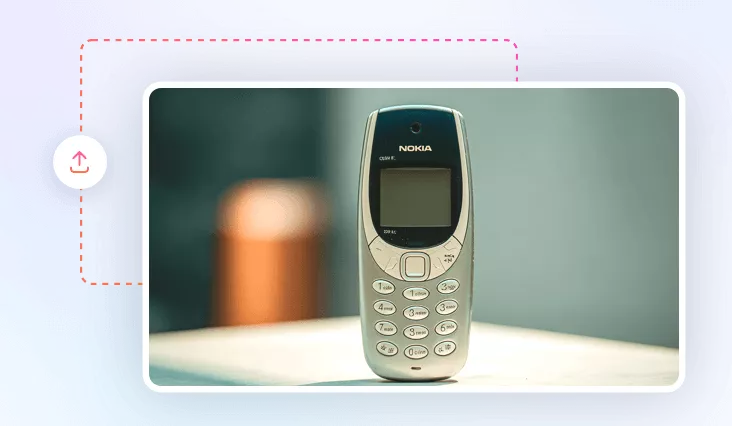
Access FlexClip’s AI video effects page and upload an image with a clear object.
- 2
Choose AI Crush Effect
You can choose the Crush style and apply it to your image. Tap the Generate button to start the creation.
- 3
Download & Share
Once your AI crush effect video is ready, easily download it and share it with friends and family or on social media.