AI Catwalk Generator
Transform image into realistic, stylish catwalk video that looks like a real fashion show. No need for editing tools or apps. Quick, easy, and perfect for sharing.
TRUSTED BY
Why Choose FlexClip AI Catwalk Generator?

Smart AI Process
Upload your image and the AI handles the entire creation process automatically. No any technical or video editing skills required!

Instant Results
Turn any image into a stylish runway walk video instantly. Our AI catwalk video generator gets you from a single image to cinematic AI runway walk videos in no time.

Professional Quality
Generate realistic, glamorous runway walking animation effortlessly. Advanced AI ensures every runway video looks elegant and natural.
Generate Your Catwalk Video in One Click
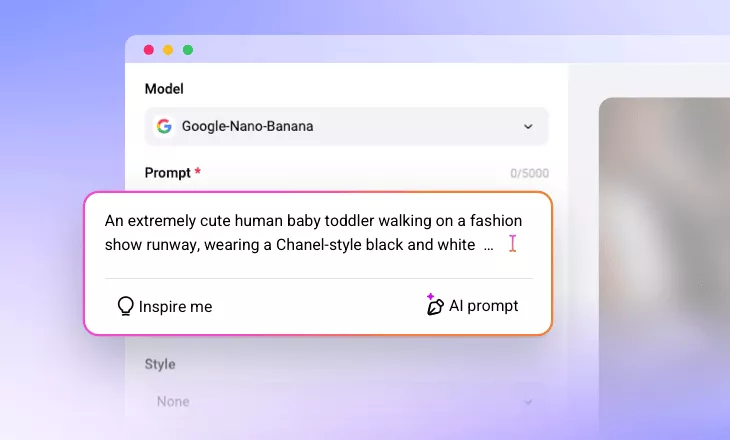
Want to see how your catwalk will look? Try our AI Catwalk Generator to bring your catwalk vision to reality with just a few clicks. Just upload your photo, then customize everything from poses to lighting and outfits with intuitive text prompts. Elevate your catwalk game and let your imagination run wild with endless possibilities—it's that easy!
Transform Any Photos into Stylish Catwalk Moments
Effortlessly turn any image into a glamorous runway walk video with FlexClip's AI catwalk generator. Simply upload a single image of a person, pet, or any character, and add your prompt to let the advanced AI automatically generate stylish catwalk animations with the model walking toward the camera. Ideal for social media, fashion portfolios, or fun creative clips.
Craft Catwalk Videos from Scratch Using Just Prompts
Don't have the perfect catwalk model image on hand? No problem. With our powerful text-to-video feature, you can bring your vision to life without uploading any photos. Just describe the model, outfit, pose, lighting, and runway style you want, and your custom catwalk video will be generated in seconds. No model photos, no complex setup—just your imagination transformed into motion.
Edit the AI Catwalk Video to Perfection
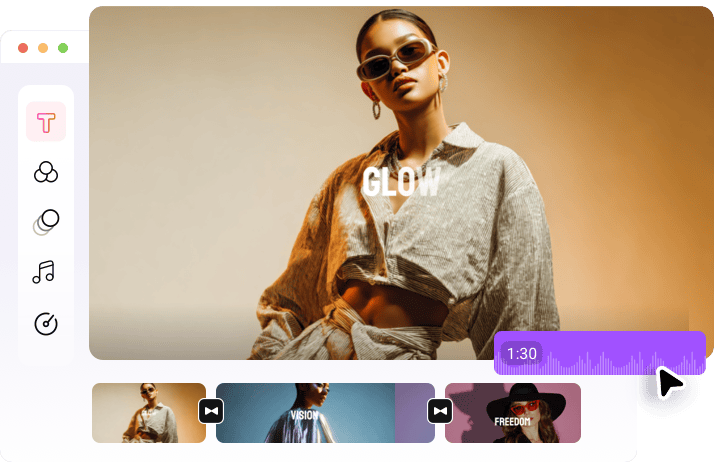
Once your AI catwalk video is generated, take it to the next level with FlexClip's powerful built-in editor. Use a complete set of creative tools and stunning effects to perfect every detail. Add BGM, apply filters, insert captions, and enhance visuals with smooth transitions—all in just a few clicks. Transform your catwalk into a sleek, professional-quality video ready to shine on any platform.
How to Generate a Catwalk Video with AI?
- 1
Upload Image/Input Prompt
Access FlexClip's AI Video Generator tool, switch to Image to Video or Text to Video. Upload image or enter a prompt describing your catwalk video.
- 2
Adjust Settings
Choose an AI model, and make some adjustments like video aspect ratio or duration to customize your video creation. Hit Generate.
- 3
Generate and Download
Now, let our AI transform your photo into a stunning catwalk video. Your video will be ready to download and share in just moments.