AI Camera Movement Effect
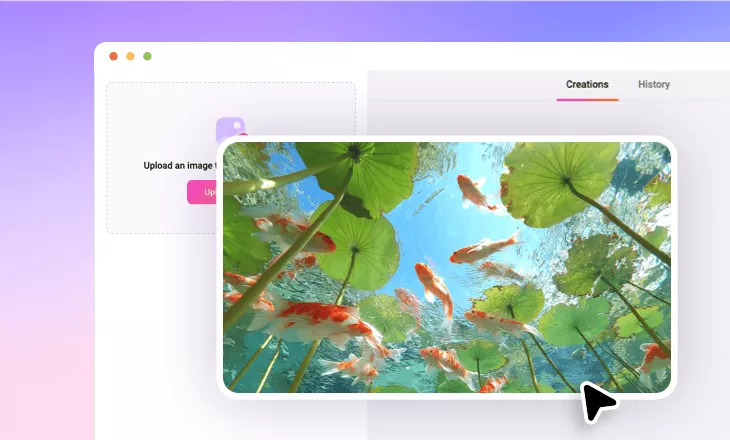
Animate your still images with professional camera movement effects. Upload your photos and get real camera-motion clips for cinematic videos with next-level depth and dynamism.
TRUSTED BY
Why Choose FlexClip’s AI Camera Movement Effect?

Smart AI Technology
Powered by advanced AI technology, FlexClip helps you easily transform still images into dynamic camera-movement clips that add depth, realism, and a cinematic feel.

Fast Generation
No more long waits. With FlexClip, your still photos will transform into smooth, dynamic camera movement animations in just minutes.

Realistic AI Camera Motion
This tool can simulate a variety of real camera movements, animating your content with sharp, smooth motion and fine detail for a realistic, cinematic look.
Animate with Various Camera Movement Effect Presets
Want to make your photos move with basic camera motion? With FlexClip’s AI 3D photo animation tool, you can experiment with a variety of camera movement effects—including vertical, horizontal, zoom, circular, and perspective motions—to bring your photos to life in just one click. You can also customize the intensity, direction, duration, and other settings, ensuring the final effect perfectly matches your content.
Design Your Camera Move with Prompts
With FlexClip’s AI image-to-video generator, you’re in full control of the camera movements! Simply enter a prompt describing the animated camera motion you envision, and the AI will handle the rest—analyzing your input to create unique, captivating camera movements with smooth animation, enhanced storytelling, and engaging visuals that evoke emotion.
Camera Movement for Storytelling with Start and End Frame
Have two photos you want to animate with smooth camera movement? FlexClip’s Start-and-End Frame feature makes it easy. Simply set your starting and ending shots, and the AI will automatically generate a seamless camera-motion animation between them. Perfect for storytelling, this feature brings your images to life with fluid motion, adding depth and cinematic appeal to your videos.
Edit AI Camera Movement Video to Perfection
Once your AI-generated camera movement video is ready, take it to the next level with FlexClip’s built-in video editor. Access a wide range of creative tools and resources to spark inspiration—add background music, apply filters, generate subtitles, and add other creative touches to perfect every detail. Elevate your camera-motion video and make it shine on any platform.

How to Use FlexClip’s AI Camera Movement Effect Generator?
- 1
Upload Your Photo
Load your photo to FlexClip’s AI 3D Photo Animation tool and pick a camera movement preset to apply. Or visit its AI image-to-video tool, add your photo and prompt to process.
- 2
Apply Real Camera Movement
Adjust settings such as duration and intensity to customize your camera movement effect. Then let the AI take over, turning your image into a realistic, depth-filled camera-motion clip with smooth, dynamic movement.
- 3
Download and Share
In minutes, your AI camera movement effect clip will be ready to download and share.