AI Bloom Effect
With our AI Bloom Effect, turning static images into floral magic videos is seconds. Just upload and watch as delicate flowers sprout, sway, and blossom across its surfaces.
TRUSTED BY
Why Choose FlexClip AI Bloom Effect?

Apply Bloom Effect with AI
Skip the hassle of manual edits or tricky prompts! Just upload your photo, and our AI will transform it into visually striking, dynamic blooming videos with flowers blossoming frame by frame.

Instant & Smooth Animation
Watch static photos instantly transform into dynamic blooming videos, with delicate floral blossoms unfolding through smooth growth animations, breathing new life into your ordinary pictures.

High-quality Output
You'll download an enchanting high-quality blooming video generated by AI, ready to dazzle your audience without extra manual edits.
Watch Impressive Architecture Blooming with Our AI Bloom Effect
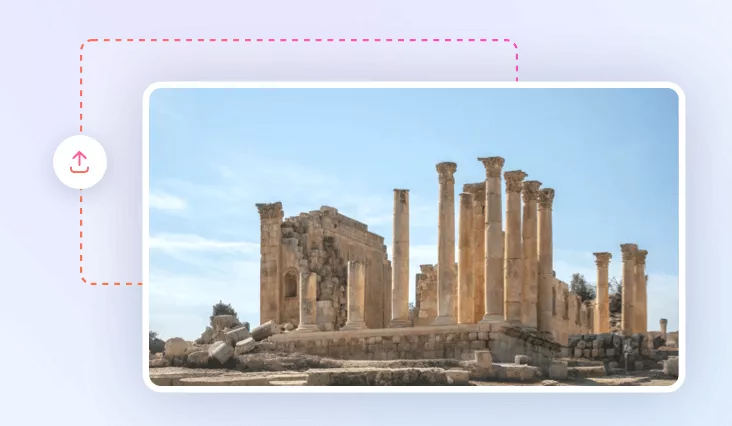
Watch ordinary buildings blossom to life with our AI Bloom effect, instantly turning your photos into mesmerizing blossom videos. Whether it’s a lonely rural cottage, a Gothic cathedral, or weathered ruins, our AI breathes new life into your images, as vibrant flowers bloom and weave through every structure, blending each frame with a sense of renewal. Just upload your photo and let the enchantment unfold in one tap.
Create Dreamlike Floral Scenes with AI Bloom Effect
Miss the vibrant energy of spring? Easily create dreamlike floral scenes with our AI Bloom Effect Generator. From lifeless winter snapshots and barren desert photos to gloomy city streets and ruined landscapes, watch as vivid flowers bloom gracefully with soft birdsong. With a simple AI touch, the dull, lifeless scenery transforms into elegant vitality before your eyes. Now, use our AI Bloom Effect to share the magic of spring by creating stunning floral motion videos.
Make Vibrant Videos on Trend with AI Bloom Effect
Stand out from crowded social media feeds by creating enchanting blooming videos with our AI Bloom Effect filter. No drawing or editing skills required - you can showcase your snapshots in a creative way. Simply upload a photo and watch as magical blooming effect envelops each frame, delivering visually striking effects that capture attention and ride the wave of the latest online visual trends. Now transform your portrait, adorable pet photo, or any picture into an AI-inspired masterpiece!
How to Use FlexClip AI Bloom Effect?
- 1
Upload a Photo
Select your favorite photo and upload it to FlexClip. The higher the resolution, the better the result.
- 2
Let the Photo Bloom
Choose the Bloom effect and hit on Generate button to begin.
- 3
Download and Share
Download your dynamic blooming video and watch the likes blossom across social media.