Free Instagram Filter Maker: Ins Filters, Overlays & AI Filters
FlexClip's free Instagram filter generator enables you to explore, apply the best Instagram filters & effects to your Instagram photos, Story posts, Reels videos or Status videos at your disposal. Explore popular Intagram filters, overlays, effects and stickers for face, selfie, beauty, retro, vintage, B&W, afterlight and more for creative ideas, pick one and apply it to your photo or video with a single click. Enable generative AI toolkit to convert a photo to an anime or another artpiece. Combine pictures and videos as you wish, and transform them to an Instagram video, slide, wallpaper, background or emoji in the way you prefer, enhancing the expression as well as adding depths easily. Customize the Instagram video or picture with elaborate titles, transitions, music, texts & text masks, finishing it with a personal touch! Try it for free!
Try Instagram Filters Handy video editor
 Rich video templates
 Extensive media library
 Dynamic text animations
- Trusted by:






Amazing Instagram Filter Templates for Free
 CustomizeAI Recreate
Special Family Moments Photo Collage
 CustomizeAI Recreate
Simple Mini Vlog Instagram Reels
 CustomizeAI Recreate
Bokeh Romantic Wedding Story Instagram Reels
 CustomizeAI Recreate
Journey Travel Vlog Instagram Reels
 CustomizeAI Recreate
Simple Travel Collage Social Reels
 CustomizeAI Recreate
Travel Collage
 CustomizeAI Recreate
Wedding Photography Instagram Reels
 CustomizeAI Recreate
Fashion Photograph Polaroid Instagram Reel
 CustomizeAI Recreate
Travel General Photo Girls Instagram Reels
 CustomizeAI Recreate
Motivational Travel Slideshow Opener Collage
 CustomizeAI Recreate
Friend Slideshow Instagram Story
 CustomizeAI Recreate
Weekend Vlog Instagram Reels
Why You Need to Make an Instagram Filter Video

Share Moments
Making a video story is a great way to share your important moments with family and friends.

Evoke Emotion
A video can convey strong emotion and resonate well with audiences.

Improve Engagement
People are more likely to engage, share, and comment on video content.
How to Make an Instagram Filter Video in 3 Steps
- 1
Add Media
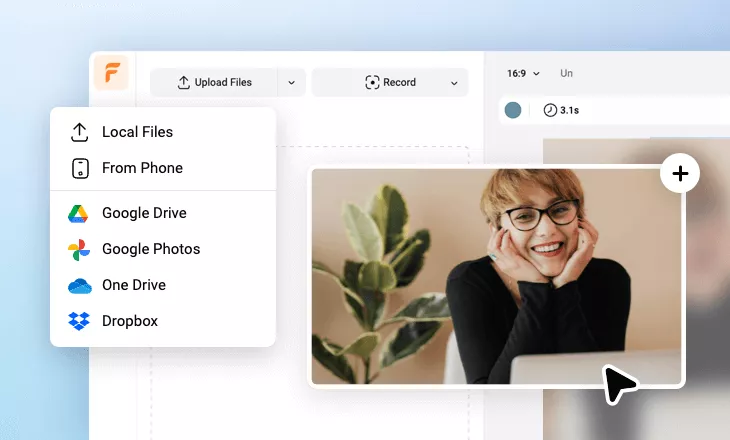
Add videos or photos from computer or stock libraries to the scene.
- 2
Customize
Add text, music, and voiceover to customize your Instagram filter video.
- 3
Export
Download your Instagram filter video in various ratios and definitions or share it online with the world.