Remove Drawing from Photo with AI
Simply select or prompt, and instantly remove any drawings, markups, or scribbles from your photos for a cleaner, more polished result.

Why Choose FlexClip Photo Drawing Remover?

AI Removal
Advanced AI technology instantly detects and removes drawings and doodles from your photos, leaving no detectable marks on the images.

High-Quality Output
Experience professional-grade photo markings removal for clean, precise, and effortless results.

All Privacy Protected
FlexClip always prioritizes your privacy, utilizing encrypted transmission to ensure that your image data is never misused or leaked.
please input title
Effectively Remove Drawing from Photos with AI
Say goodbye to unwanted drawings and markings on your photos—our powerful AI instantly restores images to their clean, original look. With just a few clicks, you can remove doodles and drawings without tedious manual editing. For even more precision, simply add a prompt and let the AI intelligently analyze and erase the drawings while preserving perfect image quality.
Remove Drawing Now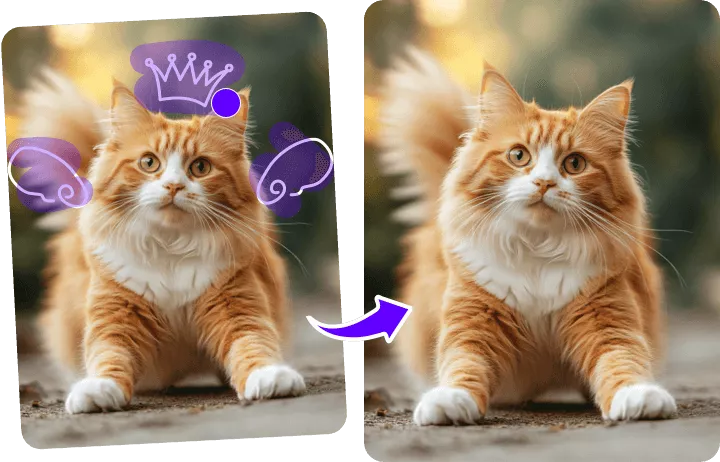
Remove Drawings for All Use Cases
Accidentally marked up a photo? Frustrated with unwanted drawings or markups on your screenshots or scanned pages? No problem! Our tool seamlessly removes pen marks, doodles, and digital drawings, restoring your images to a clean, professional look. Perfect for artists, photographers, and professionals who need high-quality results without spending hours on manual editing.
Remove Drawing Now
Erase More Unwanted Objects in Your Photos
Besides removing unwanted drawings from a photo, you can use FlexClip's AI object removal tool to delete tedious watermarks, trash cans, text, stickers, emojis, stamps, and other unwanted objects from any image according to your preferences. Clean up your photos effortlessly and achieve the perfect look faster than ever with FlexClip.
Erase Any Object Now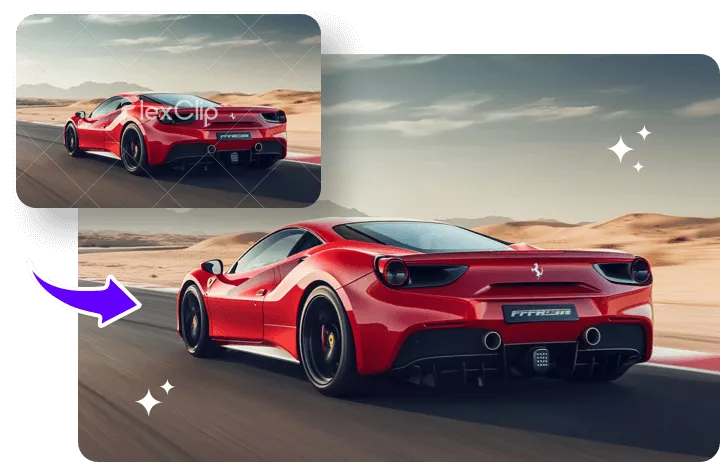
More Smart AI Editing Options Await
Discover even more smart AI editing options with FlexClip’s AI Photo Editor. Effortlessly remove unwanted objects, such as drawings, watermarks, or stickers. Customize your photos by changing backgrounds, recoloring, transforming styles, and more. Powered by advanced AI, FlexClip makes editing faster, smarter, and more intuitive—helping you achieve flawless results without the hassle.
Edit Photo with AI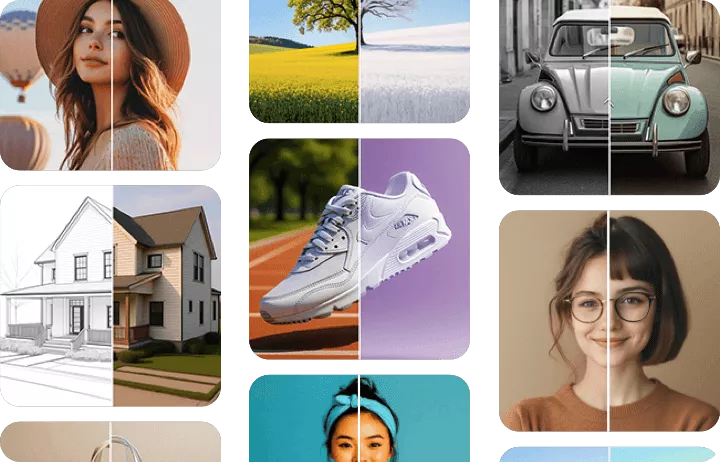
How to Remove Drawing from Photos with AI
- 1
Upload the Photo
Begin by choosing and uploading the image you want to process.
- 2
Remove Drawing from Photo
Choose the custom removal option to remove the drawing you want, or try the prompts option to let AI automatically analyze the image and delete any drawing.
- 3
Download or Keep Editing
Wait a few minutes while FlexClip accurately recognizes and erases the drawings. Then you can download the new image or continue editing with more tools.