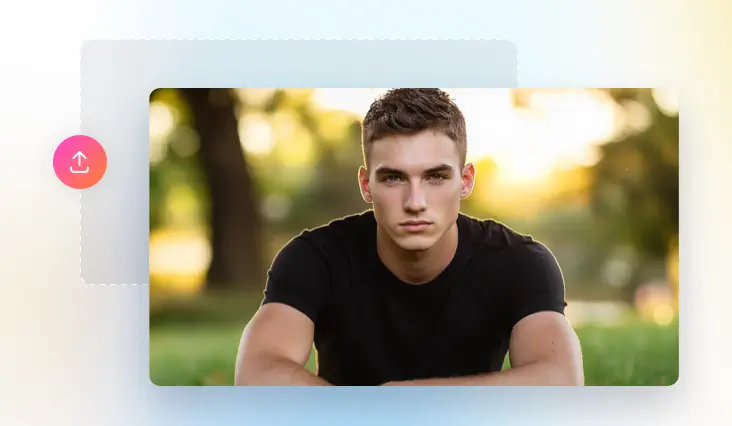
Photo to Smile Video
Turning a portrait into a smiling video and reveal your inner joy.
or drag & drop image here
No image? Try these:


Drop Image Here
TRUSTED BY
A Glimpse of FlexClip’s AI Smile Generator Features

Online Smile Generator
Farewell, gaint software on desktop. FlexClip turns your photo into a natural smile video right on your browser.

Powered by AI
FlexClip is able to analyze your facial details and generate satisfying smile videos using advanced AI. It saves you from the traditional, complicated animation process.

Top Security
Using an online tool doesn’t mean you have to compromise on information security. We will not share your personal data or projects with any third parties.
Realistic Smiles that Bring Your Photo to Life
FlexClip’s smart AI modeling is trained by millions of real video tracks. It knows what real smiles are and creates natural-looking smile animations instead of fake or stiff ones. No editing experience is needed because the entire process runs by automation. Upload an image to FlexClip and wait for magic to happen.
Generate Smile Video for Non-Portrait Images
Let’s think outside of the box and make the most of FlexClip. It adds a smile not only to a portrait of a person, but also to photos of anything in any styles. To be more specific, you can generate a smile video from a pet photo, a cartoon figure, or even a sketch of a person. Have fun at FlexClip!
Customize Your Smile Story
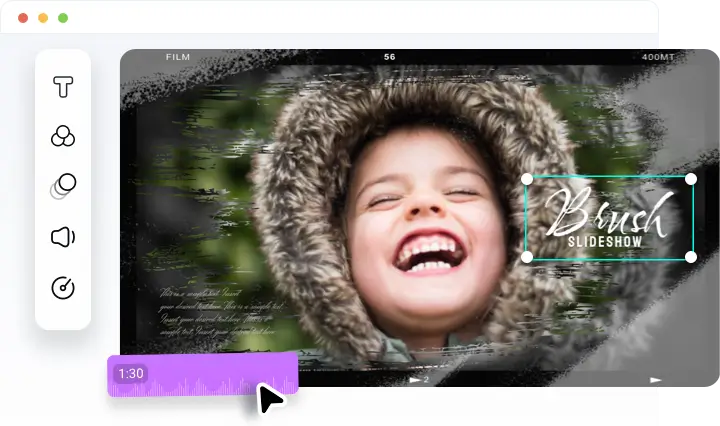
A simple smile animation doesn’t cut it! You can turn to FlexClip’s editing panel and make the smile video more personal, fun, or professional. For instance, adding background music to highlight the atmosphere, applying filters to make your smile shiner, etc. The possibilities are endless.
How to Turn Photo to Smile Video
- 1
Upload Your Portrait
Access FlexClip’s AI Image to Video tool, and then upload a photo from a local folder.
- 2
Generate a Smile Video
Input a proper text prompt, specify the smile you need. Choose a generation model and video duration, then hit Generate.
- 3
Edit & Share Directly
You will get the smile video instantly. Save it to a local folder, or put it into the editing panel, make more edits like putting on filters, doing color adjustments, etc.