


AI Female Voice Generator
Transform your text into a natural, expressive female voice with FlexClip’s AI Female Voice Generator. Perfect for video ads, podcasts, online gaming, slideshows, and any content that benefits from a charming female narration.
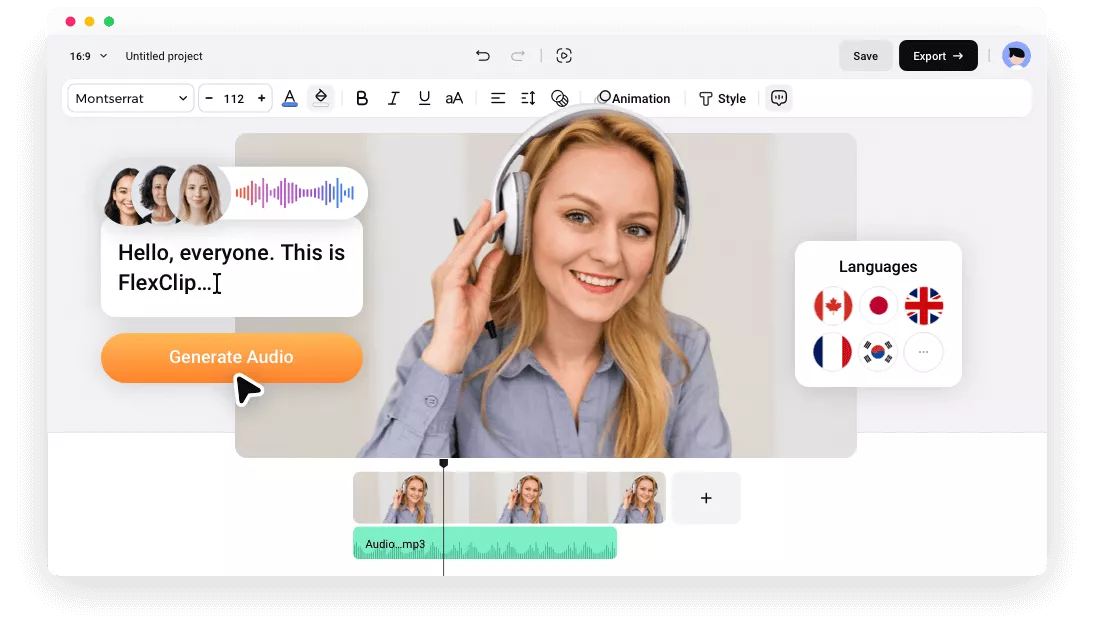
Why Choose FlexClip Female Voice Generator?

Ease of Use
No skills, no stress. With a simple, intuitive interface, anyone—whether you're a beginner or a seasoned creator—can easily turn text into natural female voices in seconds.

AI-powered Natural Female Voice
With cutting-edge AI technology, FlexClip automatically converts your text into expressive, natural female narration that sounds on par with professional actors.

Fast TTS
Our tool turns text into emotional female voiceovers in minutes, saving you time and energy to focus on creating a better video.
please input title
Turn Text into Natural Female Voice in One-click
Make your content come alive with an impressive female voice in just one click. Simply type or paste your text into the dialog box, choose a female voice, and let AI deliver lifelike narration in seconds—emotional, engaging, and natural for podcasts, educational videos, ads, and any content that needs a warm female voice.
Generate Female Voice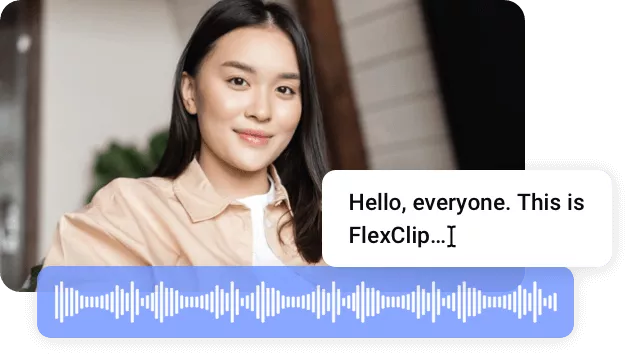
Multi-Style Female Voices Across 140+ Languages
FlexClip features a rich collection of female voices in various ages and styles. From sweet, playful tones for stories to soothing, professional narration for broadcasts, FlexClip ensures natural, expressive results. Supporting over 140 languages, it brings your text to life in any language you choose.
Generate Female Voice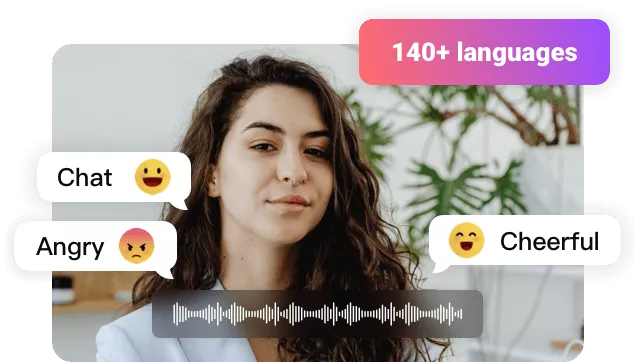
Full Control over Female Voice Generation
FlexClip gives you full control over your voiceovers. Customize speed and pitch, then refine the audio directly in your video by adjusting volume, trimming, and applying smooth fade-in and fade-out effects. With FlexClip, you can easily generate female narration that perfectly matches your theme and brand.
Generate Female Voice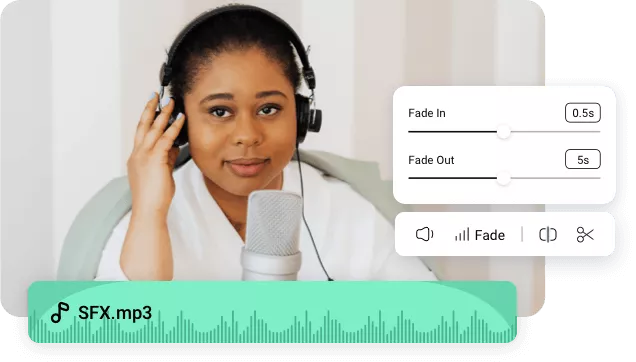
Recreate Female Narration by Voice Cloning
Explore new creative possibilities with FlexClip’s voice cloning feature. Preserve a cherished voice, customize narration from someone you love, or design a unique vocal identity for your brand. Clone once and generate consistent, custom speech effortlessly for all your projects.
Clone Female Voice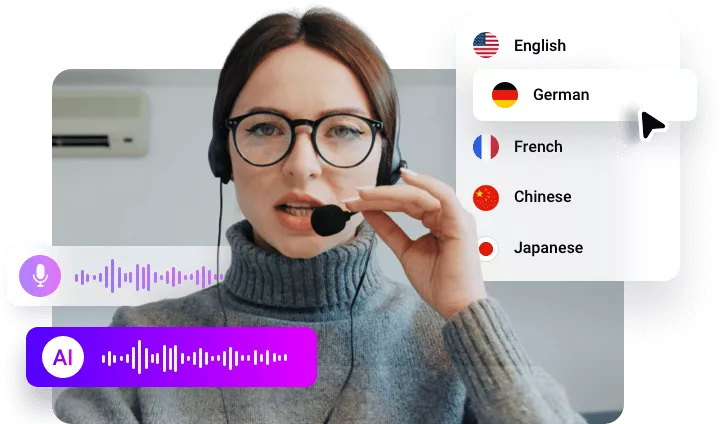
How to Convert Text to a Realistic Female Voice Online?
- 1
Add Text to Canvas
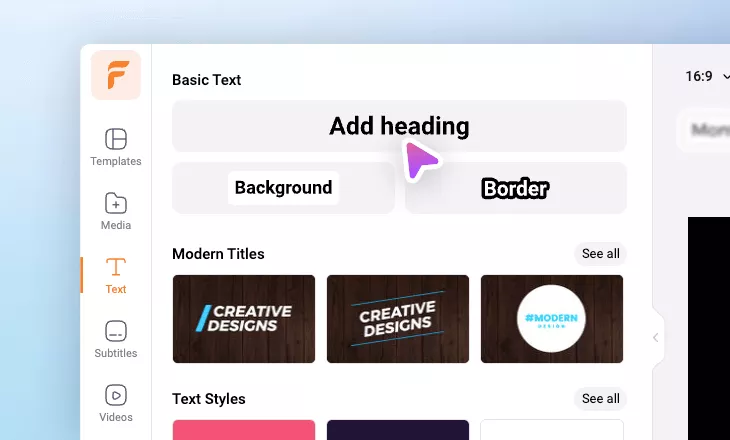
In your project, find the "Text" tab on the left sidebar and click "Add Text."
- 2
Convert Text to Female Voice
Select the text layer, then open the "Text to Speech" tab on the right sidebar. Choose from the library of male and female AI voices.
- 3
Adjust TTS Settings and Make Edits
Preview each AI voice to find the most suitable one. For a more natural tone, select the preferred global language (US, UK, AR, CN, etc.). After generating the voice, add it to your video or use FlexClip’s editing tools for further adjustments.
Frequently Asked Questions
How to Generate Female Voice from an Existing Subtitle File?
How to Convert a Male Voice to Female in a Video?
Utilize FlexClip's auto subtitle generator to extract text from your male voiceover.
Detach the audio from the video and click on the Delete icon to permanently remove it.
Utilize FlexClip's female voice generator to create a realistic female voice from the extracted text.
Congratulations! You have successfully converted a male voice into a female sound in your video.