


AI Day to Night Transition Video
Transform still images into beautiful day-to-night transitions. Our AI generates dynamic shadows and atmospheric lighting to turn daytime scenes into nighttime magic.
TRUSTED BY
Why Use FlexClip's AI Day-to-Night Transition Video Generator?

Beginner-Friendly
No skills, no stress! With a simple, intuitive interface, anyone, whether you're brand-new or a seasoned creator, can transform photos into realistic day-to-night transiton videos in just seconds.

Smooth Day-to-Night Transitions
Thanks to advanced AI, your photo is instantly transformed into a smooth day-to-night transition video with realistic lighting, dynamic shadows, and a genuine nighttime atmosphere.

High-Quality Video Generation
AI analyzes your photo and interprets your prompt to generate a realistic transition effect. For more accurate results, you can experiment with different professional generation modes.
Day-to-Night Transition Video from a Single Photo
A single photo can capture a moment, but with FlexClip's AI Video Generator, it can also capture the passage of time. Transform any still image into a stunning day-to-night time-lapse video, no complex editing, no manual adjustments. Enter your text prompts and watch your photo come to life as it smoothly transitions from daylight to twilight with cinematic elegance.
Day-to-Night Video from a Start-End Frame Pair
FlexClip's AI day-to-night video generator allows seamless transitions with just a start and end frame. Simply enable the "End Frame" option, choose your preferred AI model, and select a start frame (day) and an end frame (night)—or vice versa—for a natural flow. Don’t have a perfect frame pair? No problem! Our day-to-night photo effect can instantly switch any scene from day to night or night to day.
AI Day-to-Night Transitions for Real Estate and More
With FlexClip's AI-powered day-to-night transition feature, you can easily transform any photo from daytime to nighttime (or vice versa) in just seconds. Perfect for real estate, it lets you showcase properties at all times of the day. Whether you're making travel videos, social media content, or creative projects, this feature makes your scenes look stunning with no fancy editing skills required.
Fine-Tune Your Day-to-Night Video with Edits
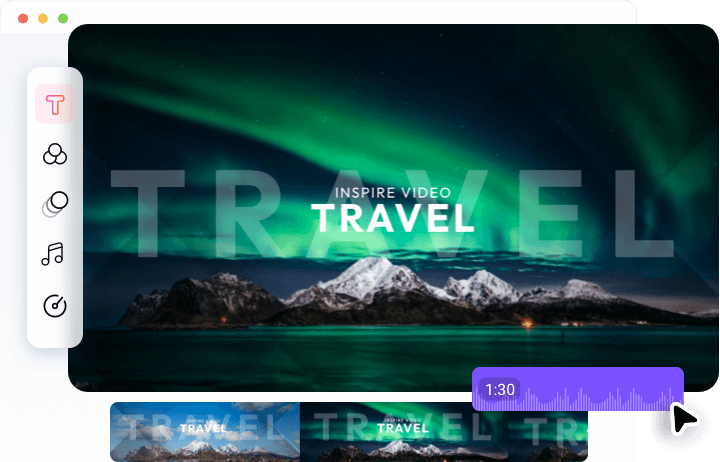
After the AI generates your day-to-night transition video, FlexClip's built-in editor provides the tools to refine and elevate your video. Add background music, sound effects, stickers, special effects, and text overlays to your day-to-night video. With various AI tools, rich media resources, and a robust editing suite, you can effortlessly transform your AI-generated video into a polished, professional-grade project.
How to Create a Day-to-Night Video with AI
- 1
Upload a Photo
Start by uploading a daylight photo, or enable the end frame option to work with a start-end frame pair.
- 2
Enter Text Prompts
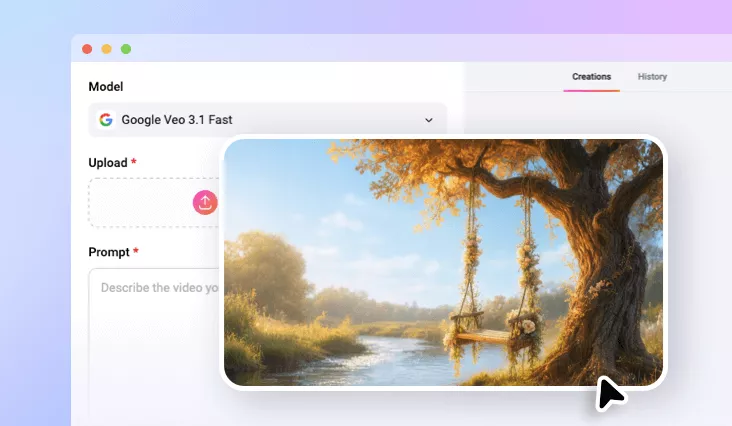
Choose an AI model and type a detailed prompt that describes how you want the transition to look.
- 3
Preview and Download
Your day-to-night video will be ready in seconds! Download it, share it, or refine it further using FlexClip's built-in editor.
Frequently Asked Questions
How does the AI day-to-night transition video generator work?
How to create an AI day-to-night video with audio?
To create a day-to-night video with audio, you have three options:
1. Choose an AI model that supports generating video with native audio right from the start;
2. Use FlexClip's Video & Sound Effect tool to add audio directly to your AI-generated day-to-night video;
3. Edit in FlexClip's built-in editor, where you can access an extensive audio library of over 74,000 music tracks and sound effects to enhance your video.