AI Crew Cut Filter
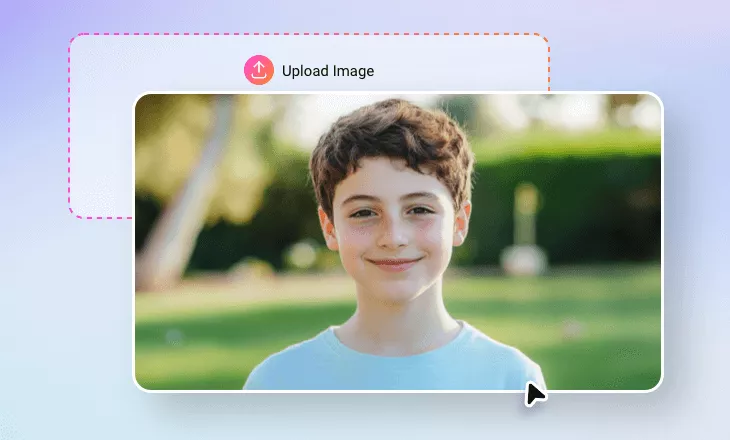
Try our crew cut filter. Previewing a crew cut virtually is easier than ever. Effortlessly see how you’d look with a crew cut hairstyle!
Why Choose FlexClip’s AI Crew Cut Filter?

Instant AI Simulation
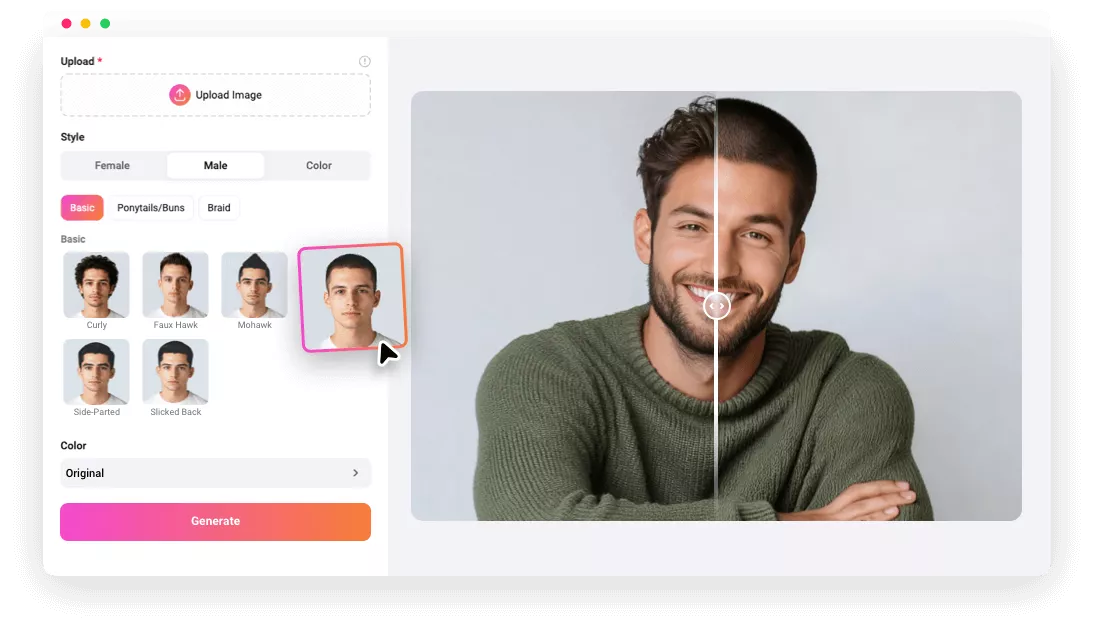
Get hyper-realistic results in seconds. The artificial intelligence system behind our AI crew cut filter helps you see yourself with a new hairstyle instantly.

Realistic Results
Our AI crew cut filter automatically matches the hairstyle with your facial structure and features, so you can get a realistic and natural crew cut hairstyle.

Save Time & Money
No need to spend hours in a hair salon. Quickly decide on a new hairstyle. Try on crew-cut hairstyles virtually without committing to the clippers!
please input title
Experience the Perfect Crew Cut Look with One Click
Ever wondered how you’d look with a crew cut? Worry no more! Our AI crew cut filter makes it happen in just one click, transforming your existing photo and turning it into the most realistic crew cut version of yourself. Simply upload your photo and let the AI do the rest. With just a single click, you'll achieve the perfect crew cut look.
Try on Crew Cut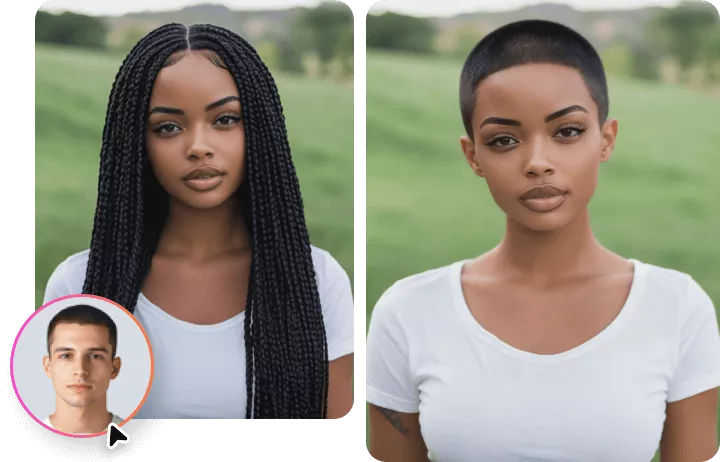
Colorful Crew Cuts: Try Black, Brown, and Pink Styles
Yes, our AI crew cut filter gives you a hyper-realistic crew cut in different colors. If you want to try the crew cut hairstyle in different hair colors, our advanced AI can generate instant virtual results with blonde, red, blue, pink, and other cool colors. Boundless possibilities to unleash your creativity—try it now!
Try on Crew Cut Hair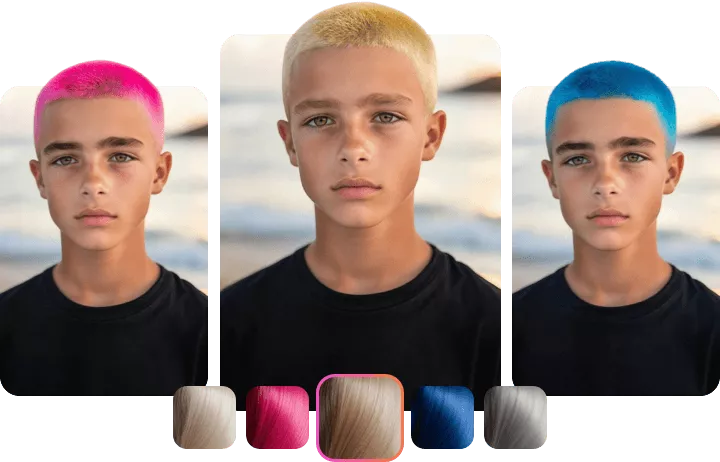
Sharp & Stylish Crew Cuts for Every Face Shape
Whether you have a round, oval, square, heart, or diamond-shaped face, our AI crew cut filter lets you effortlessly preview a clean, sharp crew cut that enhances your natural features. Say goodbye to guesswork and bad haircuts. It’s time to get the sharp, confident look you deserve—perfectly tailored to your unique face shape.
Try on Crew Cut Hair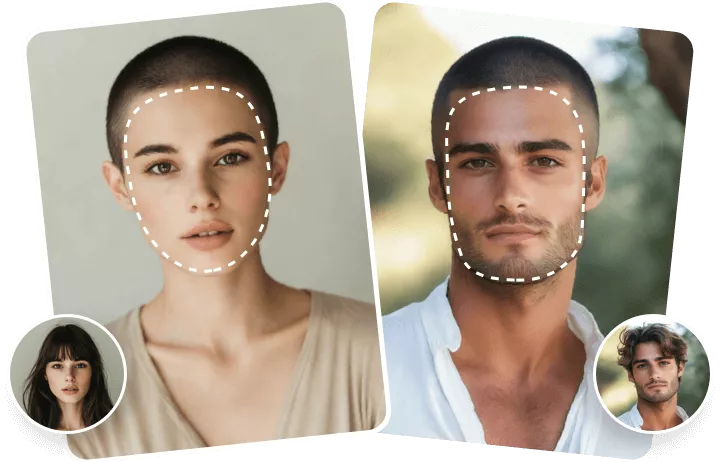
Diverse Trendy Hairstyles to Meet Your Needs
Curly hair, perm hair, Mohawk, or braid and more? Here are many other trendy and stylish hairstyles you can try on in seconds. Besides the crew cut, you can explore more hairstyles in FlexClip. Don't hesitate to try multiple hairstyles. Experiment with different looks and find your perfect match with no scissors required.
Explore More Now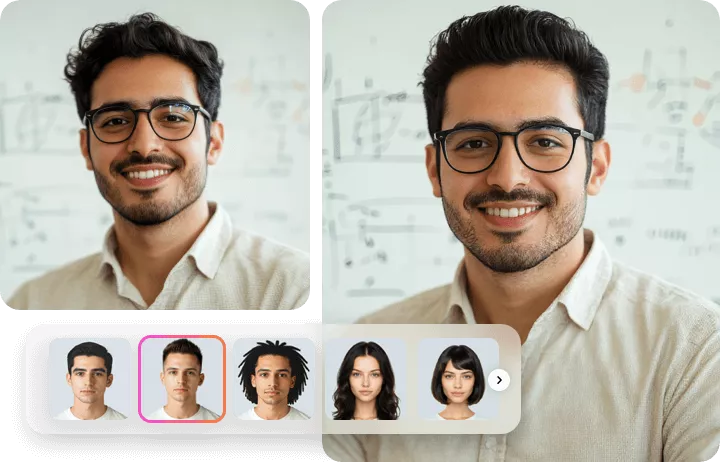
How to Use FlexClip’s Crew Cut Filter Online?
- 1
Upload Your Photo
Choose a well-lit and in-focus photo that clearly shows all facial features.
- 2
Select Crew Cut Filter
Next, browse the preset hairstyles on the right-side panel and select the crew cut and color you prefer.
- 3
Download or Edit
Wait a few seconds, download the fresh new photo, or fine-tune your look even further with FlexClip's built-in editor.