


Brand Kit
Access FlexClip's brand kit tool, save your logos, brand colors, custom fonts, text presets, QR codes and create consistent brand videos efficiently.
TRUSTED BY
Why You Need to Create Brand Kits?

Build Brand Identity
A brand kit helps you define your visual identity, ensuring that your brand is recognizable and creating a strong impression.

Ensure Consistency
With a brand kit, every video can follow the same style guidelines, keeping your videos on-brand across all platforms.

Save Time
Creating brand assets saves lots of time, letting your team focus on creating unique content instead of searching for logos, colors, or fonts.
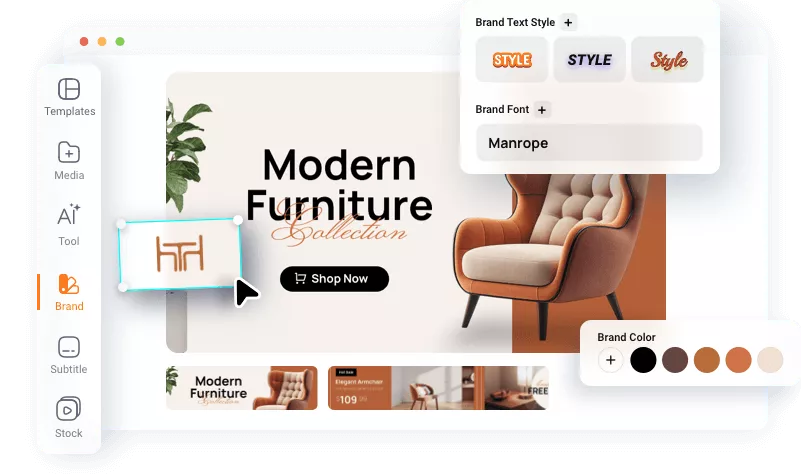
Build and Manage Brand Kits with Ease
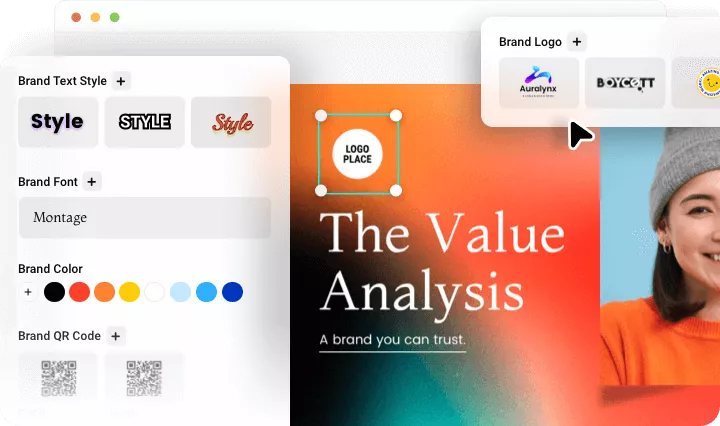
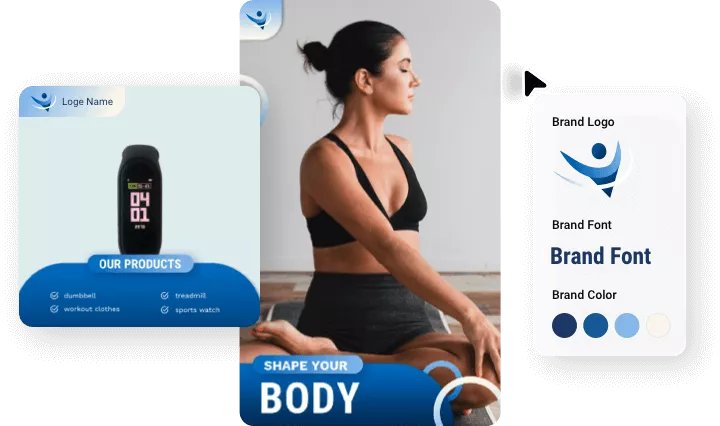
Create and manage a complete set of brand assets, including logos, colors, fonts, text presets, and QR codes in one place so you can easily maintain a consistent brand identity across all your video projects.
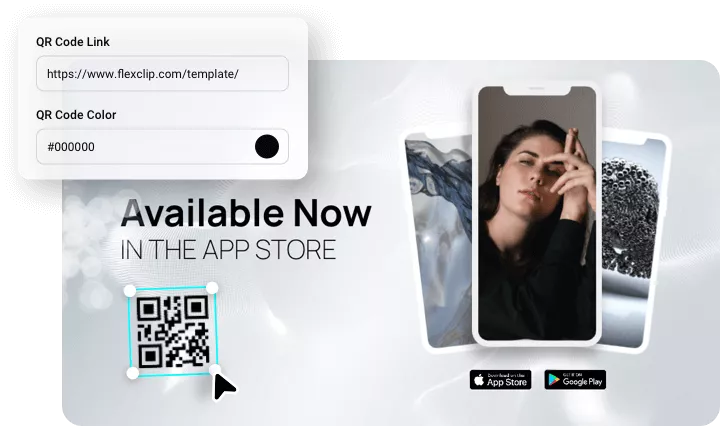
Generate QR Code to Improve Interaction
Add custom QR codes to your videos to boost engagement and drive viewers to your website, social media, or event page. Our brand kit tool includes a built-in QR code generator, allowing you to customize codes for different content or links.
Design Brand Kits for Any Business or Channels
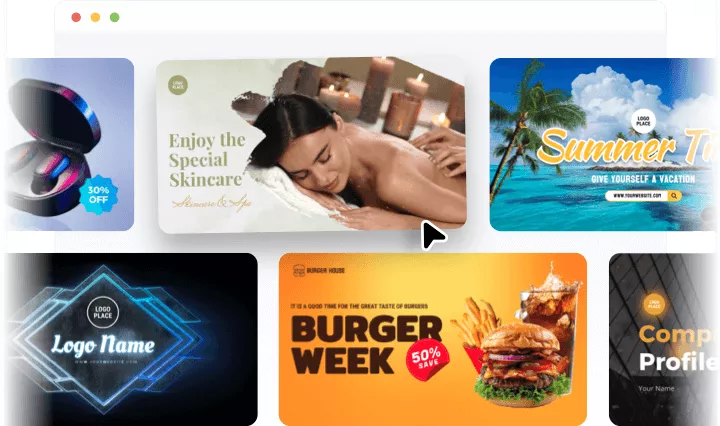
Whether your business or channels focus on travel, game, beauty, food, or anything else, FlexClip lets you design assets tailored to your brand and apply them effortlessly to accelerate your video marketing.
Custom Intros & Outros for Projects
If you want to save branded intros/outros (with logo, brand name, slogan, animations, etc.), try our custom template feature. Edit the intro and outro in the editor and save them as a custom template that can be applied to any project.
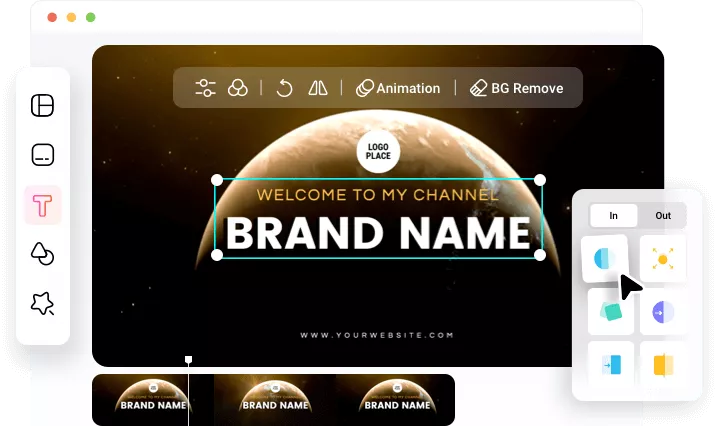
Apply Brand Assets to Any Video
Quickly apply your saved brand assets to videos with a few clicks. You can further adjust these brand elements directly on the canvas to perfectly match the look of each project, ensuring your videos always stay on-brand and visually appealing.
How to Create Brand Kit?
Access Brand Kit Tool
Open the editor, switch tab on the left toolbar to Brand.
Set Brand Kit
Upload your logo images and fonts, set brand colors and text presets, and generate QR codes.
Apply Brand Kit
Easily add brand assets to any video and create on-brand projects fast.
Frequently Asked Questions
What is a brand kit?
A brand kit is a set of visual and design elements—like logos, colors, and fonts that ensures a brand looks and feels consistent across all platforms and materials.
What elements should be included in a brand kit?
A brand kit includes your logo, brand colors, custom fonts to keep all brand materials consistent. Beyond that, FlexClip enables you to create QR codes that allow people to quickly scan and access your website or specific campaigns.
Can I use one brand kit for multiple projects?
Yes. The brand kits will be sync to your account. So you can add them to any video project only if you login with the same account when creating.
Can I edit the saved brand kits?
Yes. You can manage the brand assets. Add, delete, adjust brand assets at will.