Bangs Filter
Explore different bang styles to get your perfect bangs look today!
TRUSTED BY
Why Choose FlexClip’s Bangs Filter?

100% Online
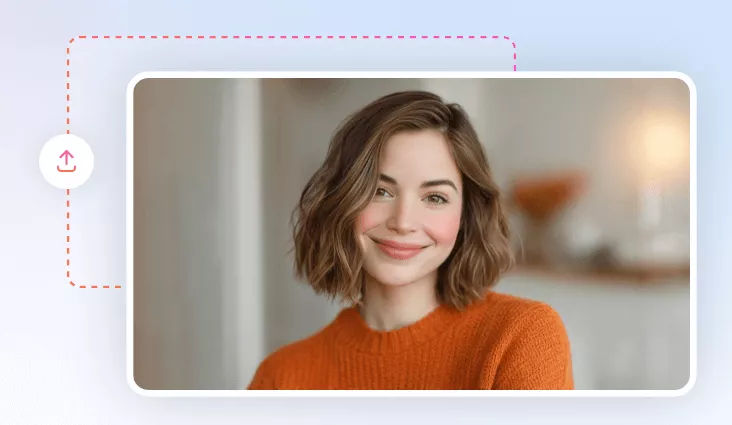
No installation needed—simply open your browser, upload your photo, and use our online AI photo editor to add different bangs hairstyles to your photo.

High-Quality Creation Results
FlexClip’s model is trained with real images. We are proud to say FlexClip can always allow you to virtually try on bangs hairstyles that perfectly blend with your existing hair.

Secure and Private
Your privacy comes first. Unless you make it public, every image you upload or generate is exclusively visible to you.
please input title
AI-generated Bangs Filter for Your Photo
Want to know what you will look like with different bang hairstyles? You can simply enter your desired bangs hairstyle, and FlexClip’s AI bangs filter will generate your look in seconds. Its AI can detect your facial features and apply your chosen bangs style seamlessly to your photo, ensuring a natural and realistic result. So let’s try on virtual bangs hairstyle with AI right now!
Try Bangs Filter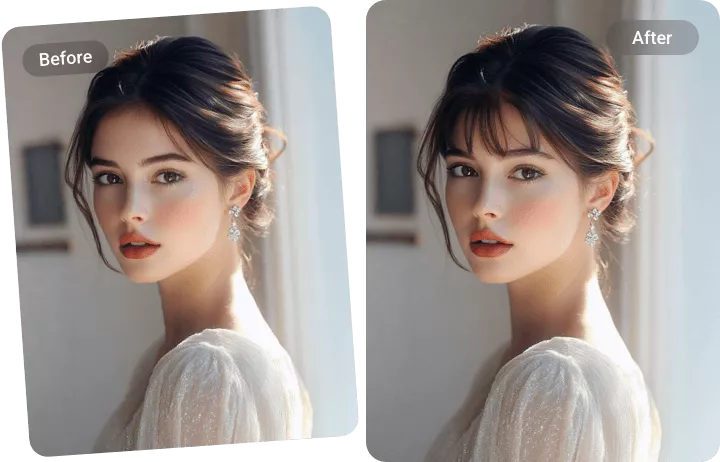
Diverse Bangs Hairstyle for You to Explore
In FlexClip’s bangs filter, you can choose from more than one bangs hairstyle. You can try on short bang filter to convey a fresh, edgy vibe. Or you can try wispy bangs, which filter gently to frame your face to bring a natural feel to your look. No matter what style of bangs you need, just enter a text prompt, and FlexClip’s bangs filter can achieve it.
Try Bangs Filter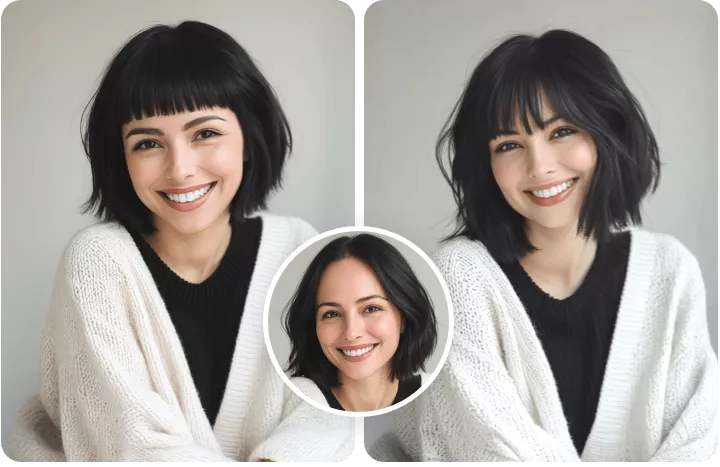
Level up Your New Bangs Photo
FlexClip is more than a bangs filter, you can try its AI hairstyle changer to easily level up your new bangs photo. FlexClip’s AI hairstyle changer provides dozens of preset hairstyles for you to apply. It also provides a list of hair colors, from the casual dark ones to the bold and light ones. With FlexClip’s AI hairstyle changer, you can find the best hairstyle for your face. Whether you want to change your hairstyle or try a new hair color, FlexClip’s got you covered.
Try AI Hairstyle Changer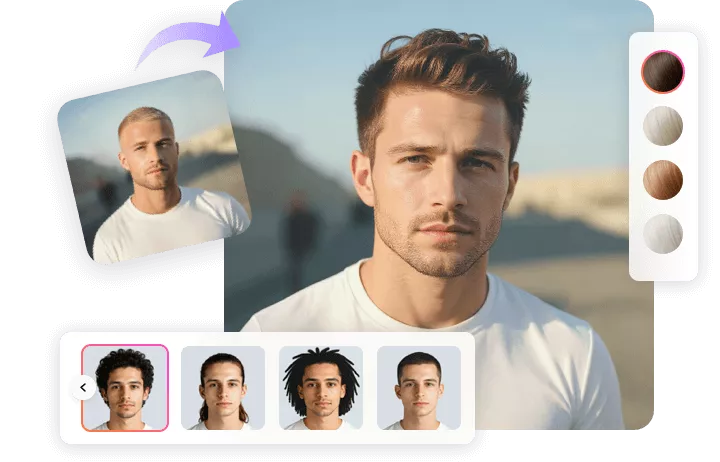
How to Apply Bangs Filter?
- 1
Upload Your Photo
Upload a clear, well-lit photo where your face is visible and begin AI creation.
- 2
Enter Text Prompts
Write the text prompts for the bangs hairstyle you want in our bangs filter. Try to describe in detail for better results.
- 3
Download Your New Photo
Check the results and see if you are happy with them. Download and share this AI-generated new photo according to your needs.