AI Video Recap Generator
AI will analyze and summarize the video content, extract highlights and turn it into a viral-ready recap video with animated subtitles and narration.
TRUSTED BY
Why Choose FlexClip AI Recap Generator?

All by AI
FlexClip allows you to create video recaps with AI, no script writing and professional video editing skills required.

For Any Creator
Social content creators, teachers, marketers, and anyone can capture audience attention quickly and increase engagement with shareable recaps.

Drag & Drop Video Editor
When the recap video is generated by AI, you can easily edit to enrich the result and change aspect ratios to suit different platforms.
Automatic Scene Analysis and Highlight Extraction
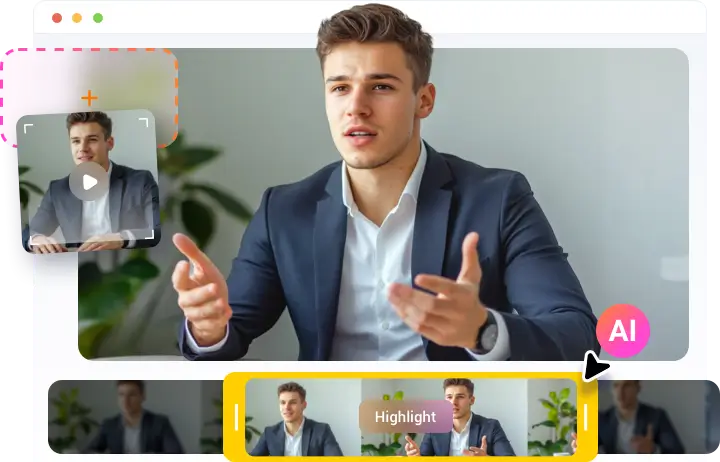
AI can automatically scan the long video and understand scenes, dialogues, storyline, and select important moments, such as key actions, emotional peaks, or significant plot points, to compose engaging recap videos.
Lifelike AI Narration and Synced Subtitles
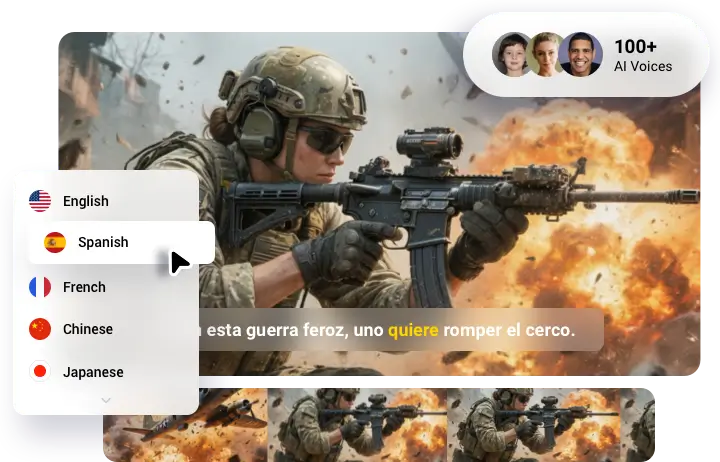
We've offered 100+ realistic AI voiceovers to choose from. You can find the right voice to narrate your video, no matter the tone. The generated video also comes with synchronized subtitles. Additionally, several languages are available, so you can create recap videos in the target language to maximize their impact.
Create Recaps for Any Type of Video
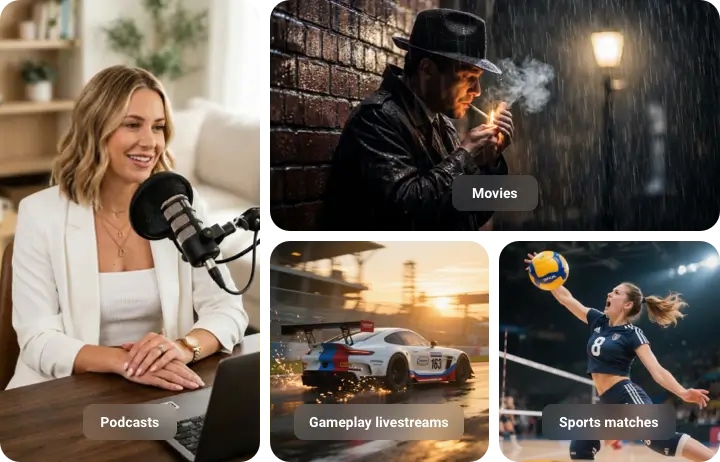
Whether you need to create recaps for movies, TV shows, short dramas, podcasts, online courses, webinars, gameplay livestreams, sports matches, personal event videos, and more, FlexClip ensures your recaps are ready to share and that the whole production process is fast and smooth.
How to Create Video Recap with FlexClip AI?
- 1
Import Video
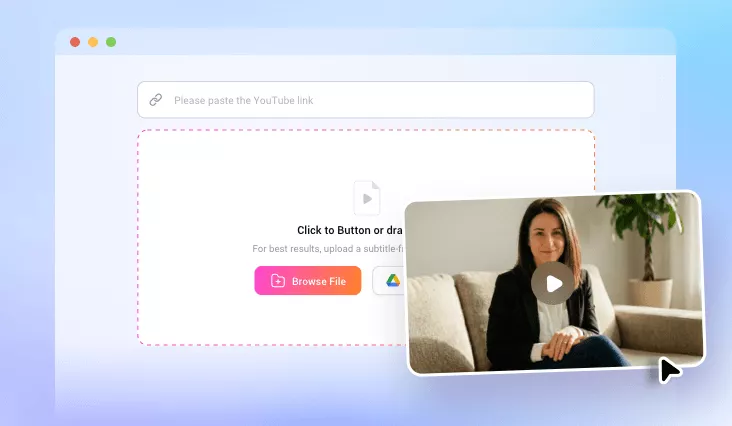
Paste a YouTube video link or upload a video file from your computer.
- 2
Generate Recap Video
Choose video duration, ratio, voiceover, subtitle style, and wait for AI to generate the recap video.
- 3
Download Recap Video
After it is generated, you can directly download the video or make any adjustments you need.