AI Teacher Headshot Generator
Get confident, professional teacher looks across all online profiles, school ID cards, or promotional flyers.
TRUSTED BY
Features That Define FlexClip’s Teacher Headshot Generator

Easy AI
No need for photo editing experience. FlexClip’s teacher headshot generator automatically adjusts all the details for a refined, school-ready portrait.

Quality Headshots
FlexClip delivers crispy, high-resolution teacher headshots that are perfect for staff directions, lesson materials, LinkedIn, and other occasions.

Data Safety
FlexClip puts privacy first. It will never share or sell your personal data. Confidently create professional photos without compromising safety.
One Selfie for Endless Teacher Headshots
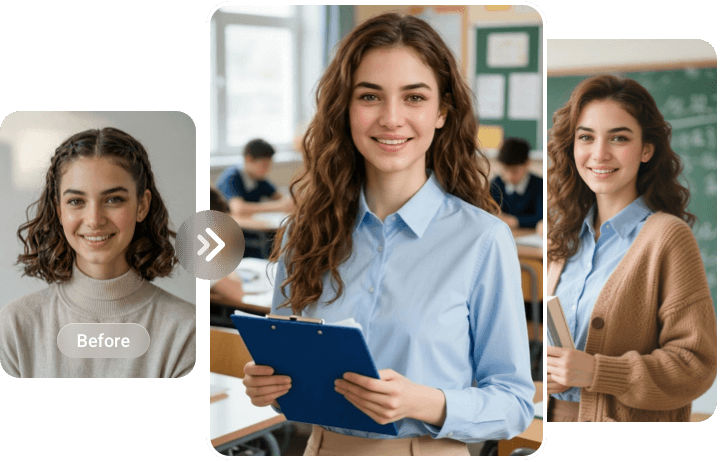
Most of the AI teacher headshot generators ask you to upload multiple images so that AI can better study your facial features. However, FlexClip turns one photo into multiple educator looks. Select the styles you love, you will soon get professional-level teacher headshots. No over-smoothing, odd distortions, only high preservation on personality and key features.
Lighting-Fast Teacher Headshots Generation
FlexClip is designed for busy teachers who don’t have time to edit. It values efficiency. Trained with real images, it automatically changes the lighting, background and other details in remarkable speed while keeping every headshot sharp and realistic. According to our test, generating 9 teacher headshots only takes 5 minutes.

Consistent Looks Across a Team
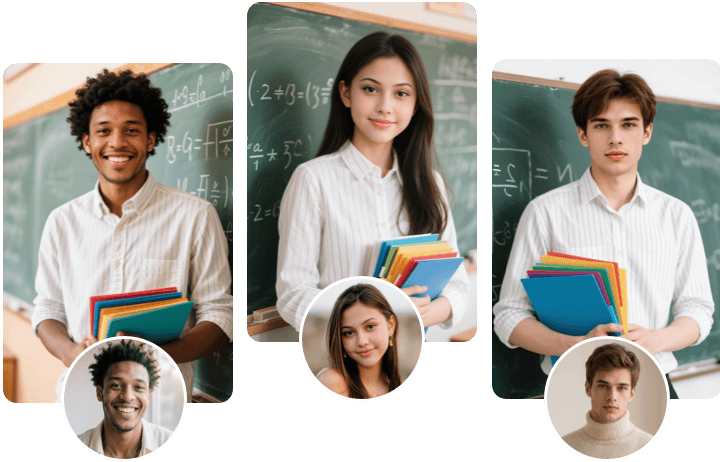
FlexClip helps schools maintain a uniform, professional image across staff portraits. Select the same style, it can apply the same background tone, lighting, framing to every teacher’s headshot. This ensures visual consistency on school websites, school ID cards, or even promotional materials.
Easy Customization on Headshot Details
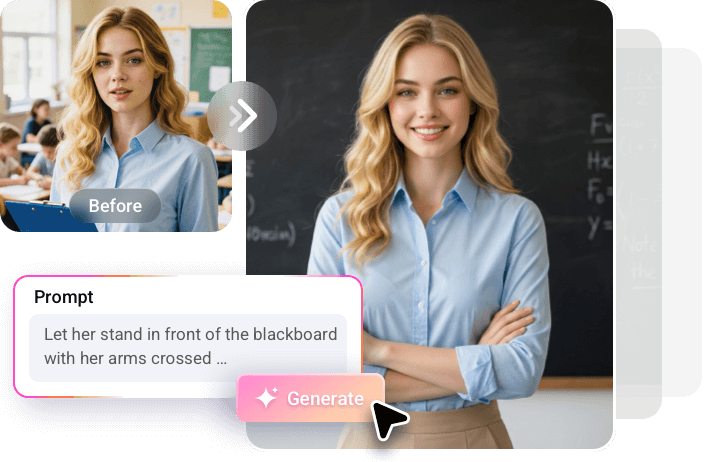
FlexClip gives teachers full creative control over their portraits. You can fine-tune details such as facial lighting, attire, posture, even subtle expressions. Visit FlexClip’s AI Photo Editor, enter a detailed prompt, adjust small elements for a polished finish while reflecting who you really are.
How to Make Professional Teacher Headshots Using FlexClip
- 1
Select Teacher Headshot Styles
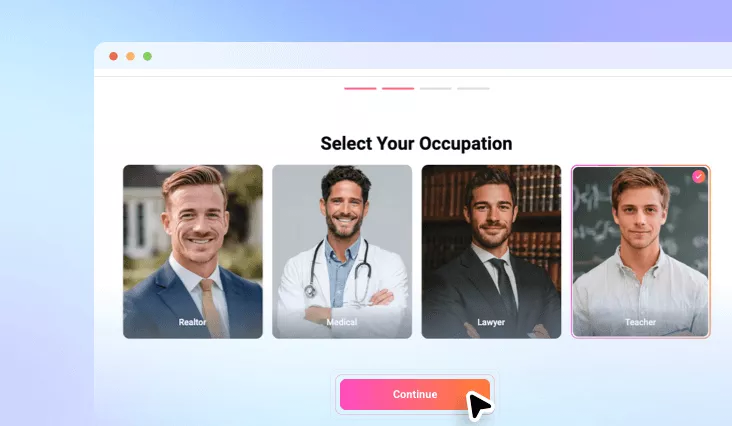
On FlexClip’s Headshot Generator page, go to the Teacher category. Find the teacher headshot styles and backgrounds you prefer. Hit continue.
- 2
Upload Photo and Generate
Upload a daily shot of yourself, AI will start analyzing your facial features and generating a set of teacher headshot images.
- 3
Download & Share
Your teacher headshots should be generated within 10 minutes. Download and use them freely.