AI Robot Voice Generator
Create crispy, clean robotic voices that match your videos, podcasts, or any creative projects.
Why Creators Love FlexClip’s Robot Sound Generator

AI Text to Robot Sound
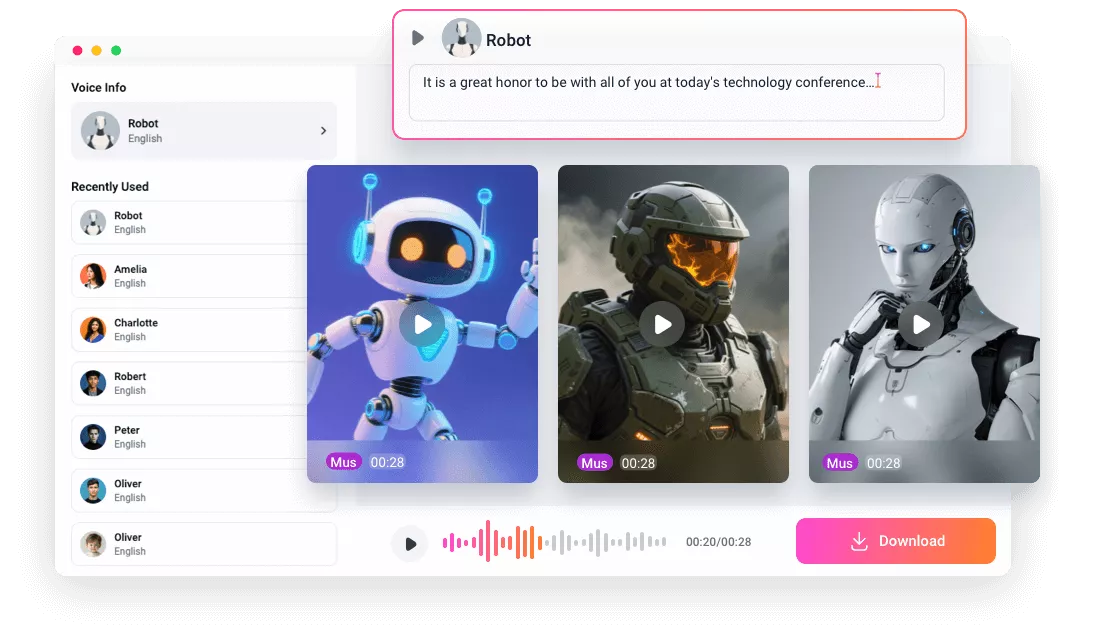
No need to turn to expensive boutique audio studios. Utilizing well-trained AI voice models, FlexClip always gives you ear-pleasing robot sounds.

Online TTS Tool
FlexClip’s AI Robot Sound Generator is accessible through a web browser. You don’t have to download CPU-burning, giant software to the desktop.

Blazing Fast
You just need to wait several seconds before FlexClip starts reading out the sentences you pasted, saving you time to create a better project.
please input title
Small Tool, Big Transformation
Why stick to plain, general AI sound? FlexClip’s AI Robot Sound Generator delivers 99% accurate, crystal-clear robotic sound. That’s not the end of the story. You have access to 9 different robot sound models in styles like glitch, retro sci-fi, distortion. They are all crafted to match your creative vision.
Text to Robot Sound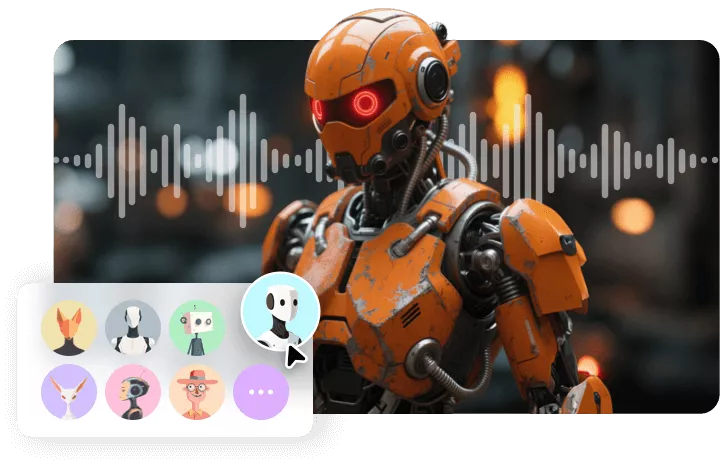
Customized Robot Sound Models
9 embedded robot voice model is far from being enough. FlexClip gets it. That’s why it adds the Voice Clone feature, which mimics the robotic vocal tone you like. Upload, train, and generate, a new robot sound model is ready to use within 1 minute. The training process runs automatically, so you don’t need any technical skills.
Customized Robot Sound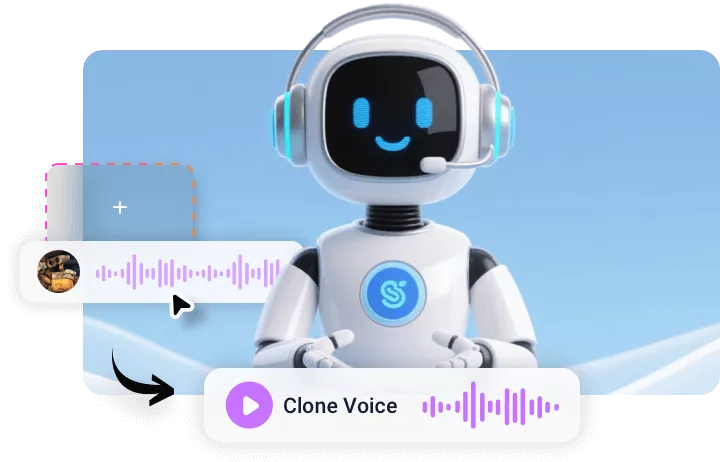
Flexible Edits, Endless Creativity
FlexClip takes things even further by integrating powerful video editing tools. Once your custom computer voice is ready, you can drop it directly into FlexClip’s timeline, apply more SFXs, adjust volume, combine visuals, and make more edits. Ignite your creativity and enjoy a smooth creation process from start to finish!
Make More Edits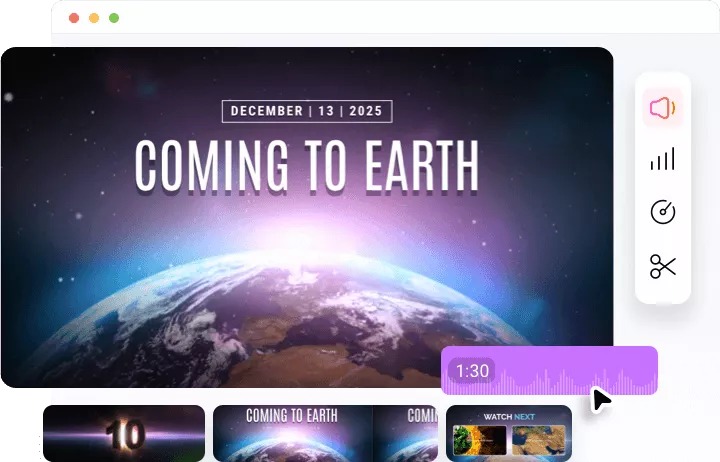
How to Generate AI Robot Sound at FlexClip
- 1
Access Robot Voice Model
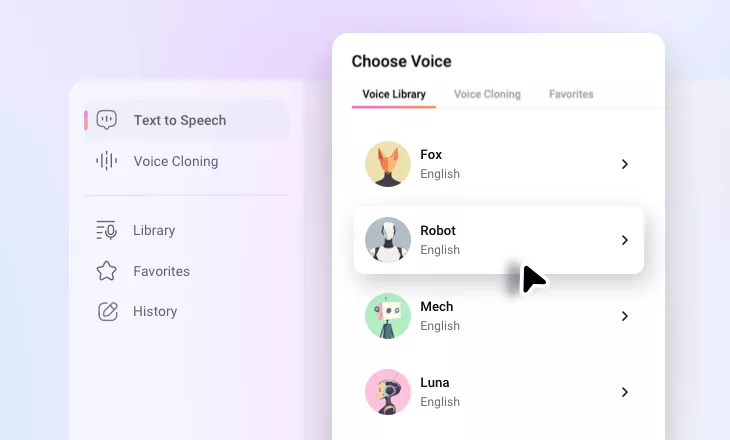
Access FlexClip’s Text to Speech Tool, pick a robot voice model from the voice library.
- 2
Input Script
Paste your script to the empty square box. Maximally, you can enter a script of 4000 characters at a time.
- 3
Save & Edit
Hit the Play button to preview the robot sound. Once you are satisfied with it, hit Export to download.