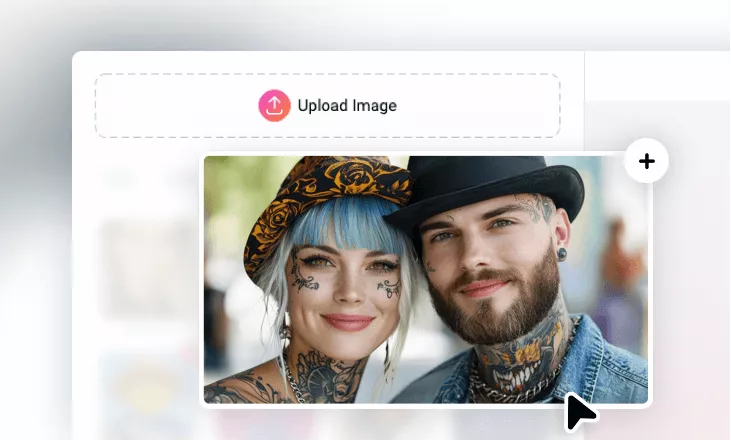
Remove Tattoo from Photo Online
Instantly remove a tattoo from a photo for a more polished look. No editing skills, no download required.
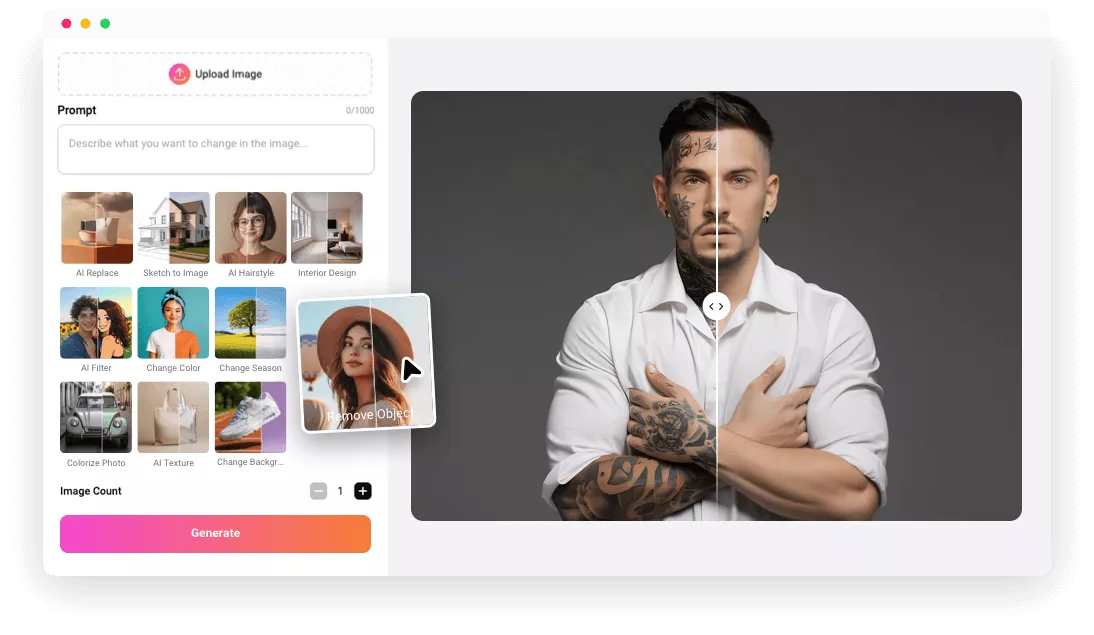
Explore FlexClip’s AI Tattoo Removal Photo Editor

Smart AI
You are spared from the tedious manual section and removal task. FlexClip’s AI can automatically detect the tattoo parts and remove them in one go.

Easy to Operate
Don’t fret out in front of an AI tool. FlexClip’s AI is designed to be easy to use. Enter a text prompt, AI will take care of the rest. No confusion during this process.

Information Security
Your information and photos will not be shared with third parties. You can always trust us in processing any portraits, even those you are shy to share.
please input title
Remove Unwanted Tattoos for Professional Use
Most AI tattoo removal tools stick to manual section, FlexClip takes the tattoo removal task into the next level. With a single prompt, FlexClip can accurately analyze the tattoo parts, remove them, then create flawless skin just like originals. No quality loss, no hallucinations will occur. Get a clean look perfect for job applications, ID cards, social media or any professional use right now!
Remove Tattoo from Image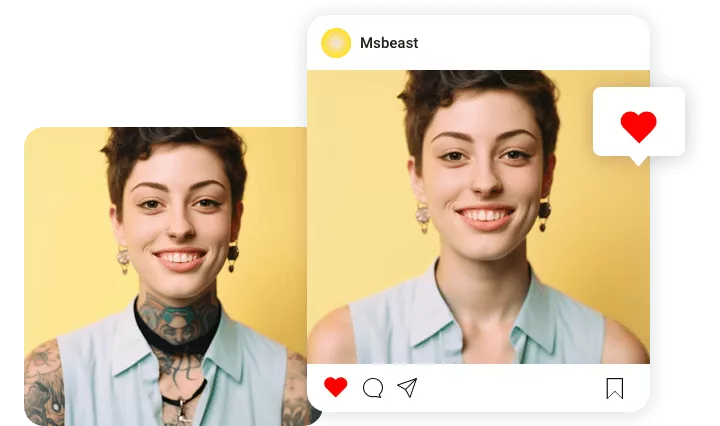
Be More Creative with Tattoos
FlexClip isn’t just a tattoo removal photo editor. You can virtually try on different tattoo designs too. Tell FlexClip the tattoo design you feel like trying, FlexClip will replace the original tattoos with a brand new one. This is perfect for testing out tattoo ideas before committing to ink. No pain, no regrets.
Try New Tattoo Design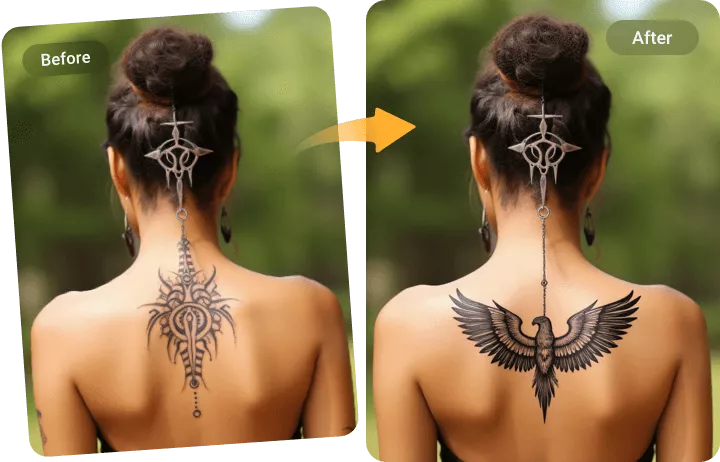
Fix Other Imperfections
Beyond tattoo removal, you can fix a photo by removing other parts you don’t like, for instance, tedious scar, blemish, shadows, wrinkles, etc. You can even eliminate background distractions, unwanted objects, or photo bombers to bring focus back to the subject. Refine your image without the need of advanced editing skills.
Refine Your Photo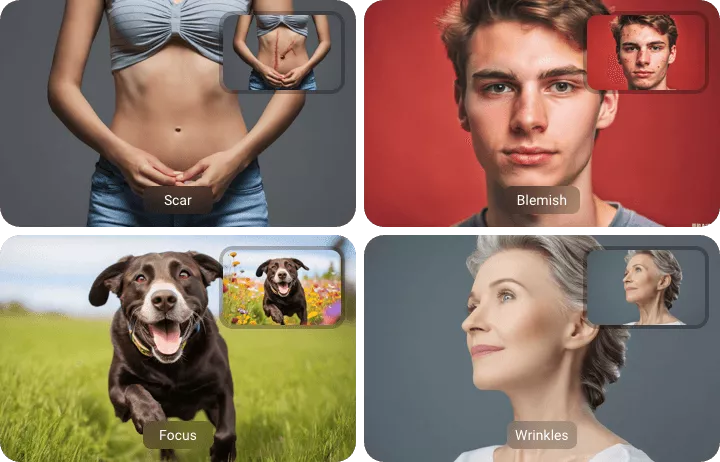
How to Remove a Tattoo from an Image
- 1
Upload an Image
Access FlexClip’s AI Photo Editing tool, and then drag and drop your photo to upload.
- 2
Enter a Prompt
In the Prompt box, enter a sentence like remove tattoos from image. FlexClip’s AI will start processing.
- 3
Export & Share
Download the photo to a local folder, or instantly share to social media.