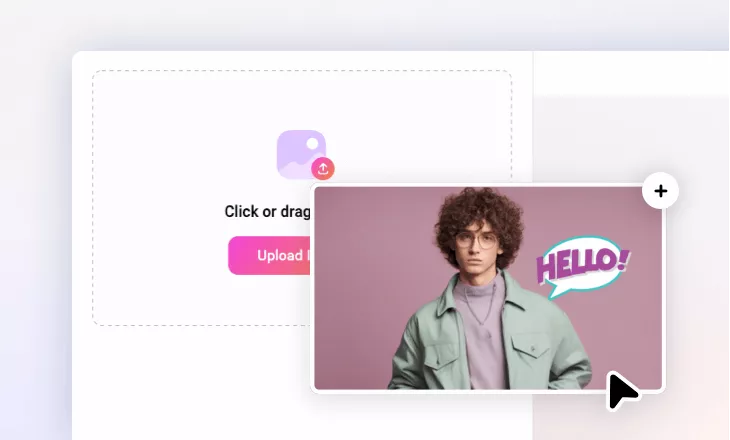
Remove Sticker from Photo with AI
Get rid of unwanted stickers from any image in seconds with FlexClip's AI-powered sticker remover.
Why Choose FlexClip Photo Sticker Remover?

AI Removal
Advanced AI technology instantly detects and removes stickers from your photos, leaving no detectable marks on the images.

High-Quality Output
Experience professional-grade photo sticker removal for clean, precise, and effortless results.

All Privacy Protected
FlexClip always prioritizes your privacy, utilizing encrypted transmission to ensure that your image data is never misused or leaked.
please input title
Effortless & Perfect Sticker Removal with AI
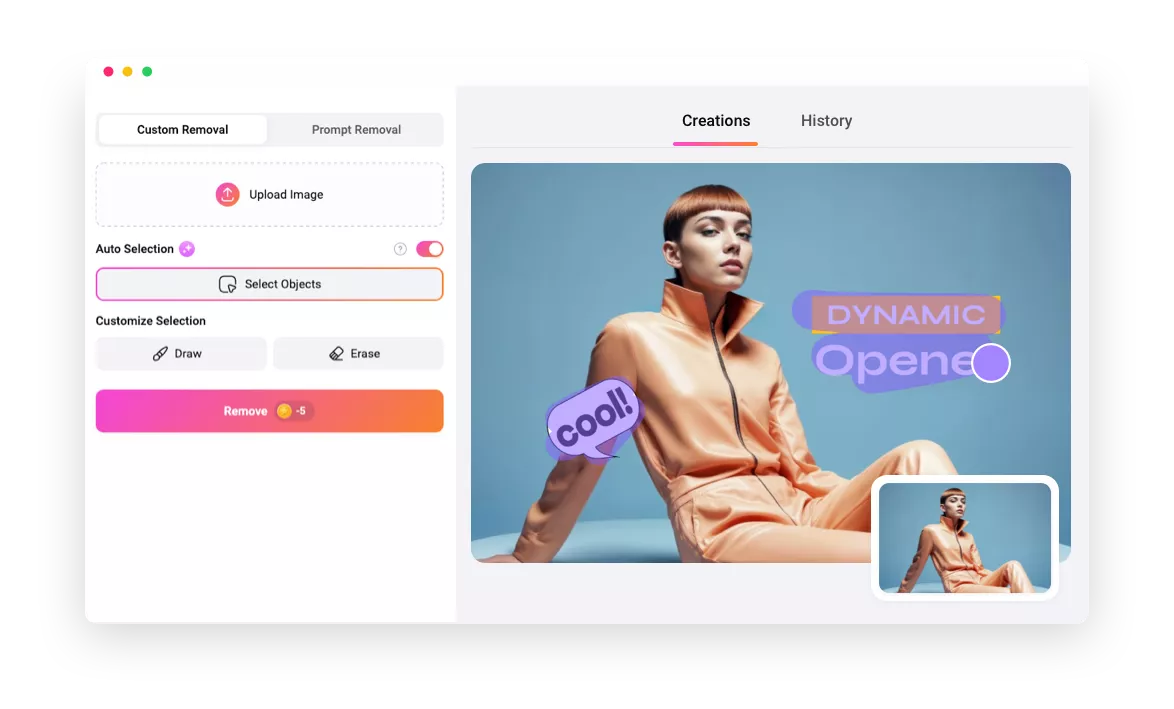
Stop wasting time on manual edits. FlexClip's AI provides a powerful, AI-driven solution that removes stickers from images with just a few clicks. It harnesses cutting-edge AI to erase stickers flawlessly from any photo, guaranteeing perfect, hassle-free cleanup every time. You can also use prompts to let the AI accurately analyze and remove stickers!
Remove Sticker Now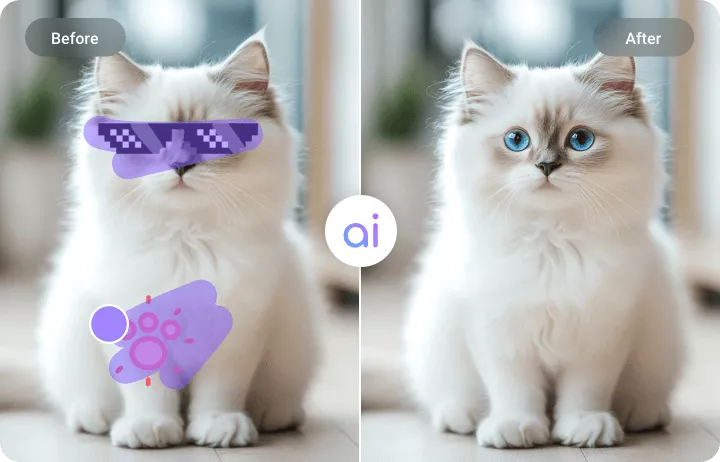
Versatile Sticker Remover for Everyone
Whether you’re an e-commerce seller cleaning up your product photos, a social media influencer polishing your content, or a business owner, FlexClip's AI sticker remover provides an effortless way to remove stickers while preserving image quality for a perfect finish.
Erase Sticker Now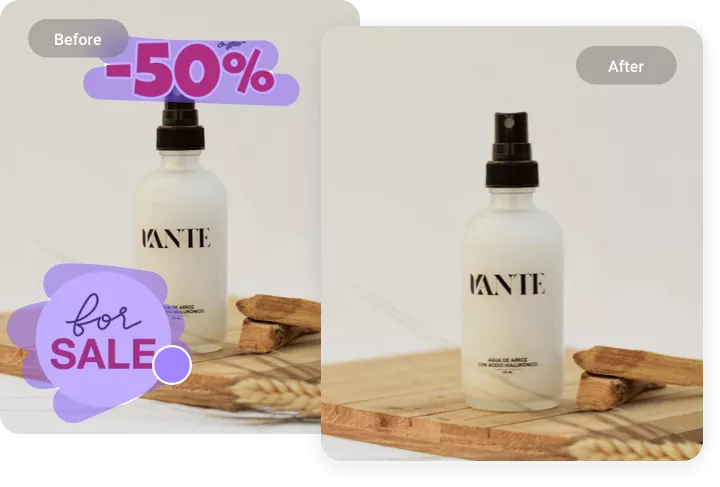
Remove Stickers, Texts, Watermarks & More Objects
Besides removing stickers, you can use FlexClip's AI object removal tool to delete watermarks, texts, emojis, stamps, and other unwanted objects from any image according to your preferences. Experience the freedom of clean images.
Remove Any Object Now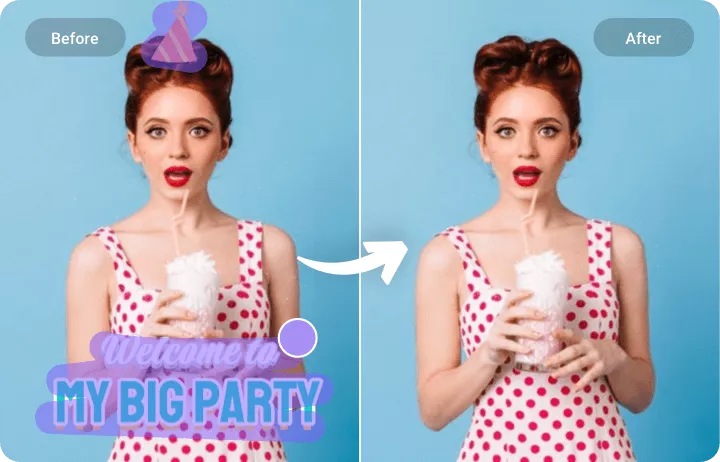
Powerful Features for More Possibilities
Not limited to removing stickers! FlexClip provides numerous features to customize your pictures. Enhance photos with text, stylish effects, or any creative elements you like. Use AI tools to transform photo styles, animate still images into videos, and explore endless possibilities.
Explore More Now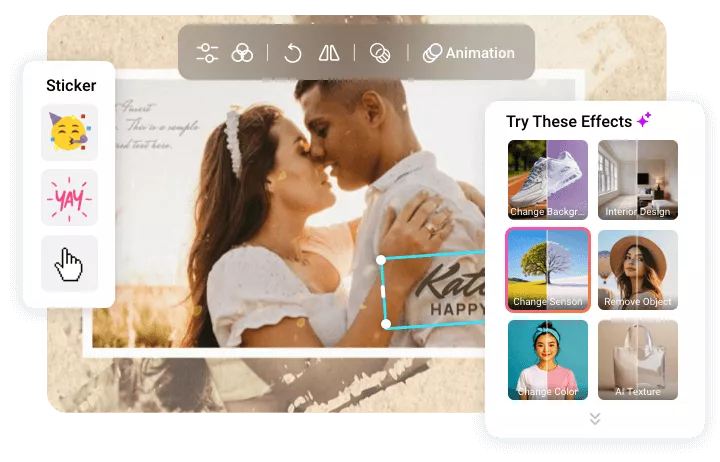
How to Remove Stickers from Photos with AI
- 1
Upload the Photo
Begin by choosing and uploading the image you want to process.
- 2
Remove Unwanted Stickers
Choose the custom removal option to remove the stickers you want, or try the prompts option to let AI automatically analyze the image and erase stickers.
- 3
Download or Keep Editing
Wait a few minutes while FlexClip accurately recognizes and erases the stickers. Then you can download the new image or continue editing with more tools.