Remove Stamp from Photo Online with AI
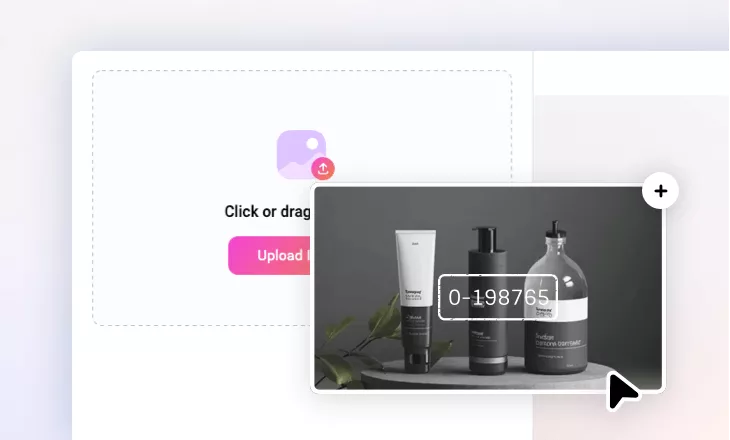
Easily remove stamp from photos with FlexClip’s AI-powered stamp remover—instantly erase watermarks, dates, location tags, or any unwanted marks in just one click!

Why Choose FlexClip Photo Stamp Remover?

AI Photo Stamp Removal
Powered by advanced AI, FlexClip instantly detects and removes stamps from your photos—eliminating watermarks, dates, or labels with pinpoint accuracy, leaving no trace behind.

Cross-platform Support
FlexClip's AI photo stamp remover works on your computer or mobile anytime, anywhere. Whether you're editing at home or on the go, restore your photos to perfect clarity with just a few taps!

Privacy Protection
FlexClip always prioritizes user privacy, utilizing encrypted transmission to ensure that users’ image data is never misused or leaked.
please input title
Instant Photo Stamp Removal with AI
Say goodbye to complicated stamp removal! With our AI-powered photo stamp remover, you can effortlessly erase any stamp from your pictures and restore their original clarity in seconds. Just upload your stamped image, and our advanced algorithms will instantly detect and remove unwanted stamps—seamlessly filling the removed area with perfectly matched textures, colors, and patterns from the surrounding pixels.
Erase Photo Stamp
Flawless Stamp Removal in Various Types
Easily remove photo stamps and restore your original image's beauty with FlexClip's stamp remover. Whether it's dates, names, logos, locations, or other markings, our AI tool automatically erases them from your pictures - delivering flawless results without leaving a trace. With FlexClip, stamp troubles are a thing of the past!
Remove Photo Stamp
Support PNG, JPG and More for Stamp Removal
FlexClip's photo stamp remover works with all major image formats - JPG, JPEG, PNG, and more. Thanks to its wide compatibility, you can simply upload any stamped picture for quick removal without worrying about file types or wasting time on format conversions. With FlexClip, photo stamp removal has never been easier!
Delete Photo Stamp
Have Fun with Your Stamp-free New Image
Beyond outstanding stamp removal, FlexClip provides a complete suite of AI editing tools to spark your creativity. You can transform photo styles, animate images into smooth videos, replace backgrounds for professional use, and much more. Simply share your vision, and FlexClip's AI tools will bring it to life!
Remove Stamp Now
How to Remove Stamp from Photo with AI?
- 1
Upload the Photo
Upload the picture with a stamp watermark you want to remove.
- 2
Select the Stamp Area
You can use Auto Selection to automatically select the stamp, choose the brush tool or enter a prompt to cover the mark area.
- 3
Remove and Download
Hit on Remove button, FlexClip will accurately recognize and erase the watermark. Then you can download the stamp-free new image to computer.