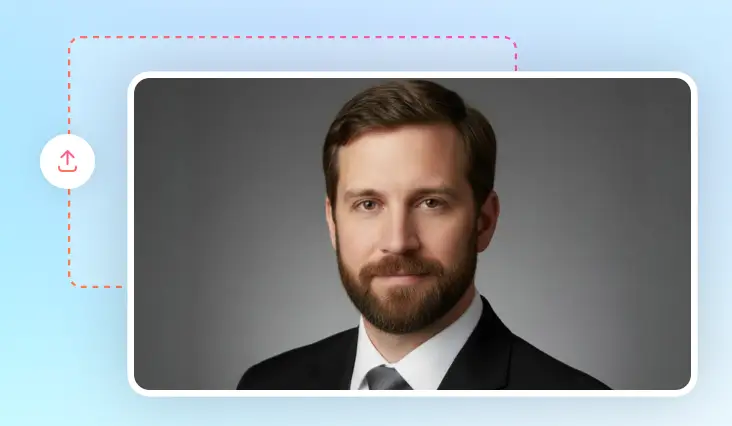
AI Remove Beard from Photo
Get rid of beards in photo using FlexClip. Clean, professional results in an instant.
TRUSTED BY
FlexClip’s AI Beard Remover Highlights

Easy AI
Instead of relying on manual selection and editing, FlexClip utilizes advanced AI to automatically identify the beard parts and accurately remove them once for all.

Instant Clean Shave
Instead of leaving blurry patches, FlexClip recreates skins below the beard to achieve a better look, in just several clicks.

Privacy & Security
Your photos will be processed securely, without being shared with third parties. Feel safe using FlexClip!
Stunning Beard Removal Results
FlexClip’s AI beard remover ensures stunning clean-shaven transformations for all skin colors and faces. Thanks to its advanced AI, it precisely detects and erases facial hair while keeping the skin texture, facial features and original image resolution. Additionally, it will even automatically study the skin and lighting around the beard for a more natural, enhanced look.
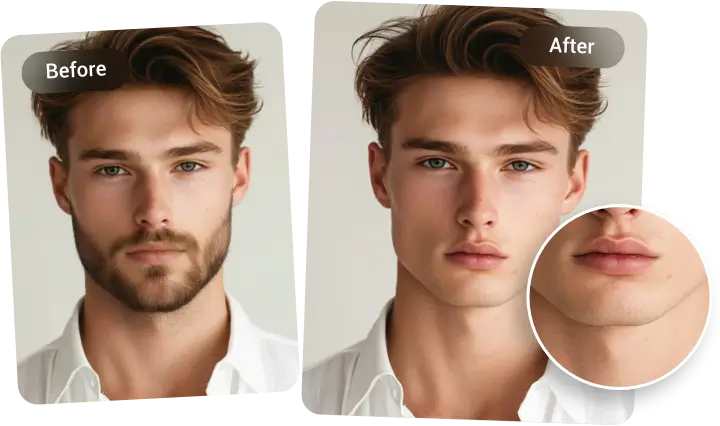
Perfect Beard Removal for Any Occasion
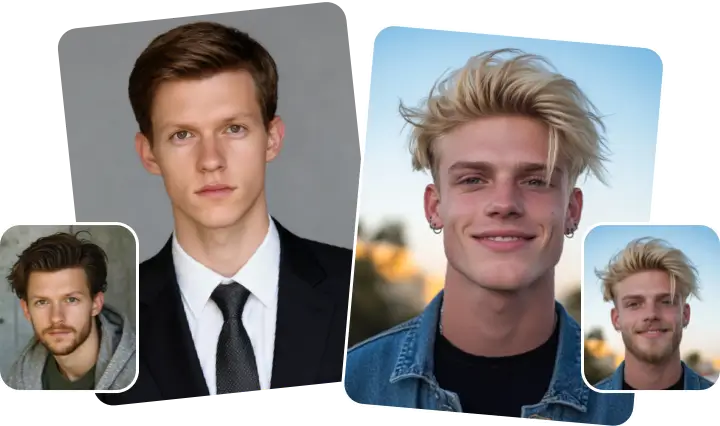
Feeling like experimenting with a new look before shaving in real life? Or maybe you just need a polished portrait for resumes, ID cards, or social media, FlexClip makes it effortless to remove facial hair while ensuring results match the mood of repurpose your photo. From formal business profiles to casual selfies, FlexClip adapts seamlessly.
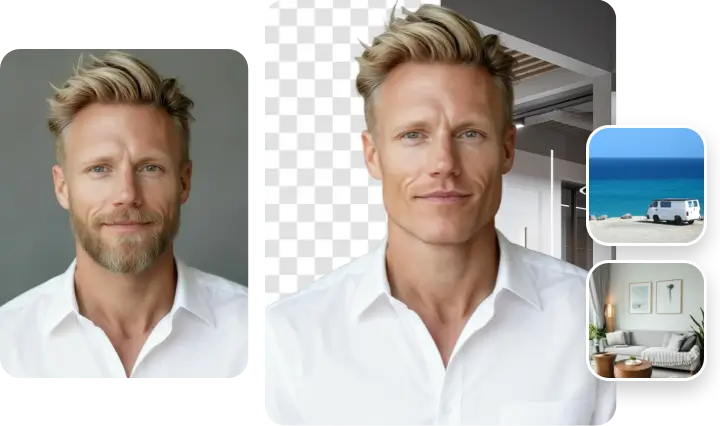
Continue Editing for Refined Outputs
FlexClip doesn’t stop at beard removal, it gives you overall control over refining your images. After achieving a clean-shaven look, you can continue editing to make your portrait stand out, for instance, removing wrinkles and blemishes, swapping in a new background, etc., No need to turning to another page or doing uploads. Fine-tune every detail of your portrait as you want.
How to Remove Beard in Photo Using AI
- 1
Upload Image
Access FlexClip’s AI Photo Editor, drag and drop a portrait to the upload section.
- 2
Remove Beard in Photo
Enter a prompt like remove the beard completely while keeping other features untouched. Hit Generate.
- 3
Export & Share
The beard removal should be done in several seconds. Preview, export to a local folder, or post to social media.