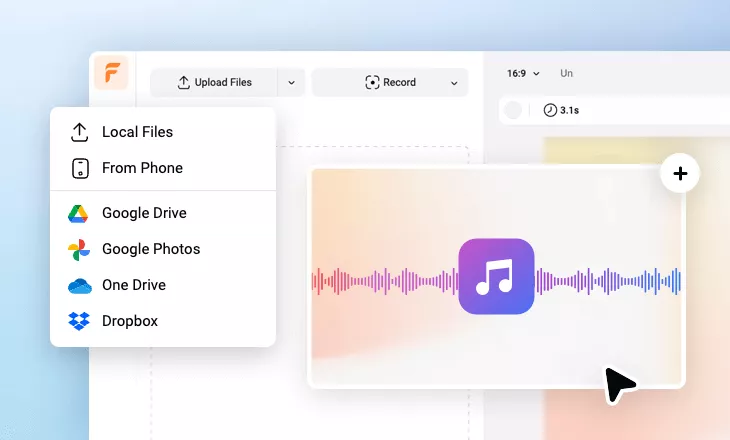
Online Audio Editor
Easily split, trim and rearrange your audio clips, such as music, podcasts, or any voice recordings, and even edit multiple audio tracks to make your audio sound professional!
Why Choose FlexClip's Online Audio Editor?

Free and Easy to Use
Start editing all your audio tracks easily online at no cost. The basic features of our audio editor are completely free.

Broad Compatibility
Our audio editor supports nearly all popular audio formats, including MP3, WAV, M4A, AAC, FLAC, OGG, and more.

100% Online
Our audio editor works directly in web browser, so there is no need for heavy software. Skip installation, save time and edit sound freely.
please input title
Studio-quality Editing Tools for Professional Audio
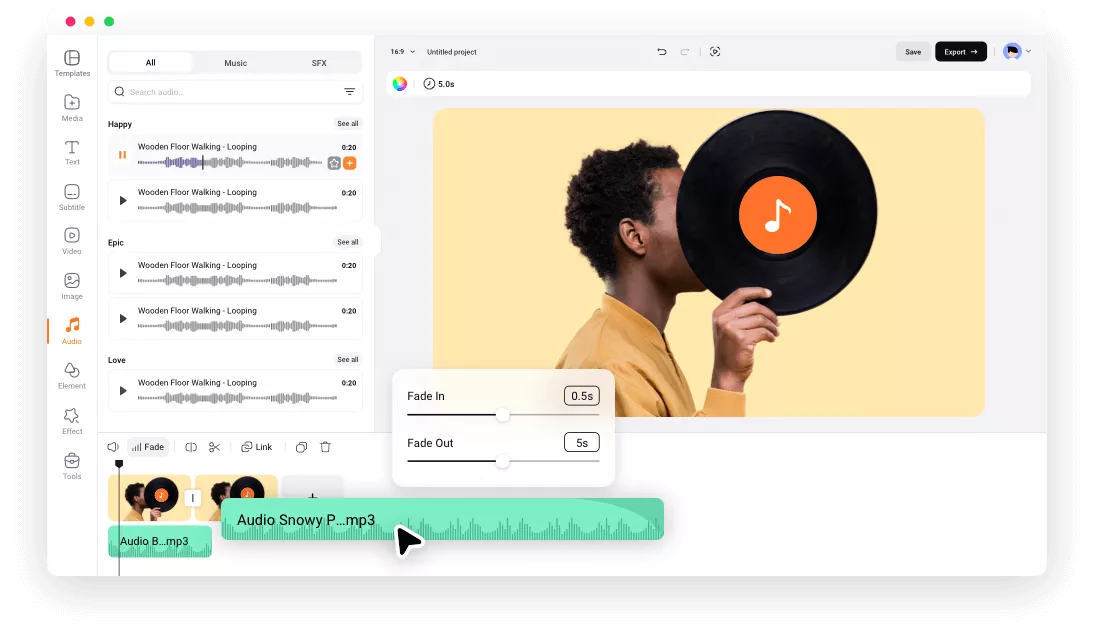
Our audio editor features an intuitive interface and powerful tools to save you time. You can easily split, trim, and loop your audio with just a few clicks. Or rearrange your audio tracks with simple drag-and-drop and also make fade-in/out effects for smooth transitions between clips. Built-in audio recorder is also available for you to add any sound and voice instantly.
Edit Your Audio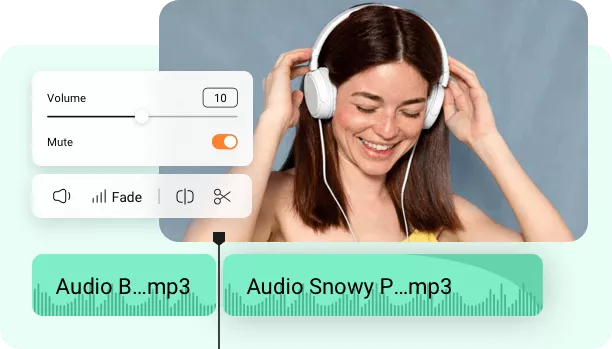
Multi-Track Audio Editor for Greater Possibilities
This multi-track audio editor lets you mix & edit multiple audio tracks simultaneously for more creative, professional effects! Easily join multiple audio tracks into one or simply layer sounds to create layered soundtracks and even elaborate musical compositions, which is great for podcasts, music, or complex soundscapes.
Edit Multi Track Audio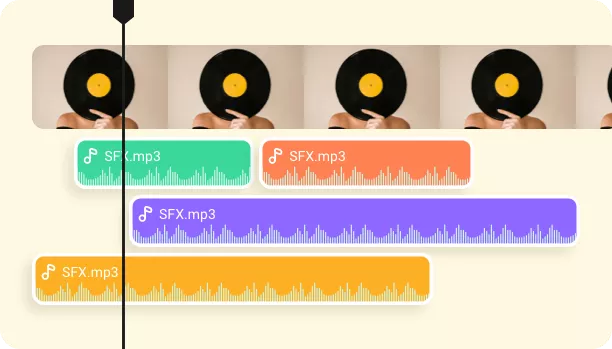
Advanced AI Audio Editings Save You Tons of Time
Edit like a pro, no experience needed, with our powerful AI. Our AI algorithms can analyze your audio and intelligently reduce any noise, separate vocals from background music or noise, perfect for podcasting, music editing, or extracting dialogue from noisy recordings. You can also try its AI speech recognition tool to transcribe your audio in real time and translate your audio into another language.
Edit Audio with AI
More Than an Online Audio Editor
FlexClip offers so much more than just an audio editing tool! The all-in-one audio and video editor gives you everything you need to create, edit, and share your audio & videos. You can also turn your audio files into engaging videos, like music videos, podcast videos, and more, with special effects, such as animated text, cool overlay effects, interesting stickers, etc.!
Explore More Now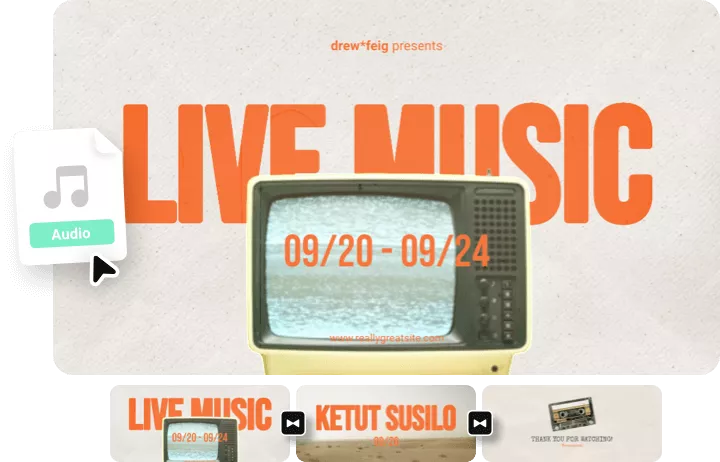
How to Edit Your Audio with FlexClip
- 1
Upload Your Audio
Choose and upload an audio file from your computer.
- 2
Edit the Audio
Use our easy tools and powerful AI to trim, adjust, and make more edits to perfect your audio file at will.
- 3
Export or Continue Editing
Export audio as MP3 and download a file. Or continue editing to add visuals to your audio for more possibilities.