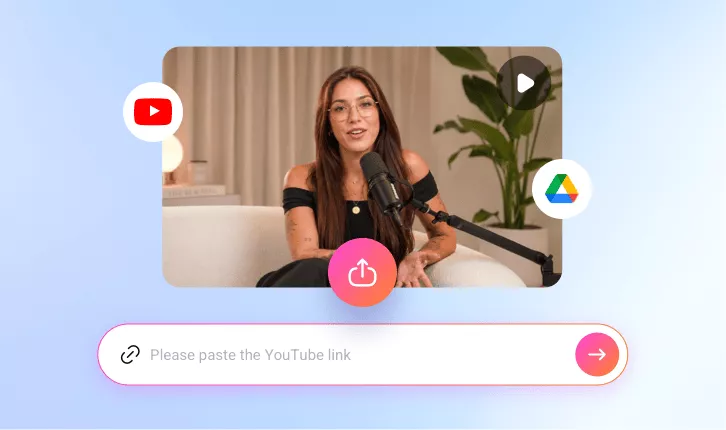
AI Podcast Clip Generator
Automatically turn long Podcast videos into captivating, engaging short clips for TikTok, Reels, while preserving all key insights.
TRUSTED BY
Why Use FlexClip’s AI Podcast Clip Generator

Smart AI
FlexClip saves you hours of browsing and editing work. Its smart AI intelligently analyzes podcast videos, identify key moments, and cut it into several clips.

Online Conversion
FlexClip’s AI Long to Shorts tool allows you to transform podcast videos into short clips directly in your browser, without downloading or installing any software.

Information Security
Your podcast video and data remain protected throughout the editing and conversion process. FlexClip adopts advanced encryption protocols to minimize the risk of unauthorized access.
Automatically Transform Podcasts into Compelling Clips
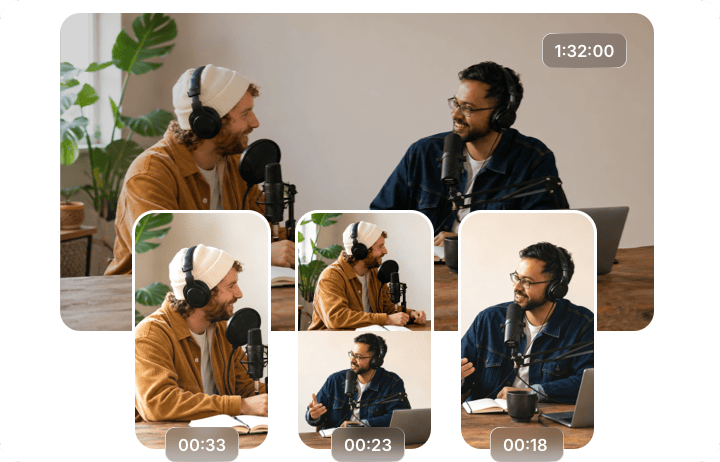
FlexClip automatically transforms long podcast videos into bite-size clips by analyzing the voice, identifying engaging moments, then making auto cuts. If you are not satisfied with AI-generated highlights, you can go over the script, select satisfying parts and recreate with ease. The resulting clips will always be optimized for audience retention and engagement.
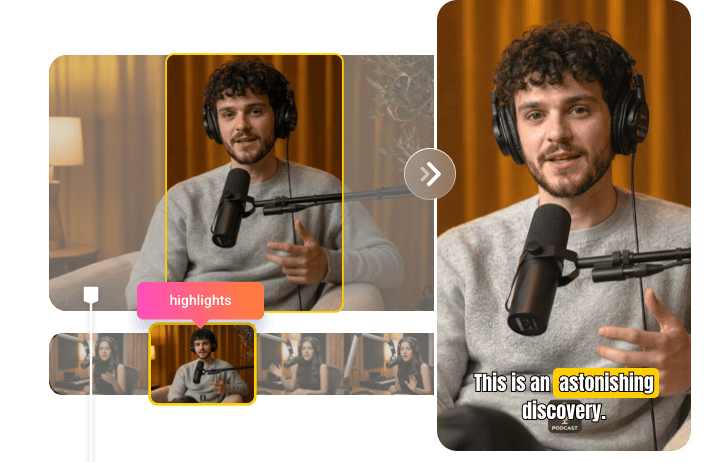
Enriched Visuals for Podcast Clips
The audio is the key to extract highlights, the visuals are important too. While going from converting a horizontal podcast video to vertical format, FlexClip automatically reframes the footage to keep the speaker in focus at all times, ensuring a seamless and engaging viewing experience.
Tailor Your Content for Different Platforms
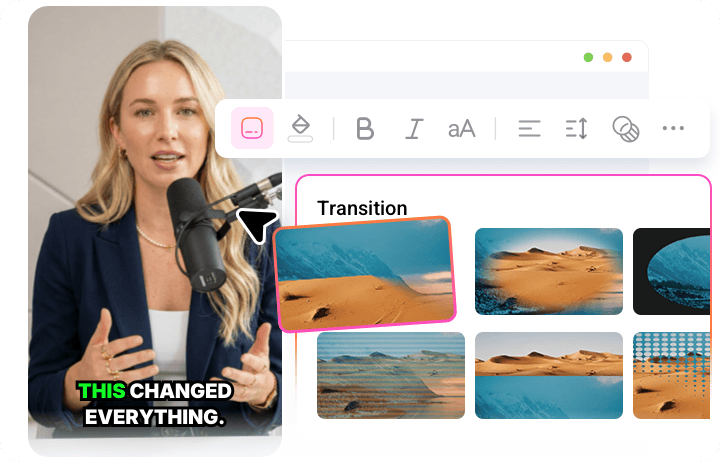
Users from different social media have different preferences. FlexClip makes it easy to adopt your podcast clips to meet varying expectations. You can bring in a popular TikTok background music, add eye-catching icons, apply transitions, adjust pacing at FlexClip’s easy timeline. Maximize podcast clip’s overall performance across in minimum effort.
How to Generate Podcast Short Clips
- 1
Upload a Podcast Video
Access FlexClip’s AI Long to Shorts tool, upload a podcast video from a local folder, Google Drive or even YouTube.
- 2
Make Basic Setups
Select the video language, setup the target genre, video aspect ratio, duration, pick a caption style, then hit Generate.
- 3
Preview & Share
If you are satisfying with the output, save it to your computer, or post to social media.