AI LinkedIn Photo Generator
Turn a normal photo into high-quality AI LinkedIn profile pictures that match your aesthetics and occupations.
TRUSTED BY
FlexClip’s LinkedIn Photo Generator Highlights

High-Quality Output
A professional level LinkedIn profile is only a few clicks away. Unlike other AI headshot generators, FlexClip preserves facial details, adds natural tones for realistic results.

Fast Generation
Leveraging powerful AI algorithms, FlexClip’s AI LinkedIn photo generator always delivers lightning-fast results, saving you lots of time and effort.

Security & Privacy
Your data and photos are processed with the highest level of security and confidentiality. Generate LinkedIn profile photos with peace of mind.
Daily Photos into Professional LinkedIn Photos
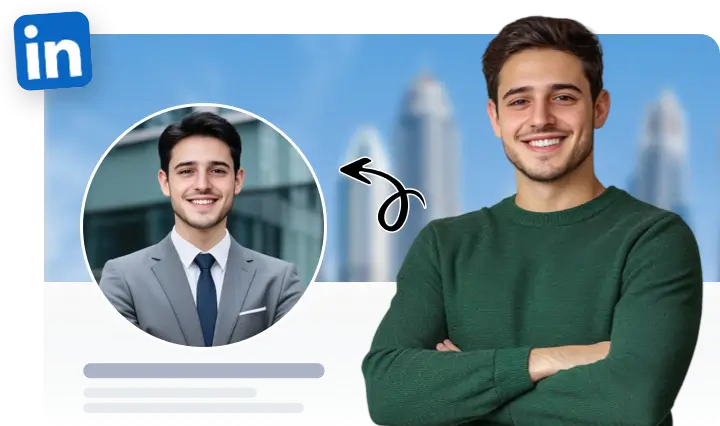
FlexClip uses only one casual selfie to create professional, career-ready LinkedIn photos. The AI will automatically refine the lighting, remove distractions, change pose, outfit, even makeups to create portraits perfect to build LinkedIn presence. No fancy editing skills, no studio session or expensive photographers.
Headshot Styles Tailored for All
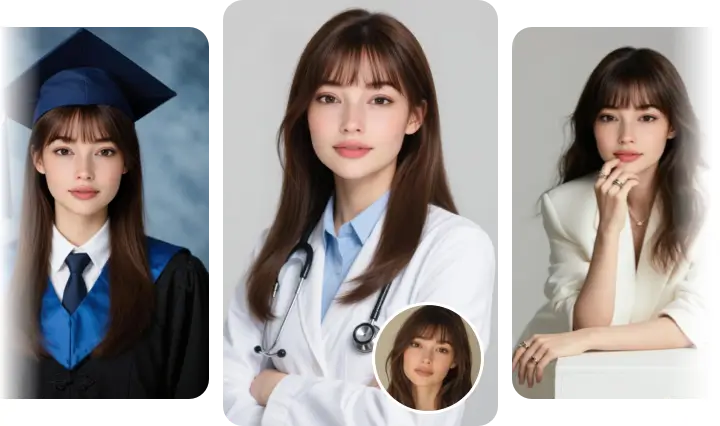
FlexClip understands that every industry and individual has unique needs when it comes to LinkedIn photos. That’s why it offers a wide range of headshot styles. Whether you are a student trying to be formal, a doctor showing professionalism, or a model radiating with charm, FlexClip’s headshot variety ensures that your LinkedIn profile photo aligns seamlessly with your career path.
Impressive Self-Introduction Videos
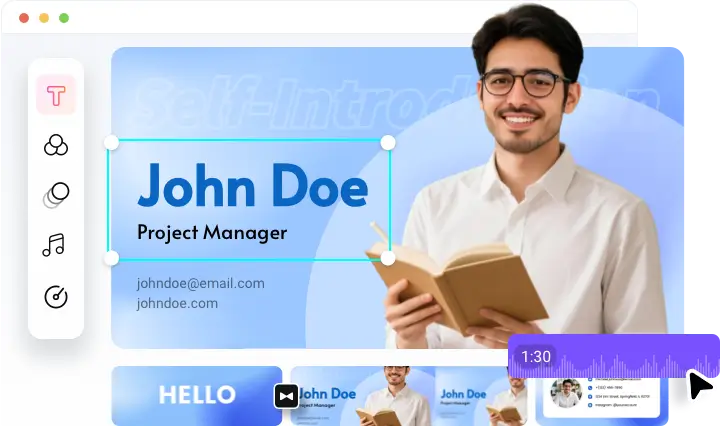
FlexClip goes beyond still photos. It also offers an editing panel where you can create impressive self-introduction videos that grab more attention. Combine your polished LinkedIn photos with text, background music, elements to tell your professional story effectively!
Don’t feel like editing? FlexClip’s design team created over 7000 video templates for you to customize. Pick one you love and recreate it with ease.
How to Create a LinkedIn Profile Photo
- 1
Select Headshot Styles
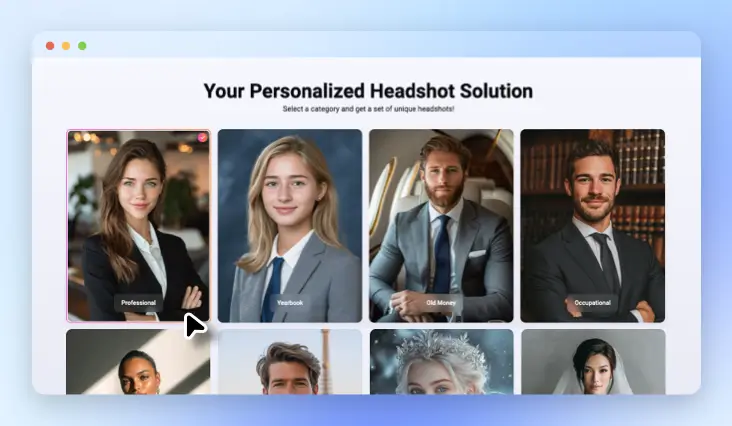
Access FlexClip’s AI Headshot Generator, choose styles from professional, yearbook, magazine, wedding. Each time you can choose 3-10 styles, which is 9-30 photos.
- 2
Upload a Normal Photo
Upload a portrait of a single person, then hit Generate.
- 3
Get LinkedIn Portrait
Your LinkedIn portraits should be done within several minutes. Download and use them on your LinkedIn and other social accounts.